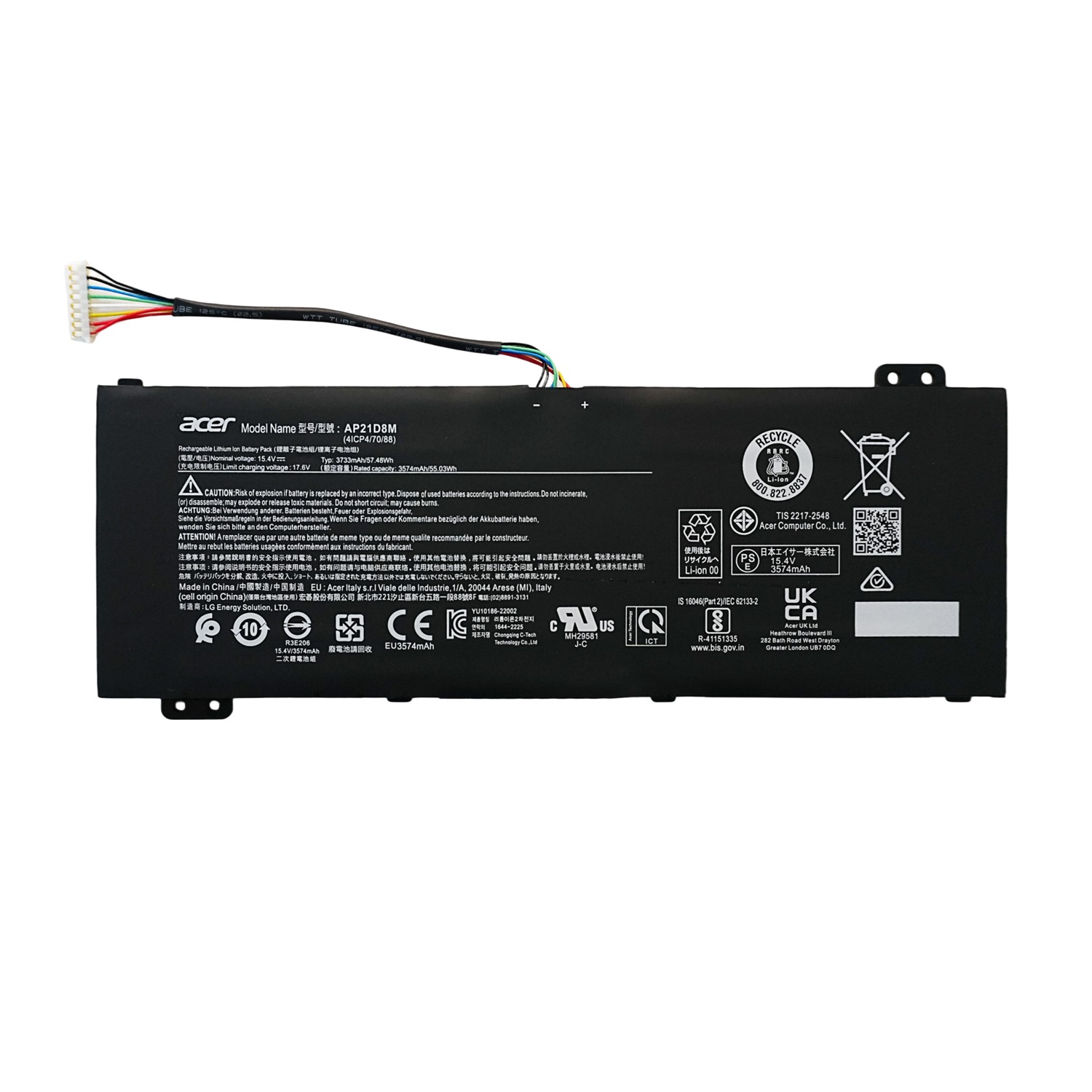
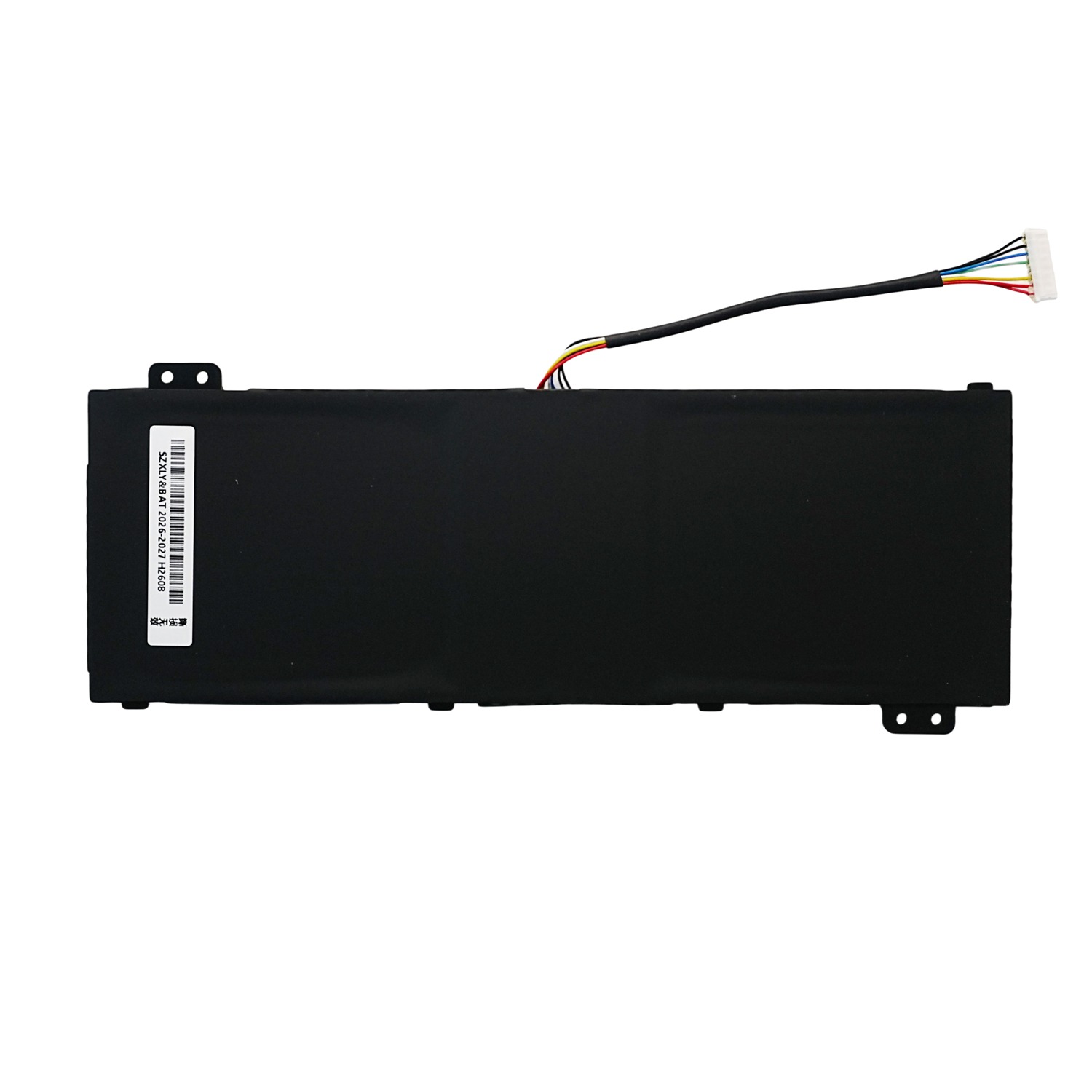
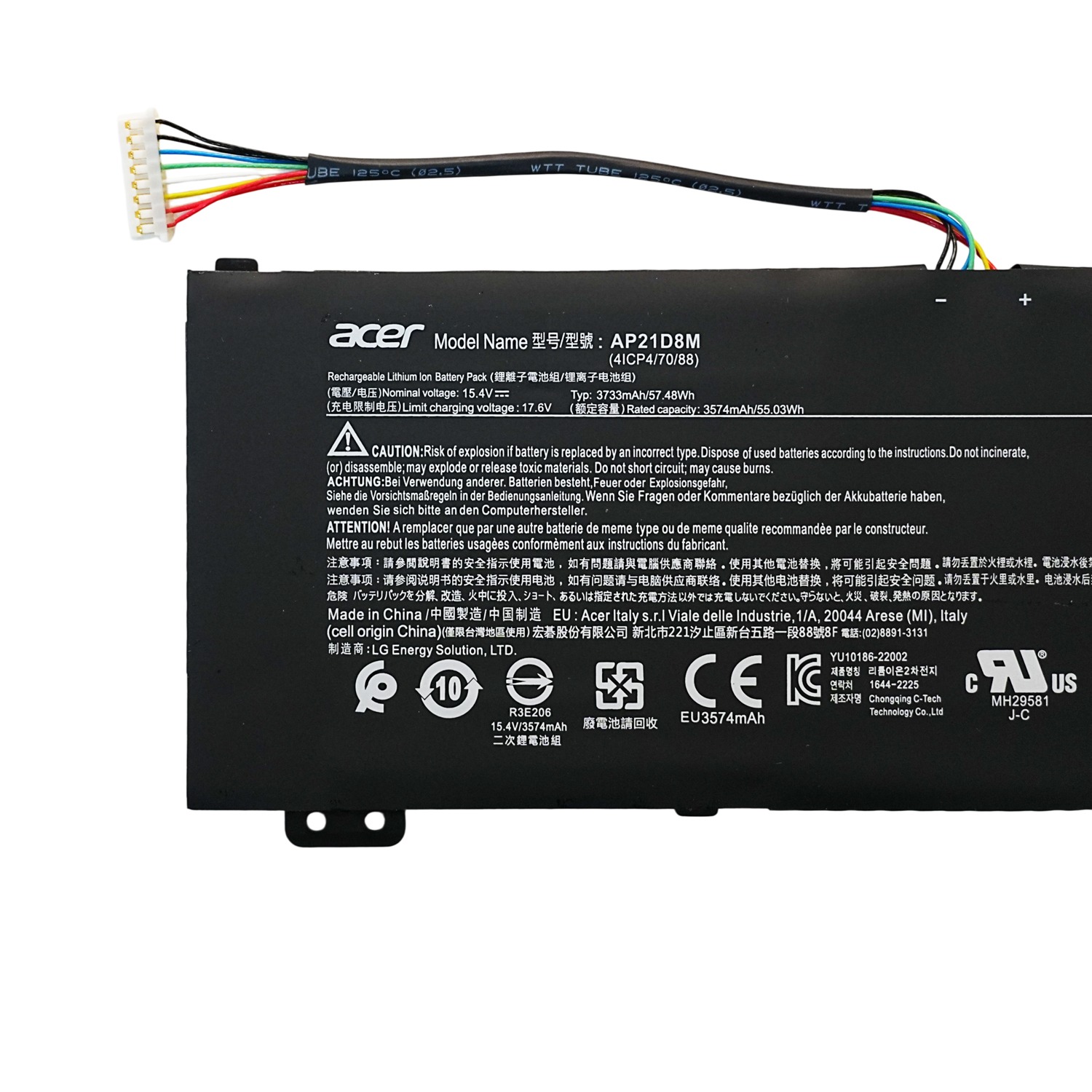
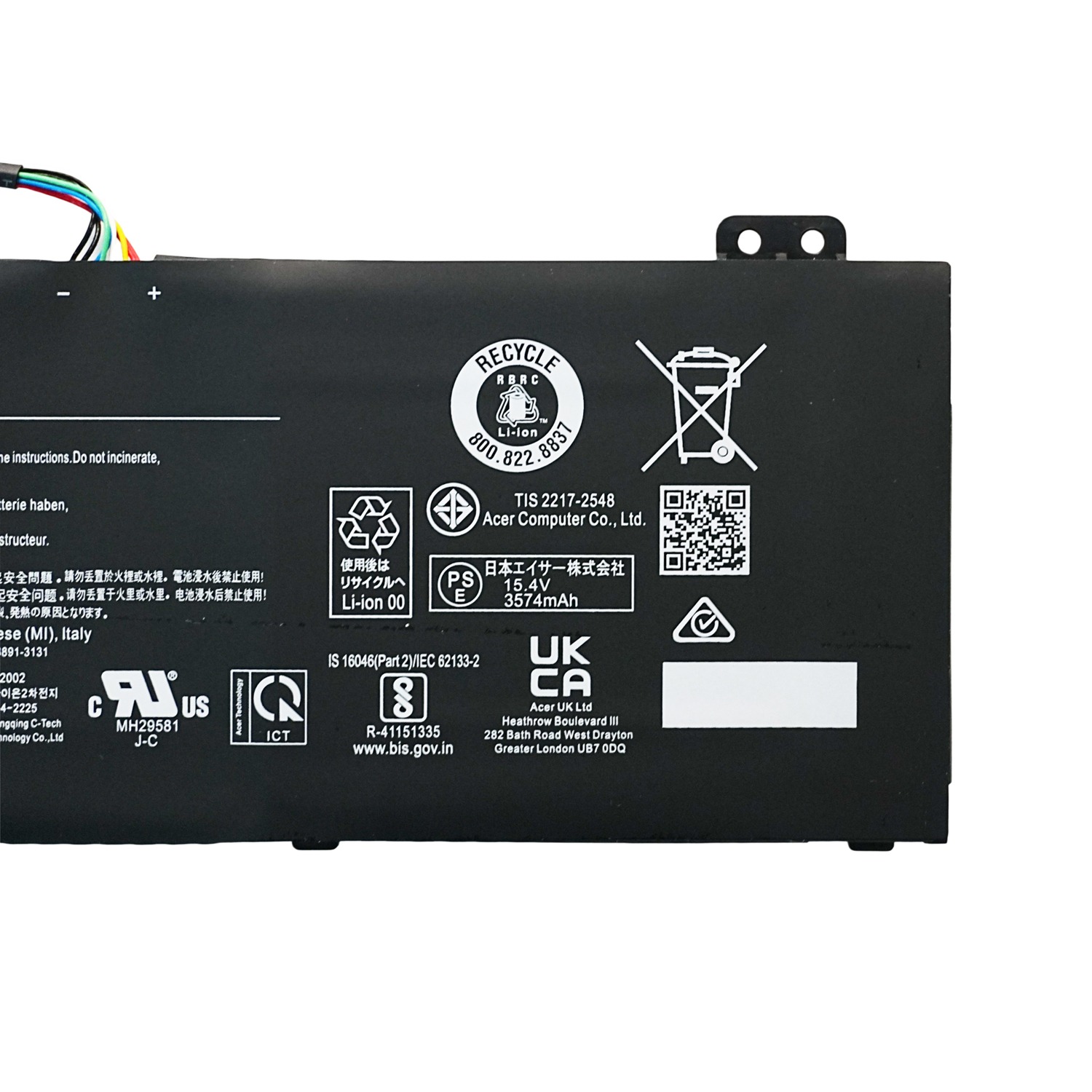
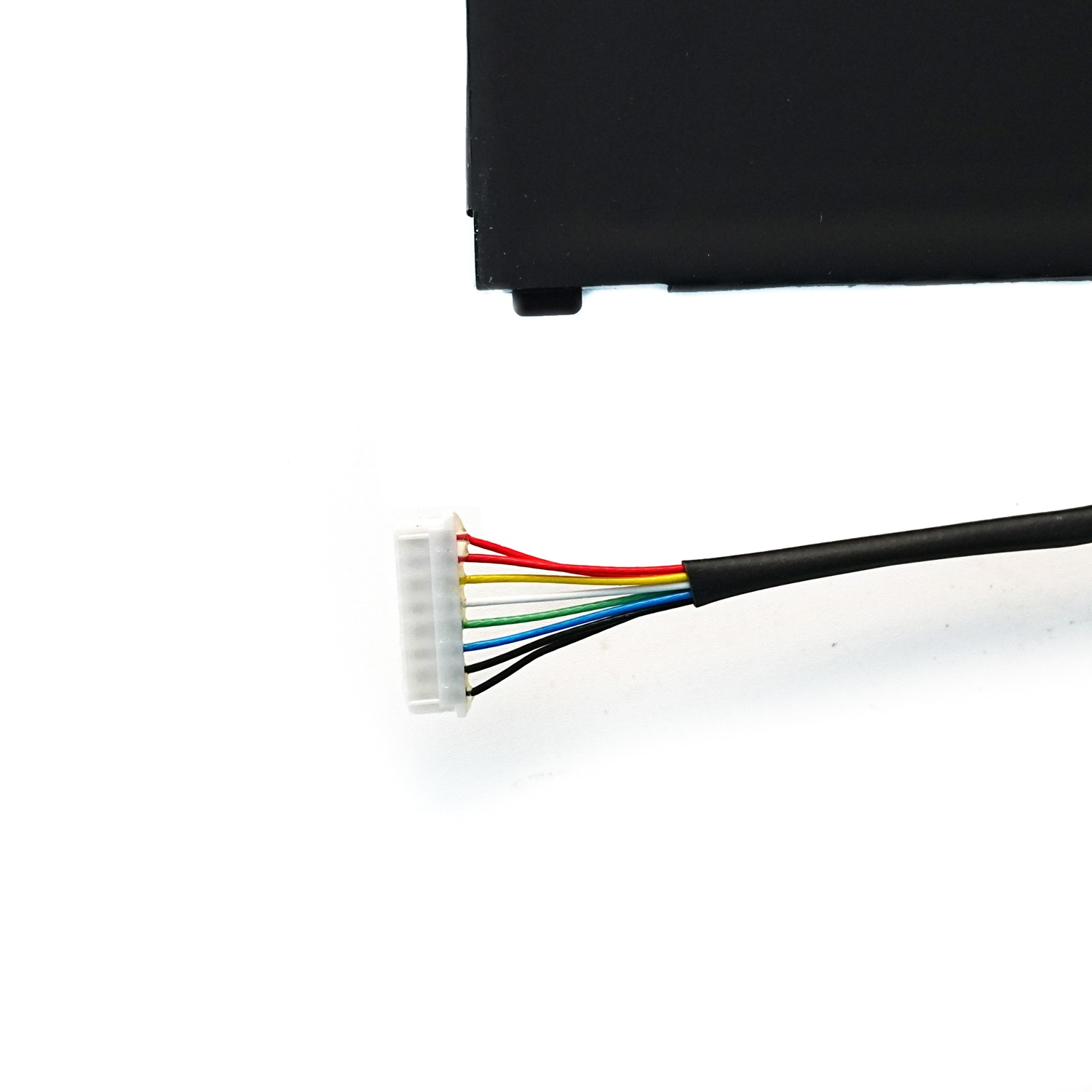
AP21D8M Laptop Battery Replacement for Acer Nitro 5 AN515-46 AN515-47 AN515-58 15.4V 57.48Wh
Product Description
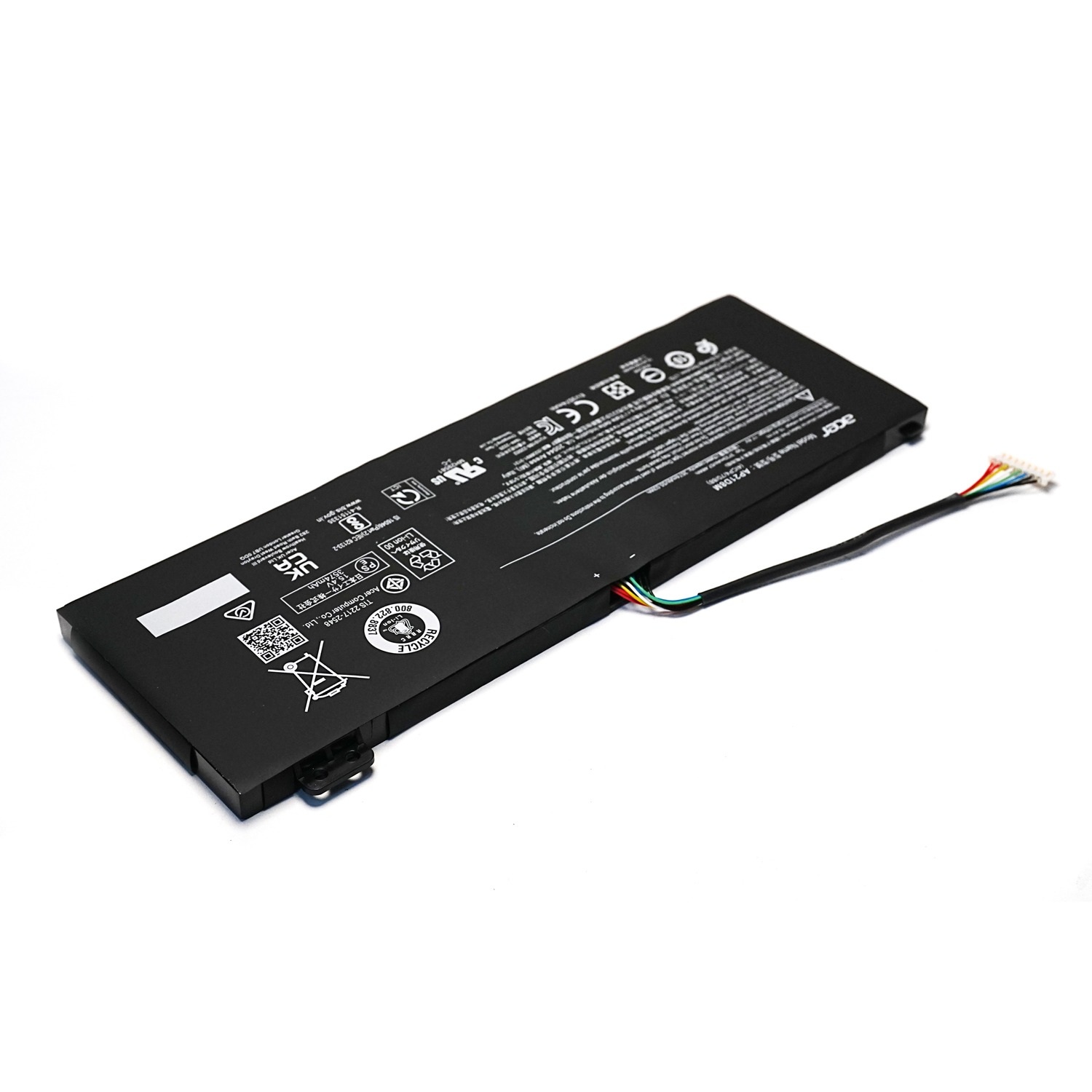
The AP21D8M battery is a replacement laptop battery designed for selected Acer Nitro 5, Acer Nitro V 15, and Acer Nitro 16 gaming laptops.
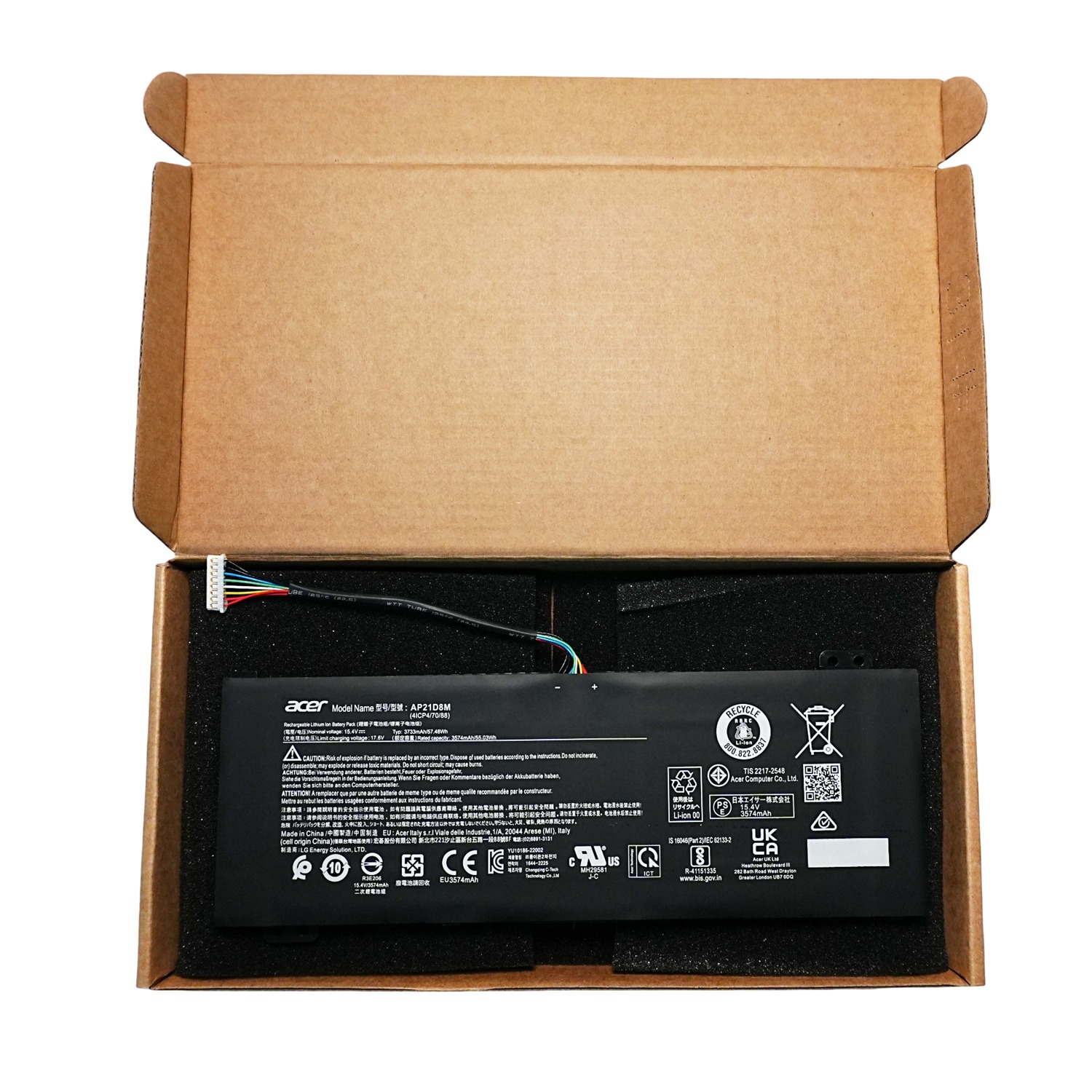
This 15.4V 57.48Wh / 3733mAh Li-ion battery provides stable power for gaming, work, study, and everyday laptop use. The replacement battery is compatible with Acer Nitro 5 AN515-46, AN515-47, AN515-58, selected Acer Nitro V 15 ANV15-51, and selected Acer Nitro 16 AN16-51 models.
The replacement part number is AP21D8M.
If your Acer gaming laptop battery drains quickly, cannot hold a charge, or has become worn after long-term use, this AP21D8M replacement battery provides a suitable replacement solution.
The battery uses Grade A battery cells and is supplied with screwdrivers for installation.
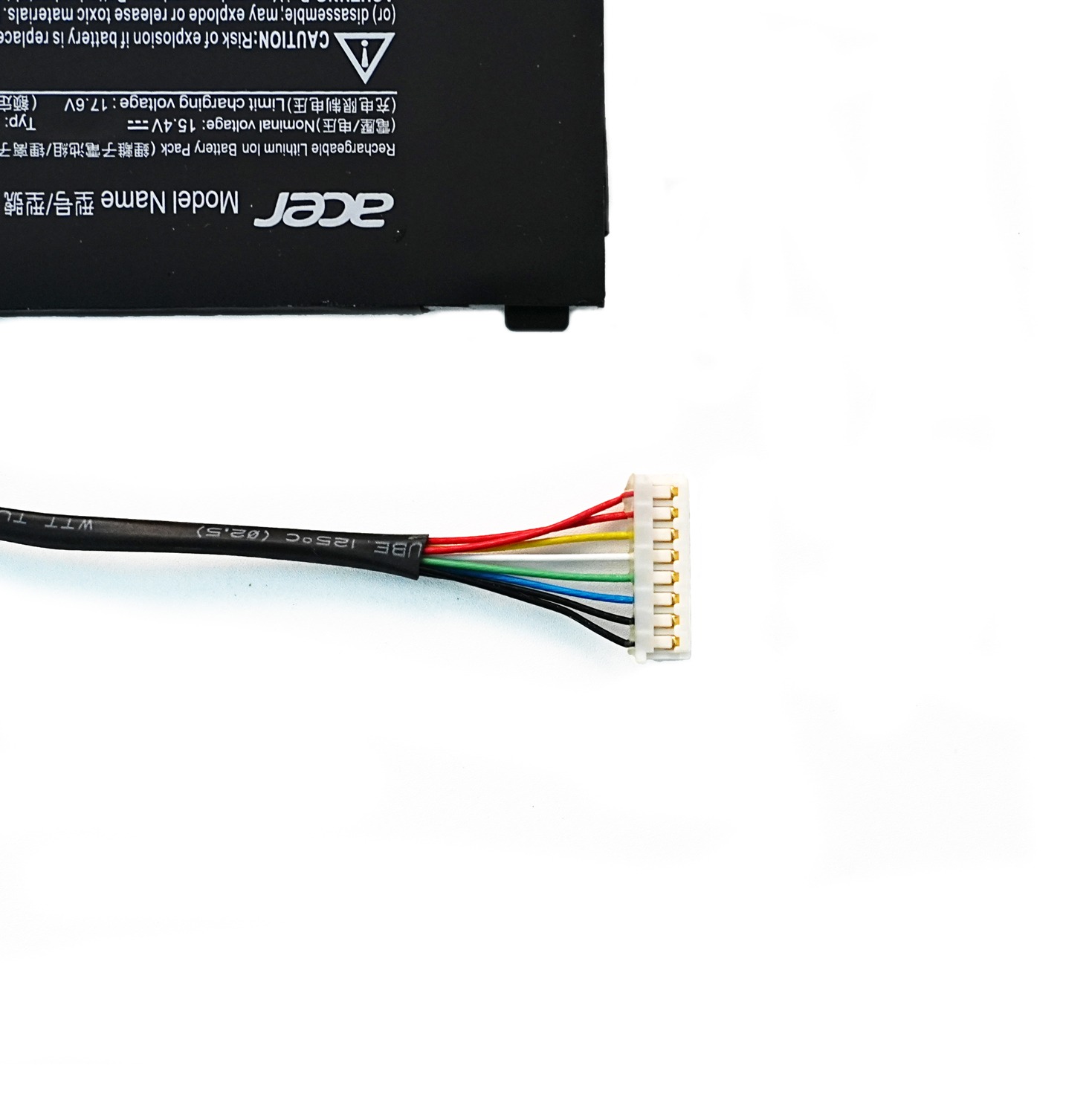
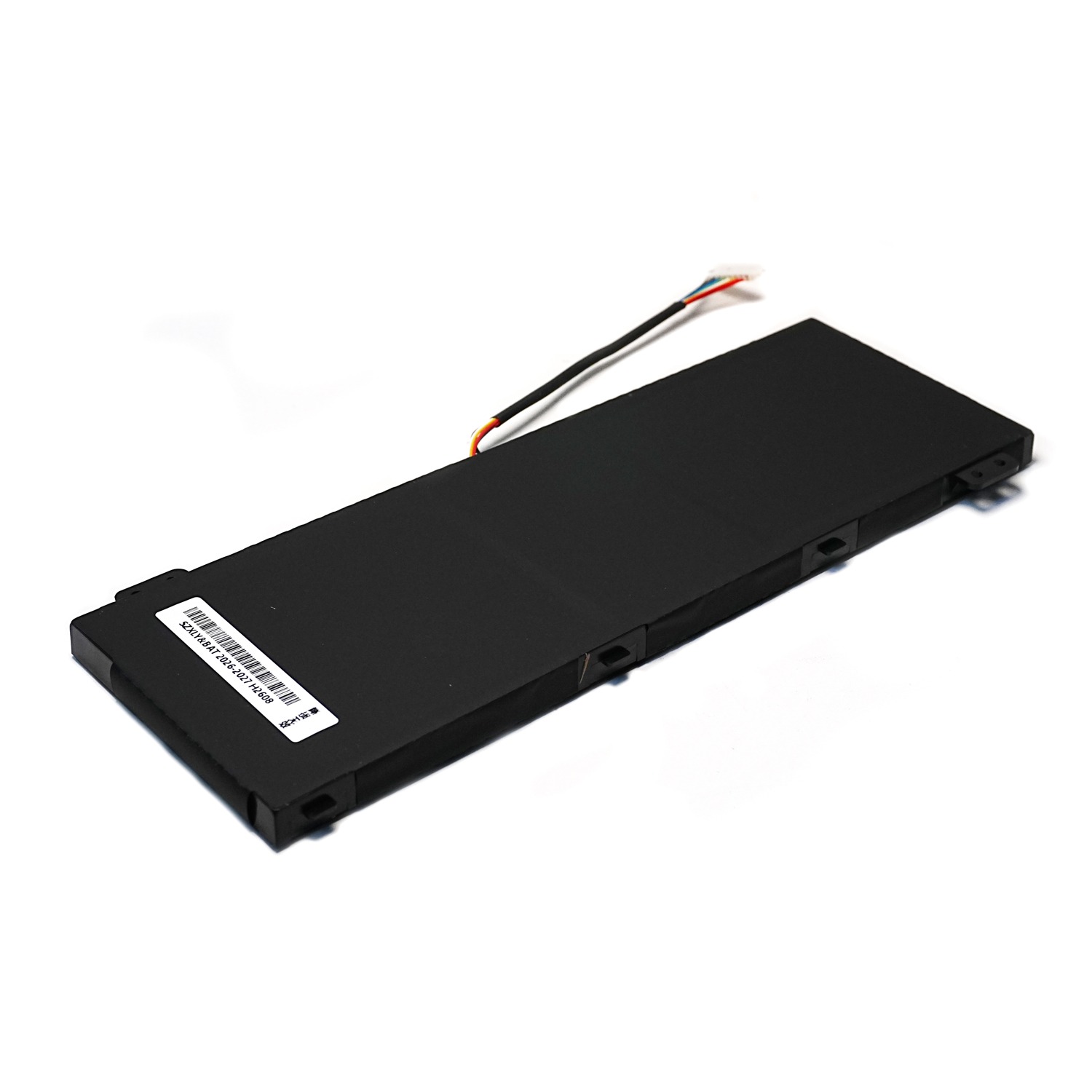
Important: Laptop batteries can look similar while having different connectors, dimensions, and mounting points. Please compare your original battery model, voltage, connector, and physical design before ordering.
Product Specifications
| Specification | Details |
|---|---|
| Product Type | Laptop Replacement Battery |
| Battery Model | AP21D8M |
| Battery Type | Lithium-ion (Li-ion) |
| Voltage | 15.4V |
| Capacity | 3733mAh / 57.48Wh |
| Battery Cells | Grade A Cells |
| Condition | New Replacement Battery |
| Compatible Brand | Acer |
| Compatible Laptop Series | Acer Nitro 5, Nitro V 15, Nitro 16 |
| Replacement Part Number | AP21D8M |
| Package Includes | 1 × Battery |
Compatible Battery Part Number
The compatible replacement battery part number is:
- AP21D8M
Compatible Acer Laptop Models
Acer Nitro 5 AN515 Series
This AP21D8M battery is compatible with selected Acer Nitro 5 models, including:
- Acer Nitro 5 AN515-46
- Acer Nitro 5 AN515-47
- Acer Nitro 5 AN515-58
- Acer Nitro 5 AN515-58-56CL
- Acer Nitro 5 AN515-58-766R
- Acer Nitro 5 AN515-58-72QR
- Acer Nitro 5 AN515-58-74JS
- Acer Nitro 5 AN515-58-75UH
- Acer Nitro 5 AN515-58-77YC
Acer Nitro V 15 Series
- Acer Nitro V 15 ANV15-51 Series
Acer Nitro 16 Series
- Acer Nitro 16 AN16-51
- Acer Nitro 16 AN16-51-74BV
- Acer Nitro 16 AN16-51-78GX
- Acer Nitro 16 AN16-51-76BS
- Acer Nitro 16 AN16-51-56VT
Compatibility Note
The model list above is based on the supplied compatibility information and may not include every compatible configuration.
If your exact Acer laptop model is not listed, please contact us before ordering. You can provide your original battery part number, laptop model number, battery label, or battery photos so compatibility can be checked.
Why Replace Your Acer Nitro Battery?
Laptop batteries naturally lose capacity over time and after repeated charging cycles.
An aging battery may cause the laptop to:
- Run for a shorter time on battery power
- Lose battery percentage quickly
- Shut down unexpectedly
- Require the charger to remain connected
- Show reduced battery capacity
Replacing a worn battery with a compatible AP21D8M laptop battery can help restore normal portable use.
How to Check AP21D8M Battery Compatibility
Before purchasing an AP21D8M replacement battery, check these details on your original battery.
1. Check the Battery Model
Look for:
AP21D8M
2. Check Your Acer Laptop Model
Compatible series include:
- Nitro 5 AN515-46
- Nitro 5 AN515-47
- Nitro 5 AN515-58
- Nitro V 15 ANV15-51
- Nitro 16 AN16-51
3. Compare Battery Voltage
This replacement battery is rated at:
15.4V
4. Compare the Connector and Physical Design
Before ordering, compare:
- Battery connector
- Connector position
- Battery shape
- Battery dimensions
- Screw-hole locations
- Original battery label
The laptop model alone may not always be enough to identify the correct battery.
AP21D8M Battery Installation Tips
If you are replacing the battery yourself:
- Shut down the Acer laptop completely.
- Disconnect the AC power adapter.
- Remove the laptop’s bottom cover carefully.
- Disconnect the original battery connector.
- Remove the battery screws.
- Install the AP21D8M replacement battery.
- Connect the battery securely.
- Reinstall the bottom cover.
- Connect the charger and check the battery status.
If you are not familiar with laptop repair, consider having the battery installed by a qualified technician.
First Use and Battery Care
For normal battery use:
- Charge the battery before extended use.
- Avoid exposing the battery to excessive heat.
- Do not puncture, crush, or disassemble the battery.
- Use the laptop’s compatible charging system.
- Avoid storing the battery in extremely hot or cold environments.
Battery runtime varies depending on gaming load, screen brightness, processor usage, graphics performance, and Windows power settings.