To find the correct replacement battery for your HP laptop, our range of HP laptop batteries offers replacement batteries for selected HP Pavilion, EliteBook, ProBook, Spectre, Envy, ZBook, and other compatible laptop models. If your present battery no longer holds a charge or if you need a replacement for an older laptop, selecting a compatible battery can help ensure that your device remains powered for use in work, study, and daily activities.
The batteries for HP laptops depend on the model and generation. So, before you buy one, look at the part number on your current battery and compare it with the part numbers that are listed on the product page. Additionally, you should check the voltage, capacity, connector, and physical dimensions to make sure the new battery will fit your laptop.
What is the best way to get the right battery for an HP laptop? Begin by using the exact laptop model or the original battery part number. Simply having the HP name does not ensure that a battery will be compatible, since different models can have different battery designs and specifications.
Look through our range of HP replacement laptop batteries to locate one that suits your device. Before placing your order, check the compatible models and the product specifications listed to aid you in selecting the correct battery.
1.How can I get the correct battery for my HP laptop?
Look up the exact model of your HP laptop or the part number that is printed on your original battery and compare it with the models and part numbers that are listed as compatible on the replacement battery product page.
2. Can HP laptop batteries be interchanged?
By no means are all HP laptop batteries interchangeable, the question of compatibility relying on the laptop model, the battery part number, the voltage, the connector, and the physical dimensions.
3. What should I do to work out whether my HP laptop battery needs replacing?
Signs commonly observed are a shorter battery life, the device shutting down unexpectedly, problems when charging, or warnings about the battery's health. If the battery is swollen, you should stop using the device and get it safely replaced.
4. Is it possible for me to fit a battery with a higher capacity into my HP laptop?
A replacement will only be acceptable if it is confirmed to be compatible with your particular laptop; be sure to check the battery part numbers and electrical specifications that are supported before selecting a different capacity.
5. Before purchasing an HP replacement battery, what should I check?
Check that you have the correct laptop model, the original battery part number, the voltage, the capacity, the connector, and the physical dimensions. You should also look at the product compatibility information and the seller’s warranty and return policy.
Showing 49–51 of 51 results
-
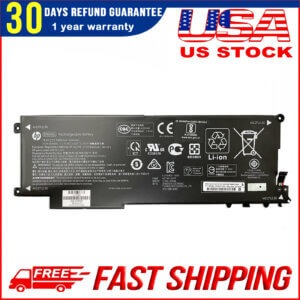
New Genuine DN04XL Battery for HP ZBook X2 G4
Original price was: $119.00.$59.99Current price is: $59.99. Add to cart -
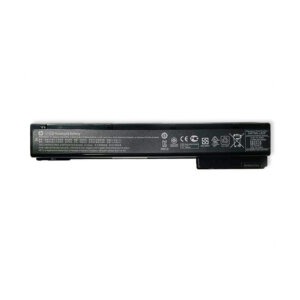
VH08XL 83Wh Battery for HP EliteBook 8560w 8570w 8760w 8770w
Original price was: $79.00.$49.99Current price is: $49.99. Add to cart -
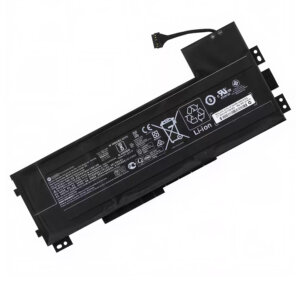
VV09XL 90Wh Battery for HP ZBook 15 G3 G4 – 808452-001 808452-002
Original price was: $89.00.$49.99Current price is: $49.99. Add to cart