81Wh High-Capacity Extended Battery for Lenovo Legion Go Handheld (8APU1 AMD Series)
Tired of your gaming session ending before you are? Unleash the full potential of your Lenovo Legion Go with our massive 81Wh (7.82V) extended capacity battery. This premium replacement doesn’t just restore your device’s life—it significantly extends it, offering hours of additional gameplay, browsing, and media time compared to the original 48.2Wh battery.
GUARANTEED COMPATIBILITY & UPGRADE:
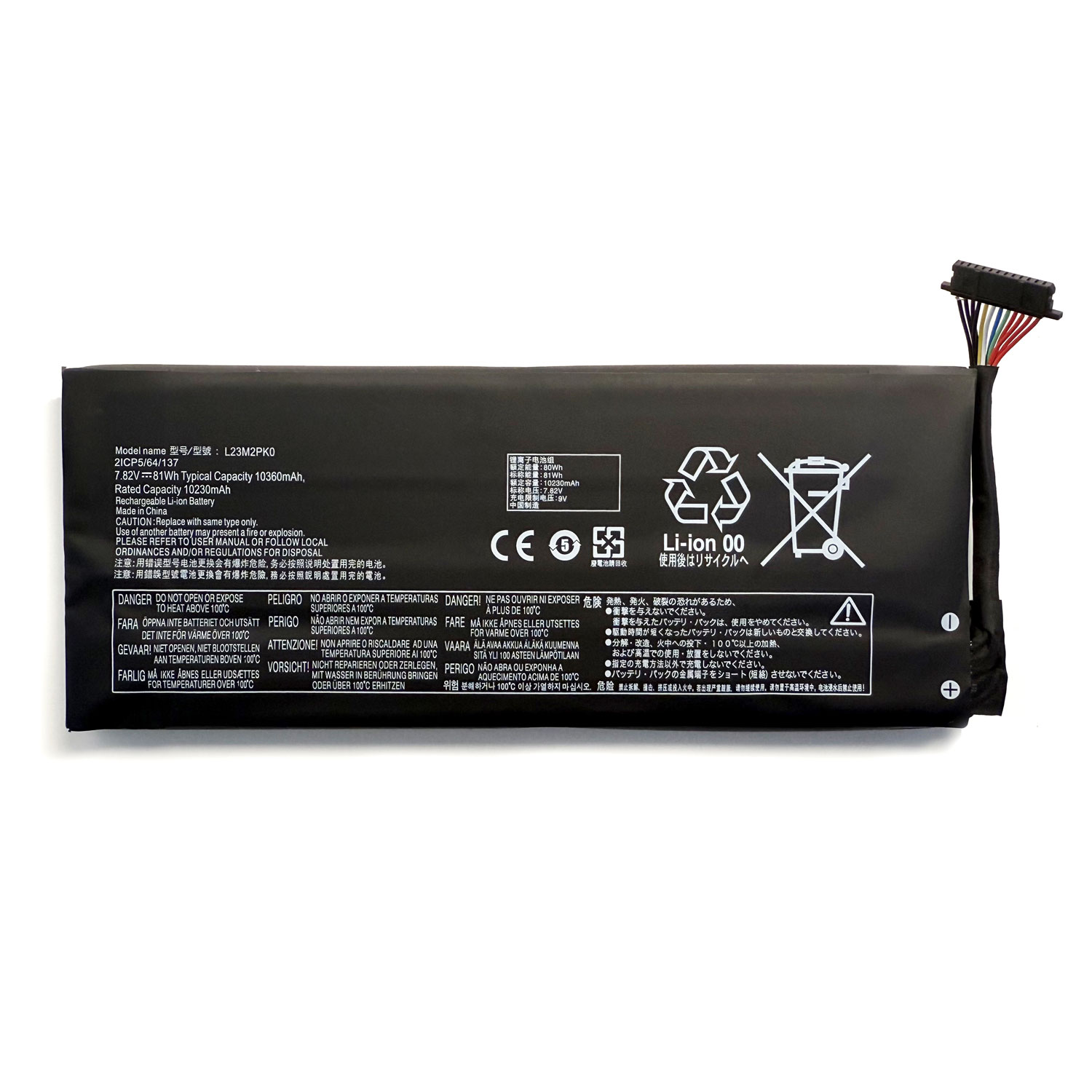
This is a higher-capacity direct replacement battery designed for the Lenovo Legion Go model 8APU1 (AMD Series). It is compatible with and replaces the following original part numbers:
(Please check the model number on your original battery to confirm fit before ordering.)
KEY FEATURES & BENEFITS:
-
Massive 81Wh Capacity: Experience a dramatic increase in battery life. This battery offers over 65% more capacity than the standard 48.2Wh battery, meaning you can play demanding games and use your handheld for hours longer on a single charge.
-
Advanced Safety Assurance: Equipped with a superior Battery Management System (BMS) that provides ultimate protection against over-voltage, over-current, short-circuit, and overheating. We use only the highest grade, certified Li-Polymer cells for guaranteed safety and reliability.
-
Premium Certified Quality: Rigorously tested to meet and exceed international quality and safety standards, including CE, FCC, and RoHS. Built for durability and a long cycle life.
-
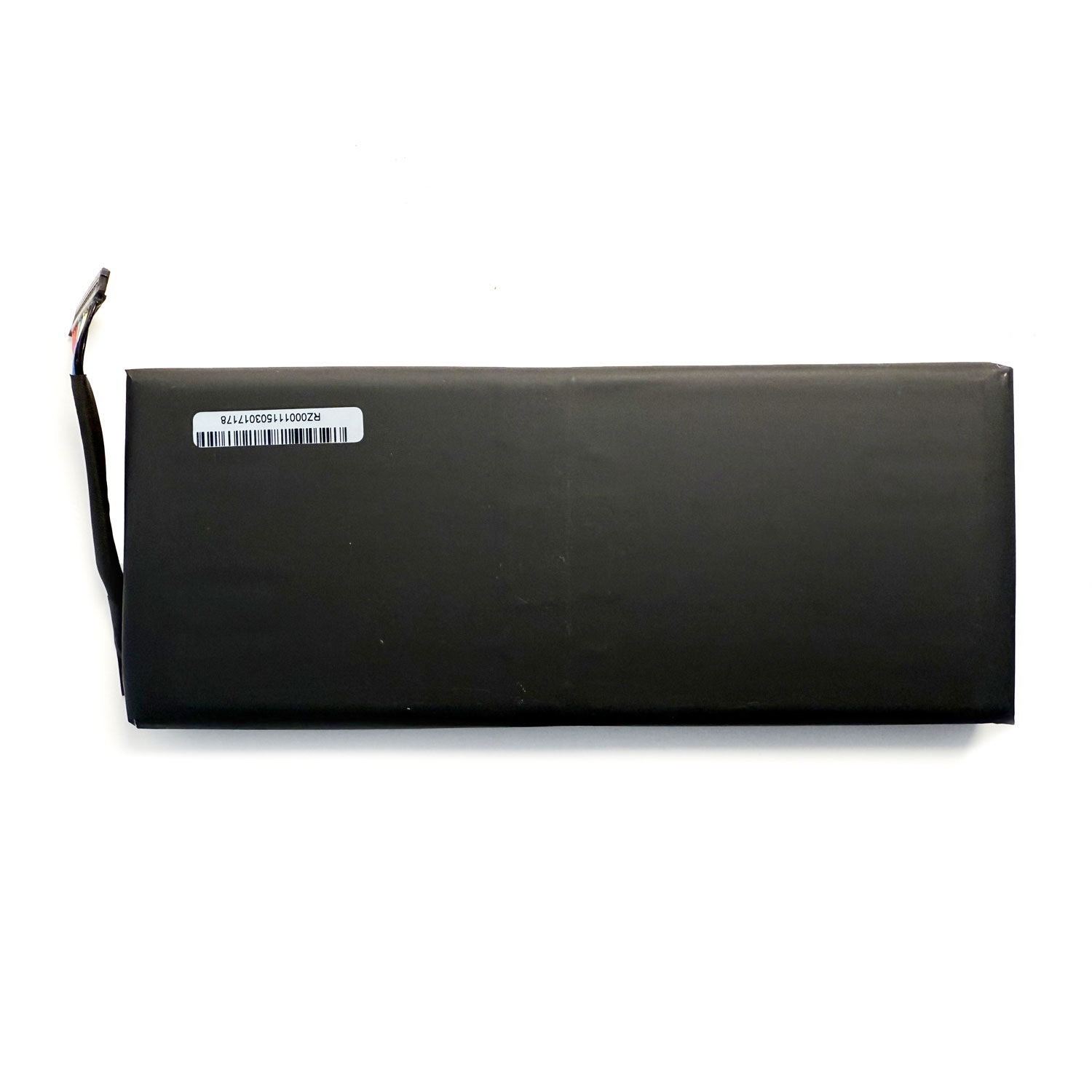
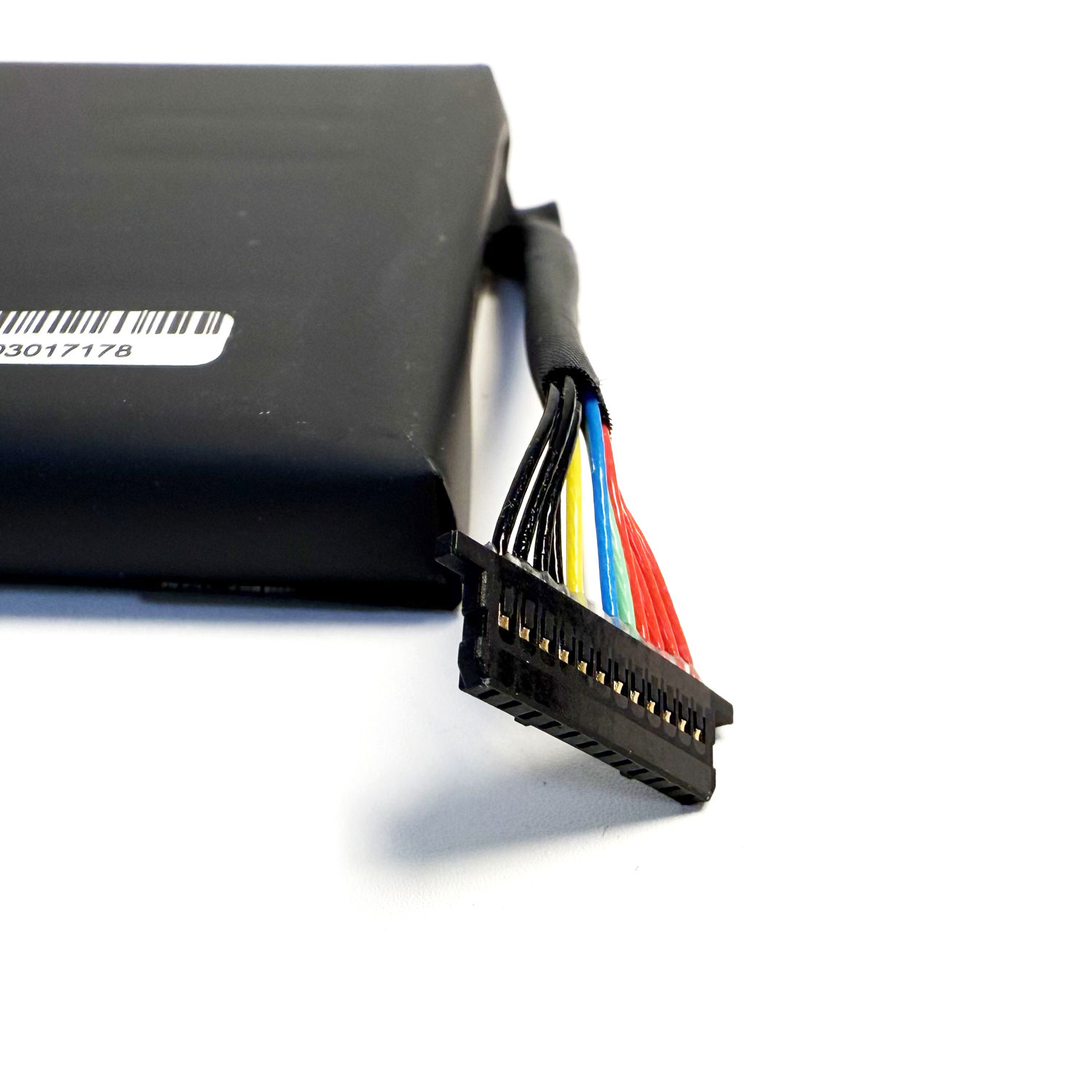
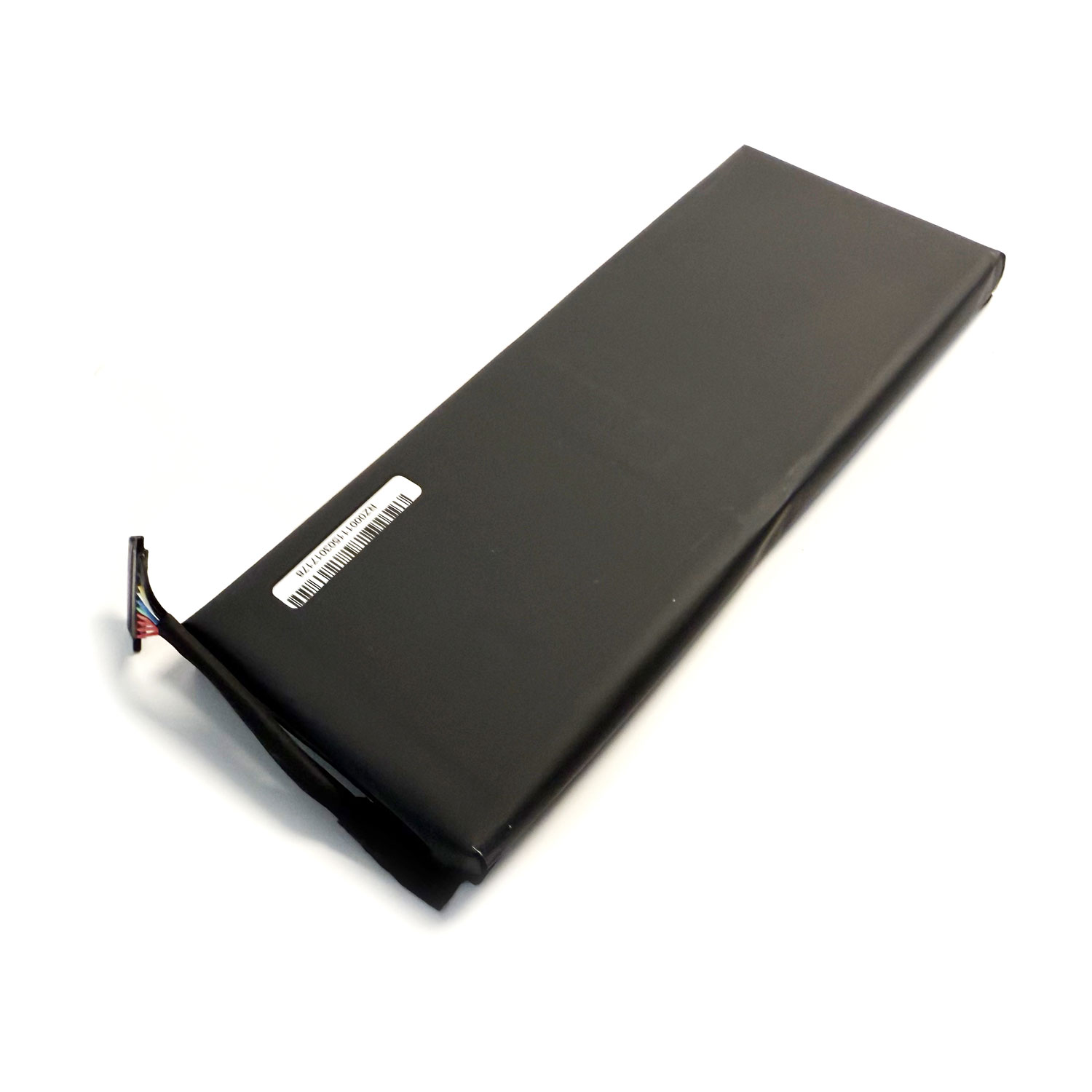
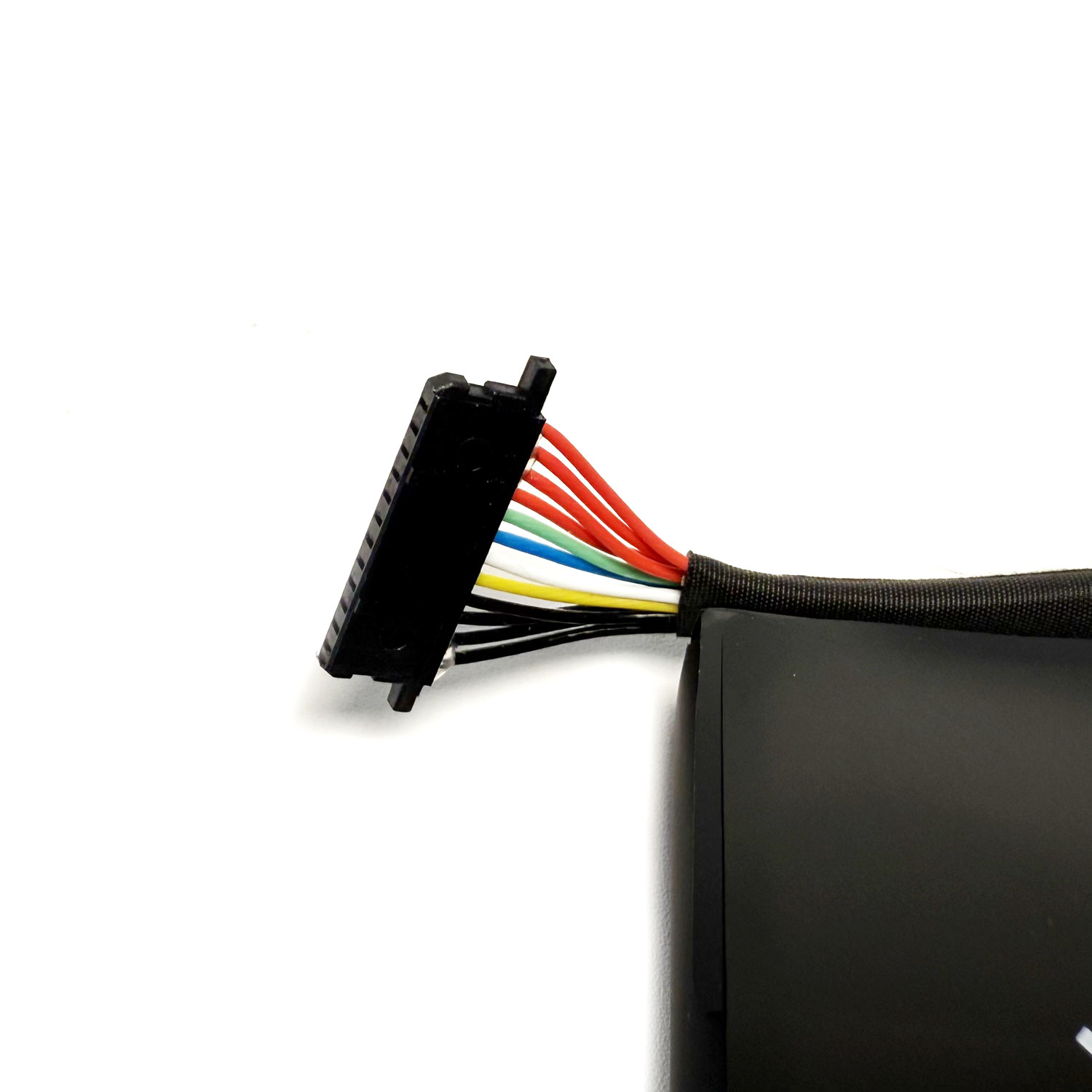
Perfect Fit & Form Factor: Designed to seamlessly integrate into your Legion Go without modification. It’s a true plug-and-play installation.
-
Risk-Free Purchase & Support: Your investment is protected by our industry-leading 24-month warranty and dedicated customer support team. We stand behind the quality and performance of our products.
TECHNICAL SPECIFICATIONS:
-
Battery Type: Li-Polymer (Rechargeable)
-
Voltage: 7.82V
-
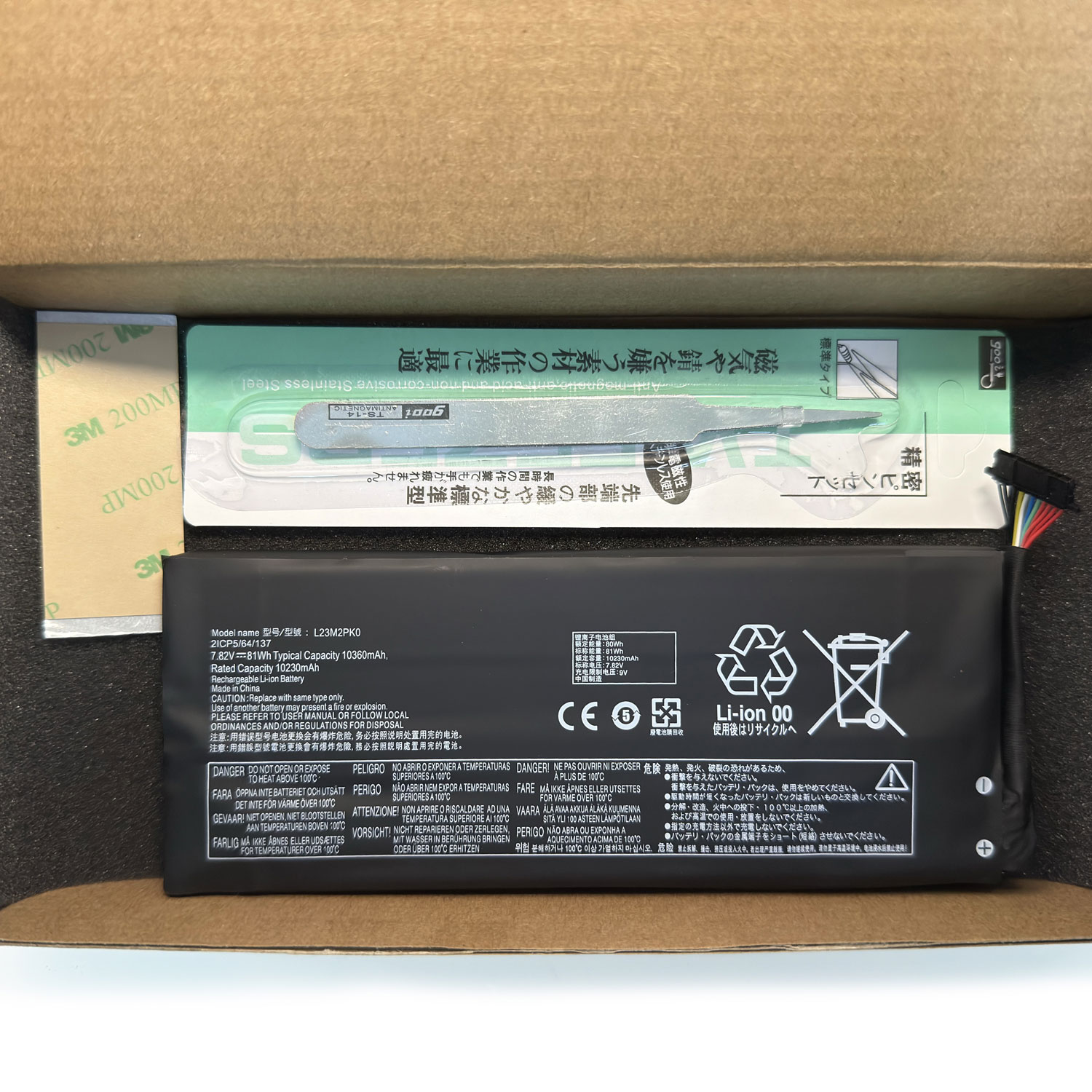
Capacity: 81Wh (This is the critical upgrade spec)
-
Compatible Models: Lenovo Legion Go (8APU1, AMD Series)
-
Color: Black
-
Certifications: CE, FCC, RoHS Compliant
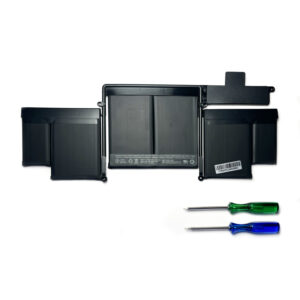
Package Includes:
Don’t let a low battery warning interrupt your victory. Upgrade to extended power and play longer—add to cart now!
FAQ: L23M2PK0 Series Replacement Battery for Lenovo Legion Go Handheld
Q1: Is this battery compatible with my Lenovo Legion Go?
Yes, this battery is a genuine replacement for the Lenovo Legion Go (Model: 8APU1). It is compatible with all versions of the Legion Go that use the following part numbers:
-
L23M2PK0, L23B2PK0, L23D2PK0, L23C2PK0, L23L2PK0
-
5B11M36298, 5B11M36299, 5B11M36296, SB11M36297
These are all variations of the original battery used in the Legion Go handheld console.
Q2: What are the full specifications of this battery?
-
Compatible Models: Lenovo Legion Go (8APU1)
-
Battery Part Numbers: L23M2PK0, L23B2PK0, L23D2PK0, L23C2PK0, L23L2PK0
-
Voltage: 7.82V
-
Capacity: 81 Wh (Watt-hours) – This is the large, 2S2P capacity version for extended gameplay.
-
Chemistry: Lithium-Ion Polymer (Li-Po)
-
Type: Genuine Lenovo replacement part.
Q3: Is this a genuine Lenovo OEM battery?
Yes, this is a 100% genuine Lenovo OEM (Original Equipment Manufacturer) battery. The part numbers (L23x2PK0) are official Lenovo codes, ensuring perfect compatibility, safety, and performance identical to the battery your device came with.
Q4: How difficult is it to replace the battery in the Legion Go?
Replacing the battery in the Lenovo Legion Go is a complex repair that should only be attempted by experienced users.
-
Skill Level: Advanced. Requires full disassembly of the handheld, which involves removing the backplate, disconnecting multiple ribbon cables, and handling delicate internal components.
-
Risk of Damage: High. The triggers, buttons, screen ribbon cable, and motherboard are at risk if not handled properly.
-
Tools Needed: Precision screwdriver set (Phillips #000), plastic spudgers, and tweezers.
-
Strong Recommendation: We highly recommend watching a complete teardown video (e.g., from iFixit or reputable YouTube technicians) to understand the process fully. If you are not confident, seek help from a professional repair service to avoid irreparable damage.
Q5: What warranty do you offer?
This genuine Lenovo battery is covered by a 12-month warranty against manufacturing defects. Please keep your proof of purchase for any warranty claims.
Q6: Why is my Legion Go’s battery life short? Will this fix it?
Short battery life is a common reason for replacement. This 81Wh battery is the official high-capacity battery for the Legion Go. Replacing a degraded old battery with this new one will restore your device’s original gameplay time between charges.
Q7: What safety features does this battery have?
As a genuine Lenovo part, this battery includes integrated protection circuits for:
-
Over-voltage charging
-
Over-current discharge
-
Short-circuit protection
-
Temperature monitoring
Q8: What should I do if my device doesn’t turn on after I install the battery?
-
Re-check Internal Connections: The most common issue is that the main battery connector or another ribbon cable (especially for the screen) is not securely reconnected to the motherboard. Open the device and carefully reseat all connectors.
-
Try the Original Charger: Connect the official Legion Go power adapter and let it charge for 10 minutes before trying to power on.
-
Reset the Device: Hold the power button down for 15-20 seconds with the charger connected to perform a hard reset.
Q9: How do I dispose of the old battery safely?
Do not throw the old battery in the trash. Lithium-ion batteries are hazardous waste. Please take it to a designated battery recycling center or an electronics store that offers battery recycling services.
Q10: How can I make the new battery last as long as possible?
-
Avoid Extreme Heat: Do not play intensive games while charging if the device becomes very hot.
-
Use the Official Charger: Always use the original 65W Lenovo Legion Go power adapter.
-
Avoid Deep Discharges: Try to recharge when the battery level drops to around 20% instead of letting it drain to 0%.
-
Store Properly: If storing for a long time, leave the battery at a 50-60% charge level.
⚠️ Important Disclaimer
Opening your Lenovo Legion Go is a complex process that will void the manufacturer’s warranty and carries a high risk of damaging your device. This repair is intended for users with significant technical experience. If you are unsure, please seek professional repair services.
Need to Confirm Compatibility?
Contact us with your device’s model number (found in system settings or on the original packaging) if you need assistance before purchasing.


Reviews
There are no reviews yet.