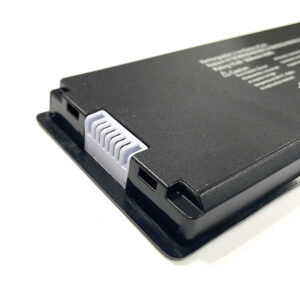
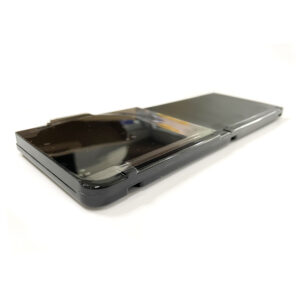
High-Capacity 49.2Wh Replacement Battery for Lenovo Legion Go Handheld (8APU1 AMD Series)
Is your Lenovo Legion Go dying too quickly? Get back to marathon gaming sessions with our premium direct replacement battery. This 48.2Wh (7.76V) battery is engineered to perfectly match the specifications and performance of your original Lenovo battery, ensuring safe, reliable, and long-lasting power.
GUARANTEED COMPATIBILITY:
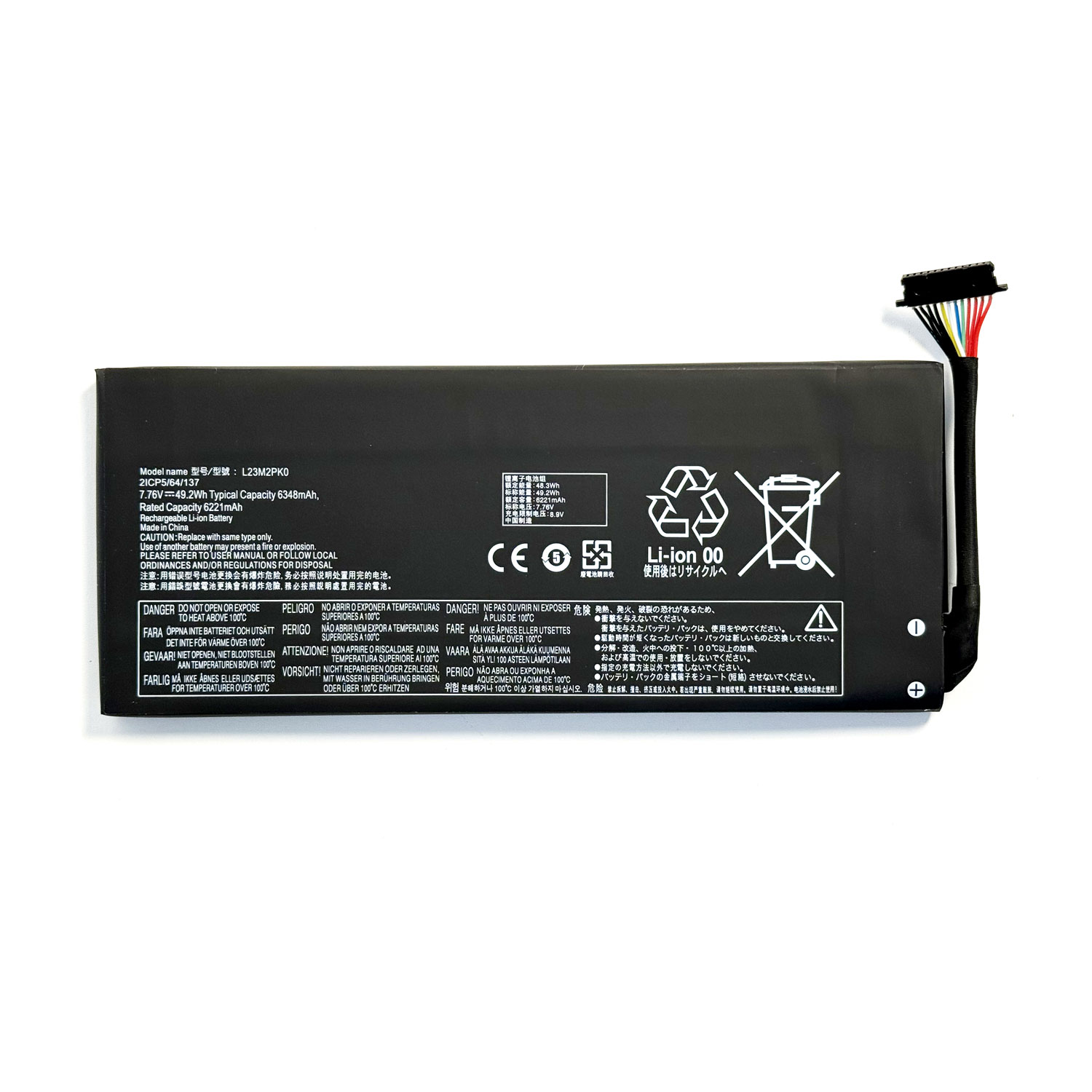
This battery is a compatible replacement for the Lenovo Legion Go model 8APU1 (AMD Series). It replaces the following original part numbers:
-
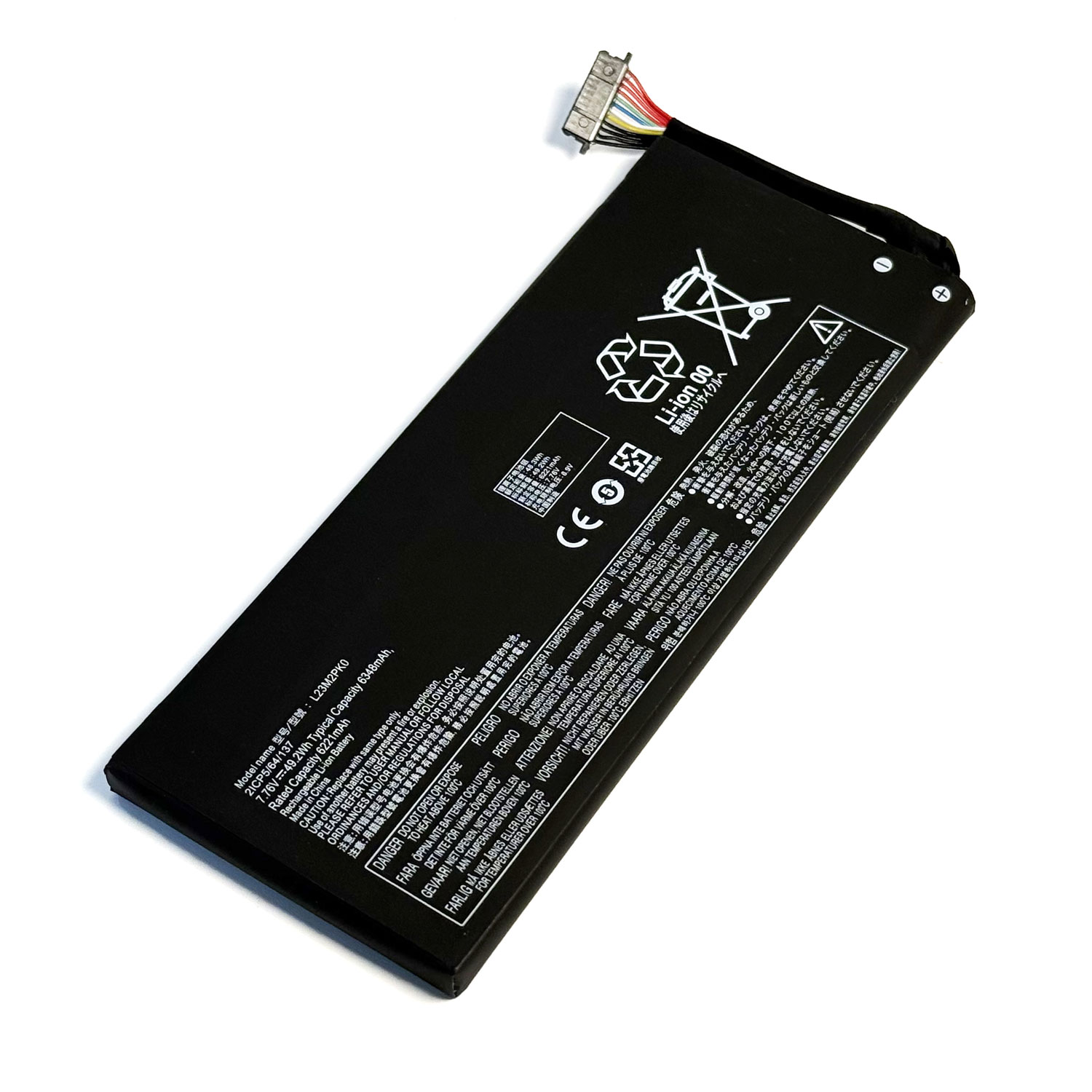
L23M2PK0
-
L23B2PK0
-
L23D2PK0
-
L23C2PK0
-
L23L2PK0
-
5B11M36298
-
5B11M36299
-
5B11M36296
-
5B11M36297
(Please check the model number on your original battery to confirm fit before ordering.)
KEY FEATURES & BENEFITS:
-
Original Spec Performance: Delivers the full 48.2Wh capacity and 7.76V output required by your Legion Go. Enjoy gaming, browsing, and media playback times identical to the original battery.
-
Built-In Safety Protections: Our advanced battery management system (BMS) provides comprehensive protection against overcharging, over-discharging, short circuits, and overheating. Your device’s safety is our top priority.
-
Premium Certified Quality: This product is rigorously tested and certified to meet international standards, including CE, FCC, and RoHS. It’s built with high-grade Li-Polymer cells for maximum durability and cycle life.
-
Plug & Play Installation: Designed for a perfect fit, making self-installation straightforward. No software or drivers needed—just physically replace the battery and you’re good to go.
-
worry-Free Warranty: We are confident in the quality and reliability of our batteries. Your purchase is protected by an industry-leading 18-month warranty and supported by our responsive customer service team.
TECHNICAL SPECIFICATIONS:
-
Battery Type: Li-Polymer (Rechargeable)
-
Voltage: 7.76V
-
Capacity: 48.2Wh
-
Compatible Models: Lenovo Legion Go (8APU1, AMD Series)
-
Color: Black
-
Certifications: CE, FCC, RoHS Compliant
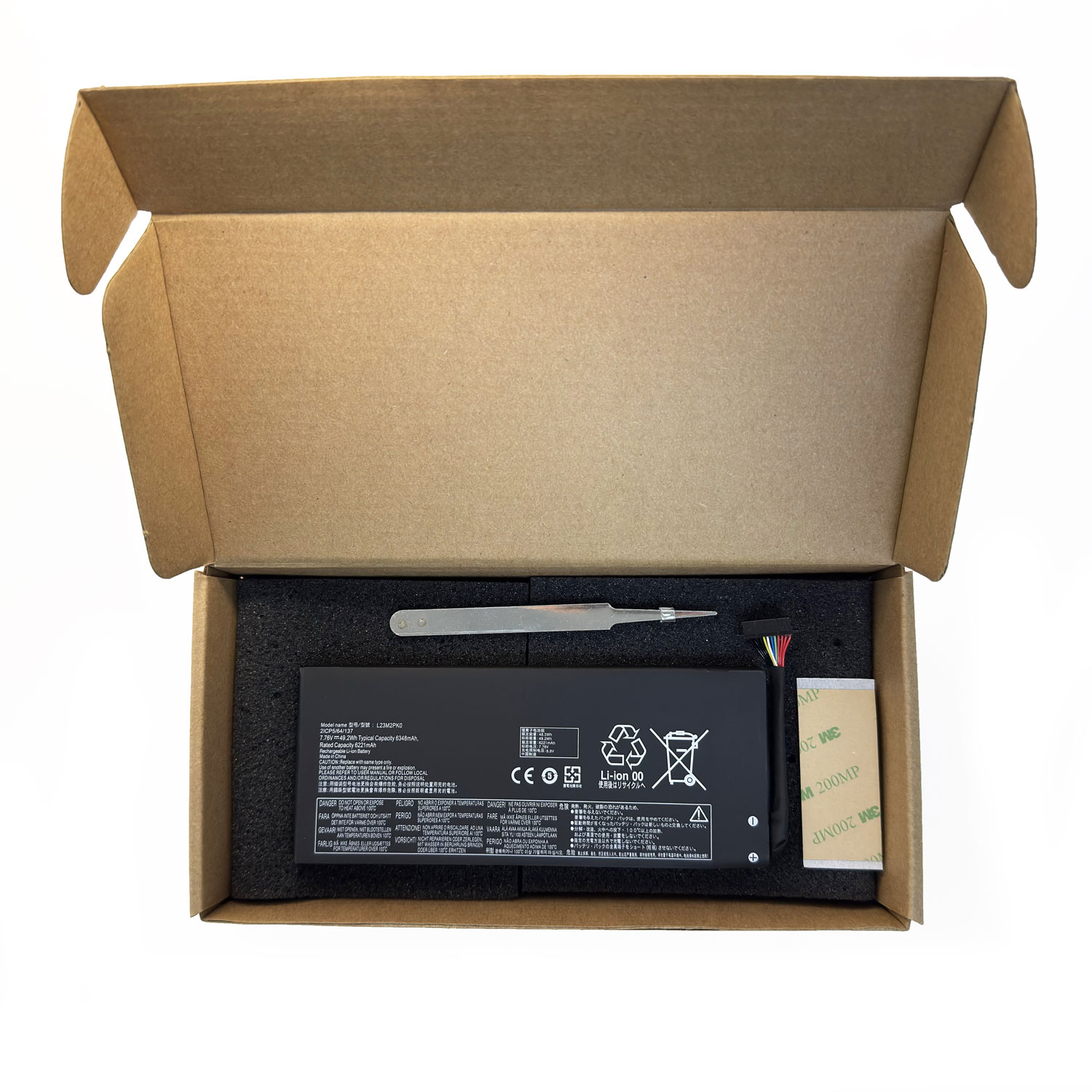
Package Includes:
Don’t let a dead battery end your game. Restore your Lenovo Legion Go’s mobility and order your replacement today!
FAQ for L23 Series Battery Replacement for Lenovo Legion Go Handheld
1. Is this battery compatible with my Lenovo Legion Go?
Yes, this battery is specifically designed for the Lenovo Legion Go handheld gaming console (Model: 8APU1). The part numbers listed—L23M2PK0, L23B2PK0, L23D2PK0, L23C2PK0, L23L2PK0, 5B11M36298, 5B11M36299, 5B11M36296, SB11M36297—are all compatible OEM codes. If your original battery has any of these numbers, this replacement is a perfect fit.
2. What are the technical specifications of this battery?
This is a high-capacity lithium-ion battery with the following specifications:
-
Voltage: 7.76V
-
Capacity: 48.2Wh (Watt-hours)
-
Type: Rechargeable Li-Polymer
These specs match the original Lenovo Legion Go battery, ensuring identical performance and charging behavior.
3. Is the battery brand new and genuine?
This battery is a high-quality replacement part. It is manufactured to meet or exceed the original specifications (OEM standards) but is sold as an aftermarket product. It is not sold as an original Lenovo-branded battery but is designed to function identically.
4. Can I install this battery myself?
While it is possible for technically proficient individuals to perform the replacement, we highly recommend professional installation. Opening the Lenovo Legion Go requires special tools and care to avoid damaging internal components or voiding your warranty. If you are not experienced with electronics repair, seek help from a qualified technician.
5. What tools do I need for the installation?
You will typically need:
-
Precision screwdriver set (including Phillips #00)
-
Plastic spudger or opening picks to safely separate clips
-
Anti-static wrist strap (recommended)
-
Tweezers
It is crucial to follow a detailed teardown or iFixit-style guide specific to the Lenovo Legion Go.
6. How do I ensure safety during installation?
-
Power Off Completely: Ensure the device is fully powered down before starting.
-
Disconnect the Battery: This is the first and most critical step after opening the device. Locate and disconnect the battery connector before proceeding.
-
Avoid Puncturing: Do not puncture, bend, or short-circuit the battery.
-
Handle with Care: Be gentle with the battery ribbon cable during removal and installation.
7. How do I calibrate the new battery after installation?
After installing the new battery, a full calibration cycle is recommended for accurate battery level reporting:
-
Charge the device to 100% without interruption.
-
Unplug the charger and use the device until it powers off due to a low battery.
-
Charge it again, uninterrupted, back to 100%.
This process helps the device’s software accurately measure the new battery’s capacity.
8. What is the warranty on this replacement battery?
This battery typically comes with a 12-month replacement warranty. Please check the specific product listing from your seller for detailed warranty terms and contact information for support.
9. My device is not turning on after battery replacement. What should I do?
-
Double-check connections: Ensure the battery connector is firmly and correctly seated.
-
Try charging: Leave the device plugged into the official charger for at least 30 minutes before attempting to power it on.
-
Check for damage: Inspect the ribbon cable and connector for any signs of damage during installation.
If problems persist, contact the seller or consult a professional repair technician.
Important Safety Disclaimer: Battery replacement involves risks, including potential damage to your device and personal injury if the battery is mishandled. Always prioritize safety. If you are unsure about any step, please consult a professional repair service. The seller is not responsible for damage incurred during installation.

Reviews
There are no reviews yet.