Genuine Dell OEM 6MT4T Laptop Battery – 62Wh for Latitude E5470 / E5570 & Precision 3510 / M3510
Invest in Authenticity: Ensure Peak Performance with a Genuine Dell OEM Battery
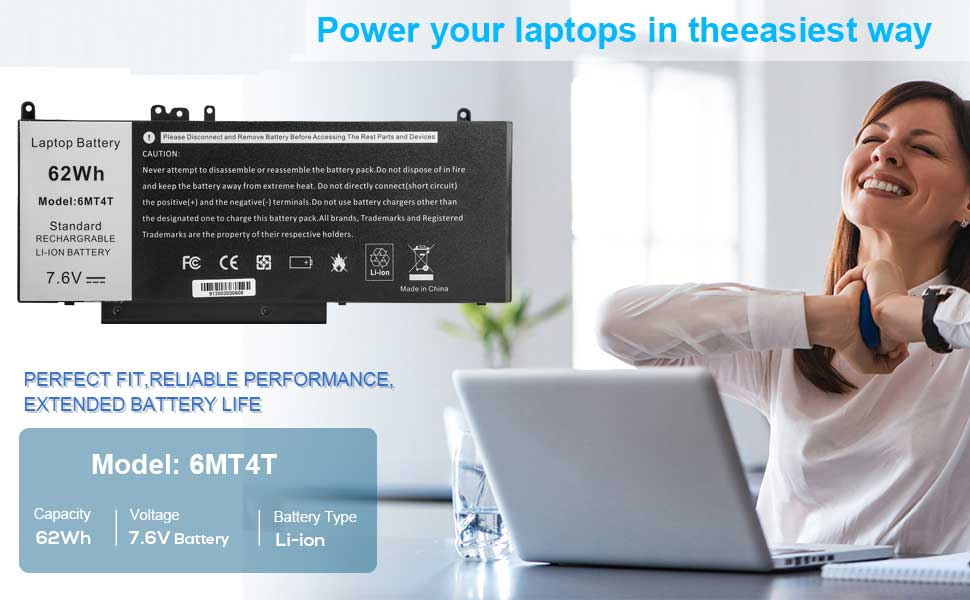
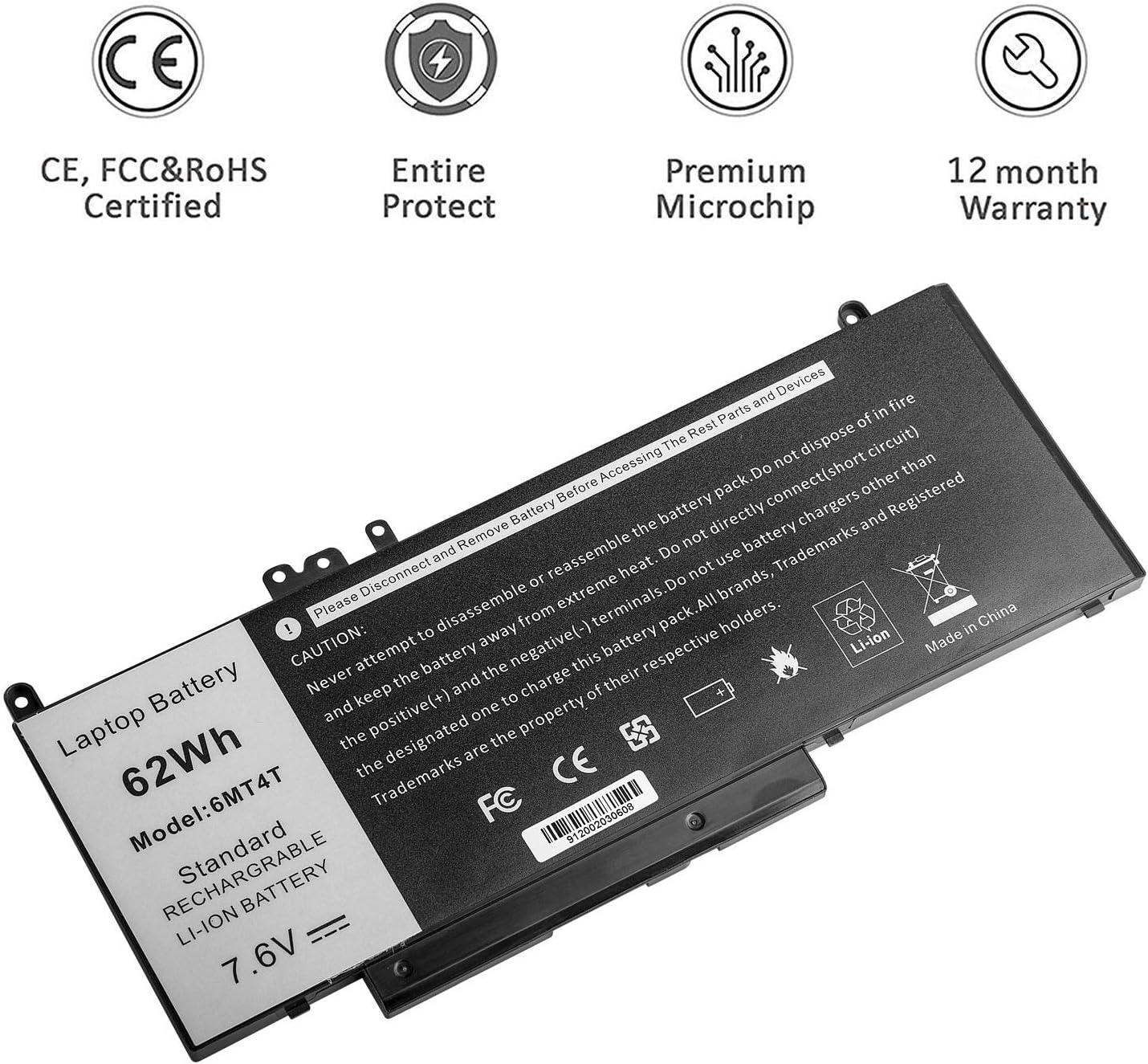
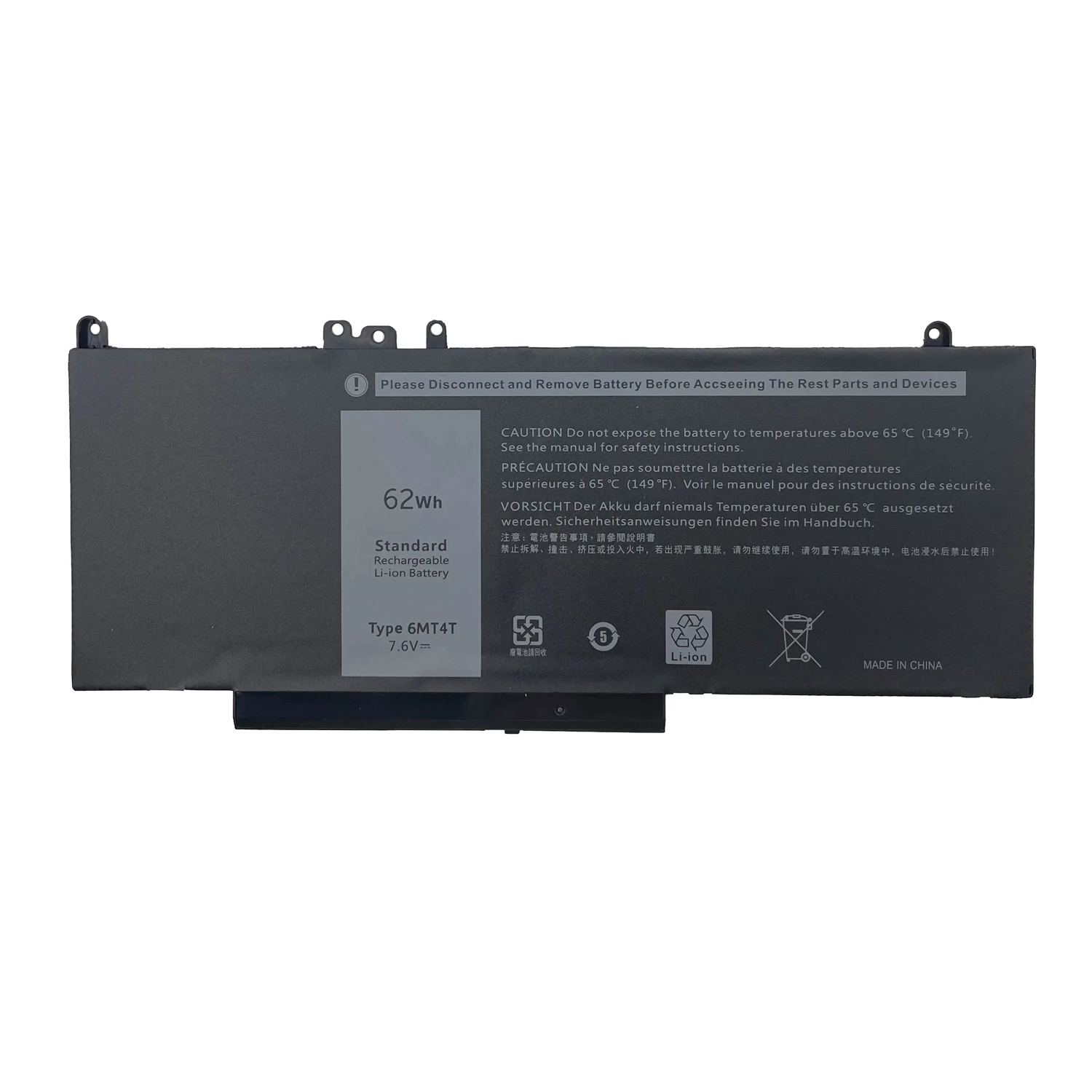
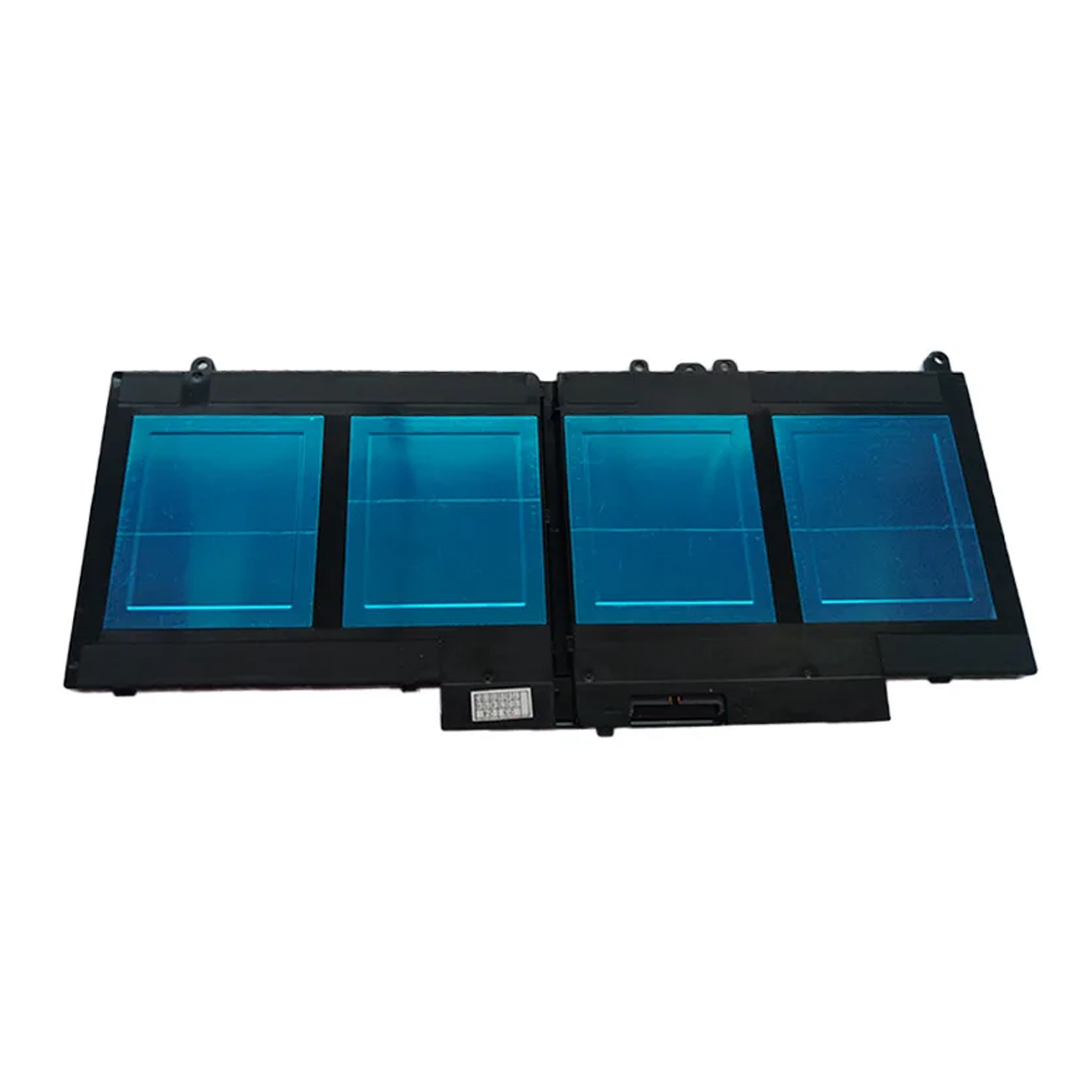
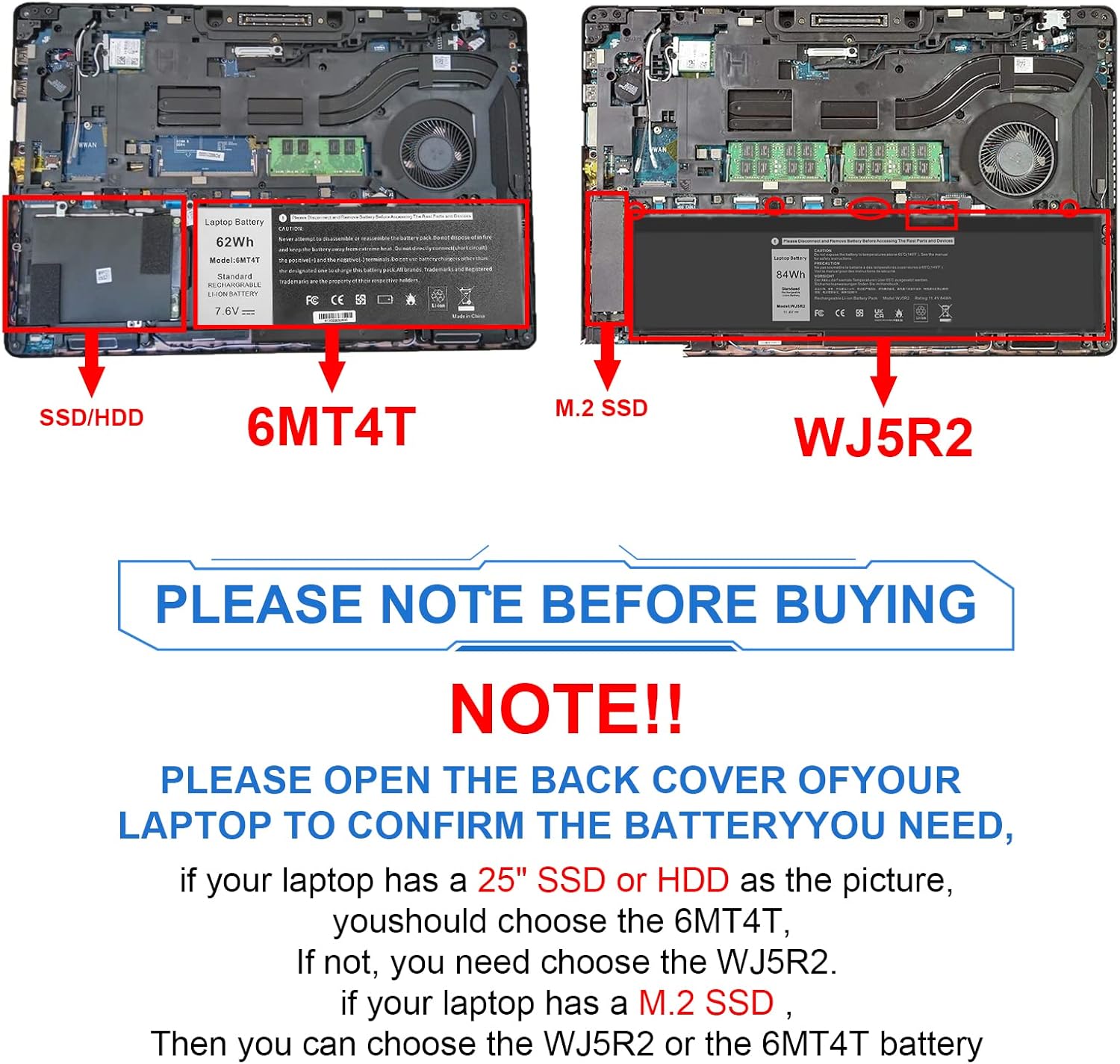
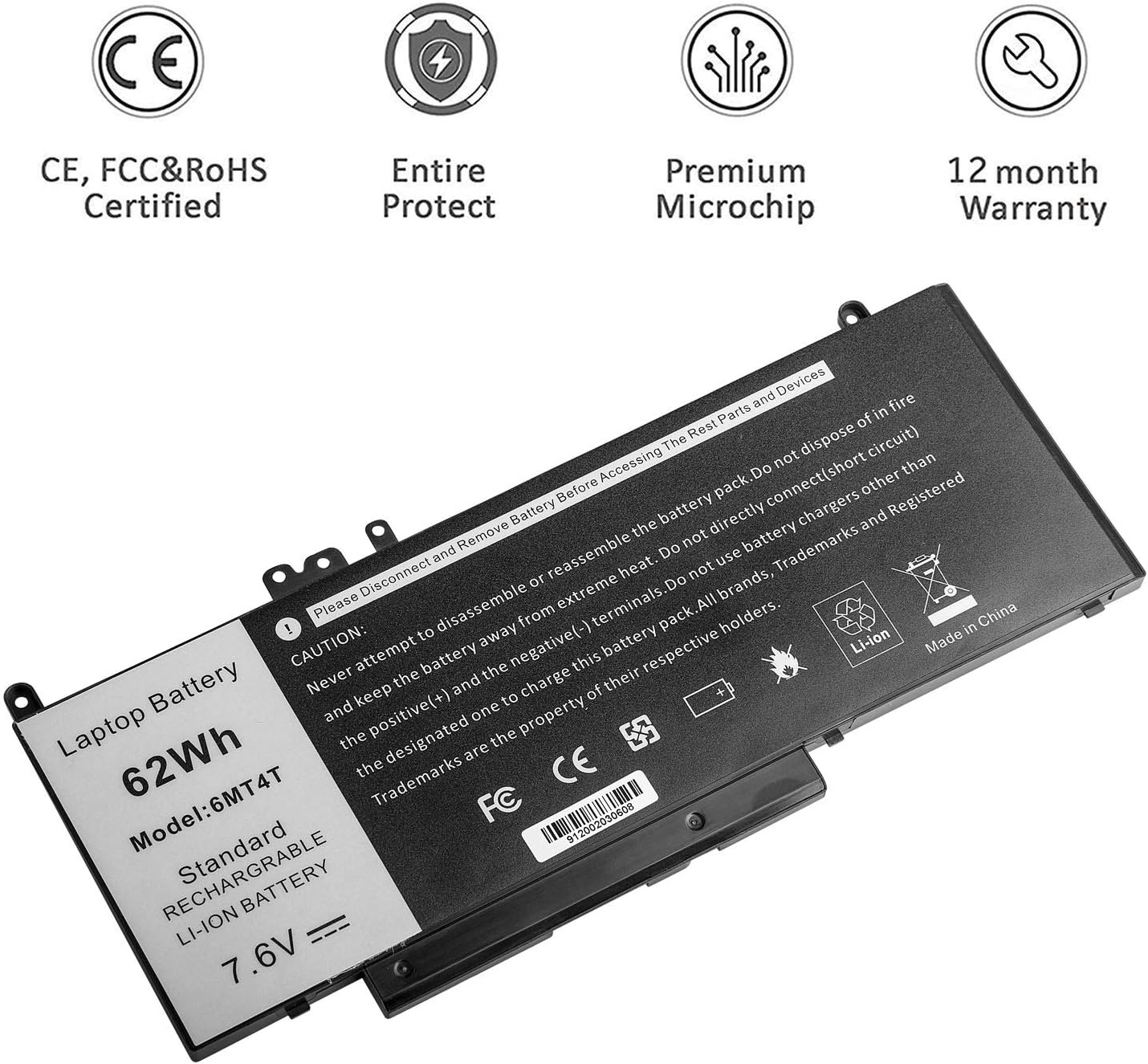
This is a 100% genuine Dell OEM battery (Part Number: 6MT4T, 62Wh), manufactured by Dell to meet the exact specifications of your Latitude E5470, E5570, and Precision 3510, M3510 15.6″ notebooks. It is the direct, guaranteed replacement for part numbers 7V69Y, TXF9M, 79VRK, 07V69Y, 0HK6DV, 079VRK, and 0TXF9M. Avoid the risks of counterfeit batteries and protect your investment with guaranteed compatibility, safety, and longevity that only a genuine Dell battery can provide.
Key Features & Benefits of Choosing OEM:
-
✔ Guaranteed Perfect Fit & Function: As an authentic Dell part, it seamlessly integrates with your laptop’s power management system, ensuring accurate battery level reporting and optimal charging.
-
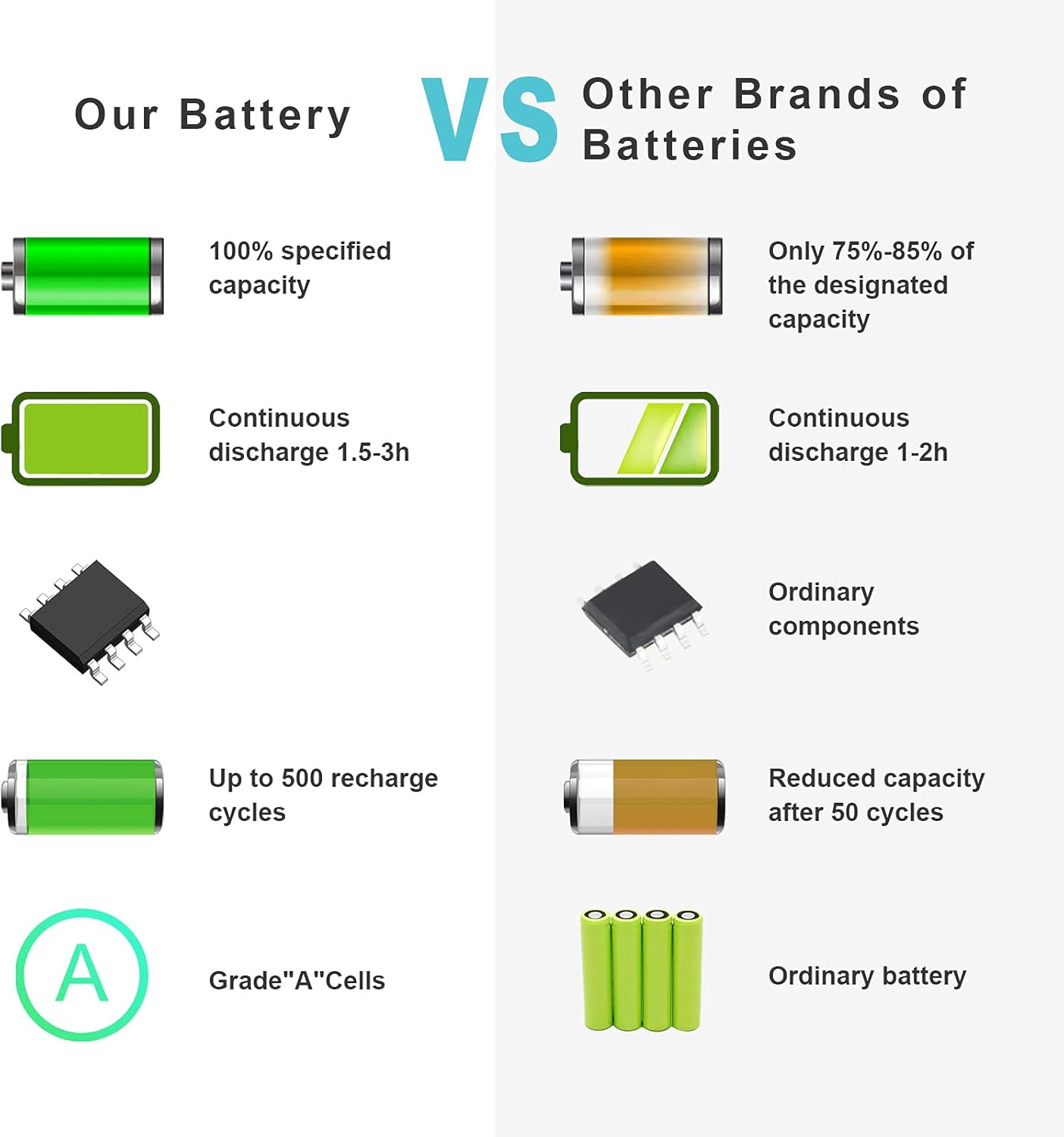
✔ Unmatched Safety & Reliability: Built to Dell’s rigorous standards with advanced protection circuits. Eliminates the risks of overheating, swelling, or damage to your laptop associated with third-party batteries.
-
✔ Sustained Peak Performance: Deliver the original 62Wh capacity and runtime your Dell workstation or business laptop was designed for, ensuring productivity isn’t compromised.
-
✔ Protect Your Investment: Using a non-genuine battery can void your laptop’s warranty and cause long-term damage. This OEM battery safeguards your hardware.
Why You Should Insist on Genuine Dell OEM?
-
Perfect Compatibility: Zero guesswork or risk. Designed and tested by Dell for your specific model.
-
Long-Term Value: OEM batteries typically offer better lifespan and consistent performance, providing greater value over time.
-
Warranty Protection: This genuine part is eligible for Dell’s standard warranty coverage [或: backed by our supplier’s warranty].
Don’t compromise on quality and safety. Order the genuine Dell 6MT4T battery today and restore your laptop’s integrity and performance.
FAQ: Genuine Dell 6MT4T 62Wh Laptop Battery Replacement
1. Is the Dell 6MT4T battery compatible with my laptop?
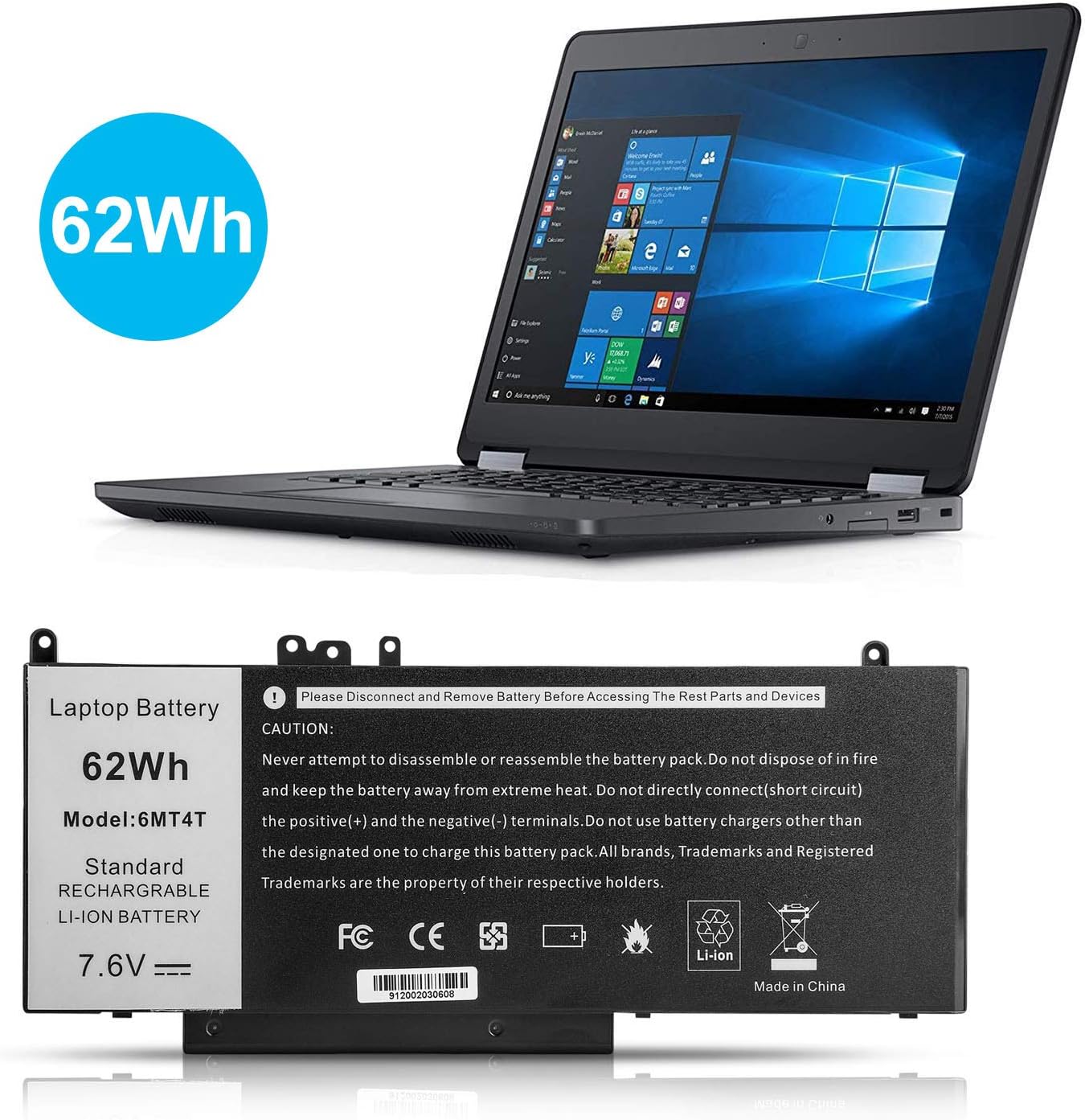
Yes, the genuine Dell part number 6MT4T is specifically designed for the following Dell Latitude and Precision 15.6-inch notebook series:
-
Dell Latitude: E5470, E5570
-
Dell Precision: 15 3510, M3510
Pro Tip: For 100% certainty, we recommend verifying compatibility using your laptop’s Service Tag on the official Dell support website.
2. Is this a genuine OEM Dell battery?
Yes. The part number 6MT4T is an official Dell OEM (Original Equipment Manufacturer) part number. A battery sold with this number from a reputable source is the genuine component manufactured for Dell. Be sure to purchase from authorized or highly-rated sellers to avoid counterfeits.
3. What are the other part numbers (7V69Y, TXF9M, etc.)?
The numbers 7V69Y, TXF9M, 79VRK, 07V69Y, 0HK6DV, 079VRK, and 0TXF9M are all official Dell part numbers for the same battery. These are functionally identical to the 6MT4T and represent different manufacturing batches or regional SKUs. This battery is a direct replacement for all of them.
4. What are the technical specifications for this battery?
This is a genuine Dell smart battery with the following specifications:
5. How many mAh is this 62Wh battery?
You can calculate the mAh (milliamp-hour) rating using the formula: mAh = (Wh / V) * 1000.
6. Is it easy to replace the battery myself?
Yes. These Dell Latitude and Precision models are designed for easy user-servicing.
-
Shut down the laptop and disconnect the AC power adapter.
-
Turn the laptop over and locate the battery release latch(es).
-
Slide the latch(es) to the unlock position. The battery will release and can be lifted out.
-
Insert the new battery, press down until it clicks securely into place.
7. Why should I choose a genuine Dell battery over a compatible one?
Genuine Dell OEM batteries offer key advantages:
-
Guaranteed Compatibility & Fit: Perfectly designed for your laptop’s hardware and chassis.
-
Safety & Reliability: Manufactured to meet Dell’s stringent quality and safety standards, reducing risks of swelling or overheating.
-
Optimal Performance: Ensures correct communication with the system for accurate charge reporting and longevity.
-
Warranty: Often comes with a Dell or seller-backed warranty.
8. How can I verify the battery is genuine when I receive it?
-
Check the Physical Label: Look for sharp, high-quality printing, the correct Dell logos, and the embossed part number (6MT4T).
-
System Recognition: Your Dell laptop should correctly recognize the battery in the BIOS or Dell Power Manager application without any warnings.
-
Purchase Source: Buying from an authorized reseller is the best way to guarantee authenticity.
Disclaimer: For optimal safety and performance, it is recommended to use genuine Dell OEM batteries and the original Dell AC adapter. Always recycle your old battery at a designated e-waste facility.

Reviews
There are no reviews yet.