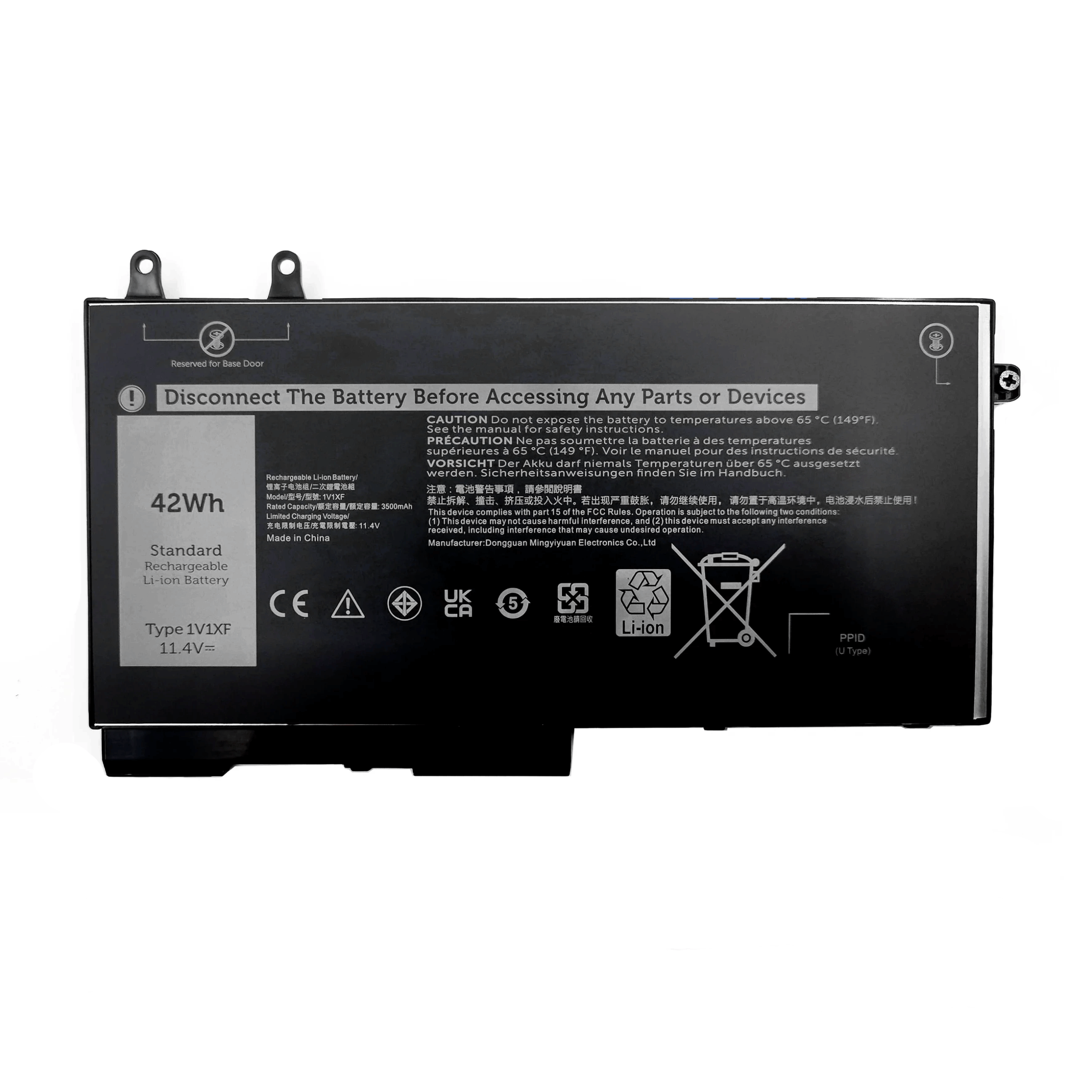
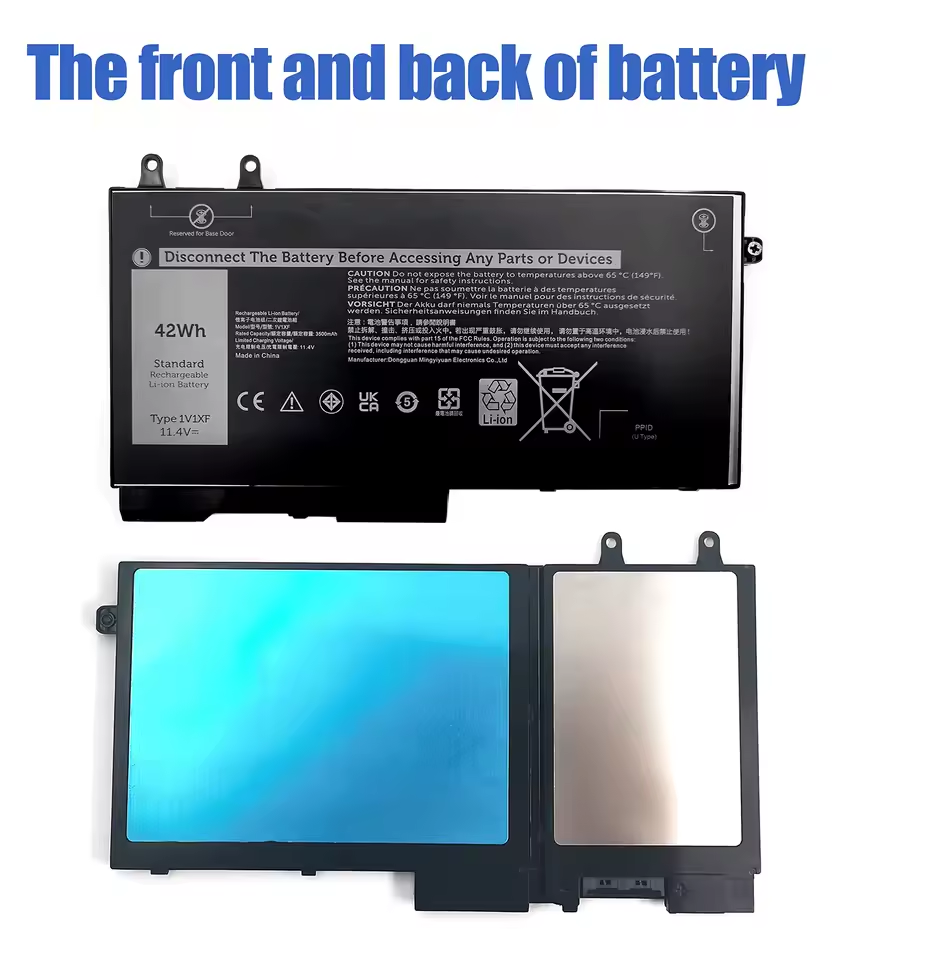
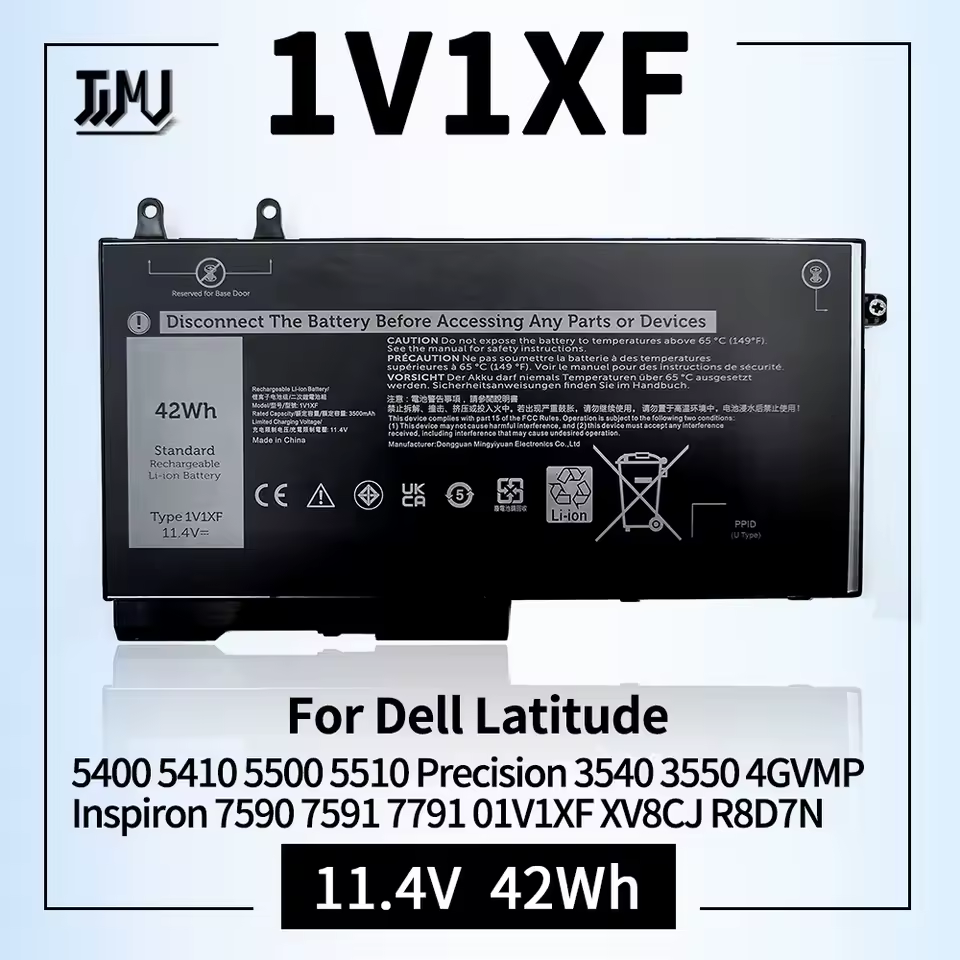
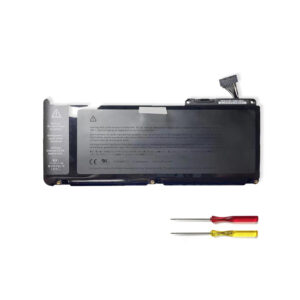
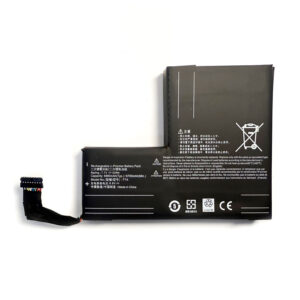
Genuine OEM Dell Laptop Battery (Part Number 1V1XF) – Compatible with Latitude 5400/5410/5500, Precision 3540/3550, Inspiron 7590/7591 2-in-1
Restore Your Dell Laptop to Peak Performance with a Genuine OEM Battery
Experience the reliability and longevity that only a genuine OEM Dell battery can provide. This authentic replacement battery (Part Number 1V1XF, also compatible with 01V1XF, R8D7N, and 4GVMP) is engineered to meet Dell’s strict specifications for models including Latitude 5400, 5410, 5500; Precision 3540, 3550; and Inspiron 7590, 7591 2-in-1. Avoid the risks of generic batteries and ensure your device operates safely and efficiently.
Key Features & Benefits:
-
Genuine OEM Quality: This is an original Dell battery (1V1XF), guaranteeing perfect fit, optimal performance, and full compatibility with your laptop’s power management system.
-
Extensive Compatibility: Designed for a wide range of professional and consumer Dell models. Replaces part numbers 01V1XF, R8D7N, and 4GVMP.
-
Guaranteed Safety & Reliability: Built with Dell’s premium battery cells and advanced circuit protection to prevent overcharging, overheating, and short circuits.
-
Maintain Your Investment: Restore your laptop’s original battery life, ensuring productivity and mobility without being tethered to a power outlet.
Why Choose This OEM Battery?
-
Peak Performance Assurance: Achieve the same performance and battery life as when your laptop was new.
-
Warranty & Support: Backed by a [e.g., 12-month] warranty and access to expert technical support.
-
Risk-Free Compatibility: Specifically designed for your Dell model, eliminating the guesswork and risks associated with third-party batteries.
Don’t compromise on quality and safety. Order your genuine Dell 1V1XF replacement battery today and work with confidence!
FAQ: Genuine Dell 1V1XF Laptop Battery Replacement
1. Is the 1V1XF battery compatible with my Dell laptop?
Yes, the Dell part number 1V1XF (also known as 01V1XF) is a genuine OEM battery compatible with a range of Dell Latitude, Precision, and Inspiron models, including:
-
Dell Latitude 5400, 5410, 5500
-
Dell Precision 3540, 3550
-
Dell Inspiron 7590, 7591 (including 2-in-1 versions)
Important: Always double-check your laptop’s specific Service Tag or Express Service Code on the Dell support website to confirm compatibility before purchasing.
2. Is this a genuine OEM Dell battery?
Yes, the part number 1V1XF is an official Dell OEM (Original Equipment Manufacturer) part number. A battery sold with this exact number should be the genuine component manufactured for Dell. Be sure to purchase from an authorized Dell distributor or a highly reputable seller to avoid counterfeit products.
3. What do the other numbers (R8D7N, 4GVMP) mean?
The numbers R8D7N and 4GVMP are also Dell part numbers for the same battery. Manufacturers sometimes use multiple internal codes for the same component. These all reference the same compatible, genuine Dell 1V1XF battery.
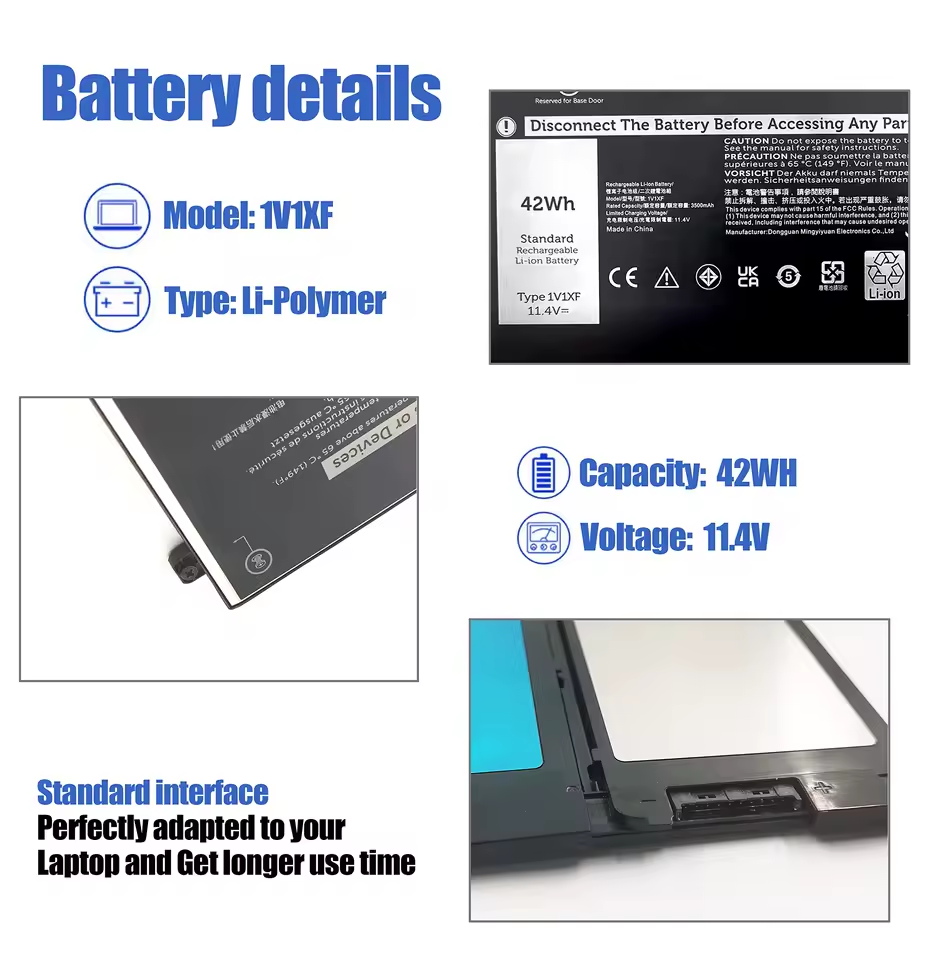
4. What are the specifications for this battery?
This is a 4-cell Lithium-Ion smart battery with a common specification for these laptop models:
5. How do I find the correct battery part number for my Dell laptop?
The most reliable method is to use your laptop’s Service Tag, a unique 7-character alphanumeric code found on a sticker on the bottom of your laptop. Enter this code on the official Dell Support website to see a list of all compatible parts, including the correct battery part number.
6. Is it safe to replace the battery myself?
Yes, replacing the battery in these Dell laptop models is generally one of the easiest and safest DIY repairs. Most Dell laptops have a simple, user-removable battery.
-
Shut down the laptop and disconnect the AC adapter.
-
Flip the laptop over and locate the battery release latch(es).
-
Slide the latch(es) to the unlock position, and the battery will lift out for easy removal.
-
Insert the new battery and press down until it clicks into place.
7. Why should I choose a genuine Dell OEM battery over a compatible one?
Genuine Dell batteries offer key advantages:
-
Guaranteed Compatibility: Perfect fit and correct communication with your laptop’s hardware.
-
Safety & Reliability: Manufactured to meet Dell’s strict quality and safety standards, reducing risks of overheating or swelling.
-
Performance: Designed to deliver the intended battery life and charging performance.
-
Warranty: Often comes with a Dell or seller-backed warranty.
8. How can I verify the battery is genuine when I receive it?
-
Check the Label: Look for sharp, high-quality printing, the correct Dell logo, and the part number (1V1XF).
-
System Recognition: When installed, your Dell laptop should correctly recognize the battery in the BIOS or Dell Power Manager application.
-
Purchase Source: Buying from an authorized reseller is the best way to guarantee authenticity.
Disclaimer: For optimal safety and performance, it is strongly recommended to use only genuine Dell OEM batteries and the original Dell AC adapter. While battery replacement is straightforward, if you are unsure, seek assistance from a professional technician. Always recycle your old battery responsibly.

Reviews
There are no reviews yet.