Genuine L20M2PF0 Internal Battery for Lenovo IdeaPad 3, V-Series, S-Series & K-Series
Restore reliable, everyday performance to your Lenovo laptop. This genuine L20M2PF0 replacement battery is engineered for a wide range of popular Lenovo IdeaPad, V-series, and S-series models. With a 38Wh capacity, it provides the dependable power you need for work, study, and browsing.
Extensive Model Compatibility
This L20M2PF0 battery is a direct internal replacement for these Lenovo laptop series:
-
IdeaPad 3 Series: 3-14ITL6, 3-15ITL6, 3-17ITL6
-
IdeaPad V Series: V14-IGL, V15-G2-ITL, V17-G2-ITL
-
IdeaPad S Series: S14-ITL
-
ThinkPad K Series: K14-IGL
-
IdeaPad G Series: 3-14IGL05 (G3-IAP)
Key Specifications & Part Numbers
-
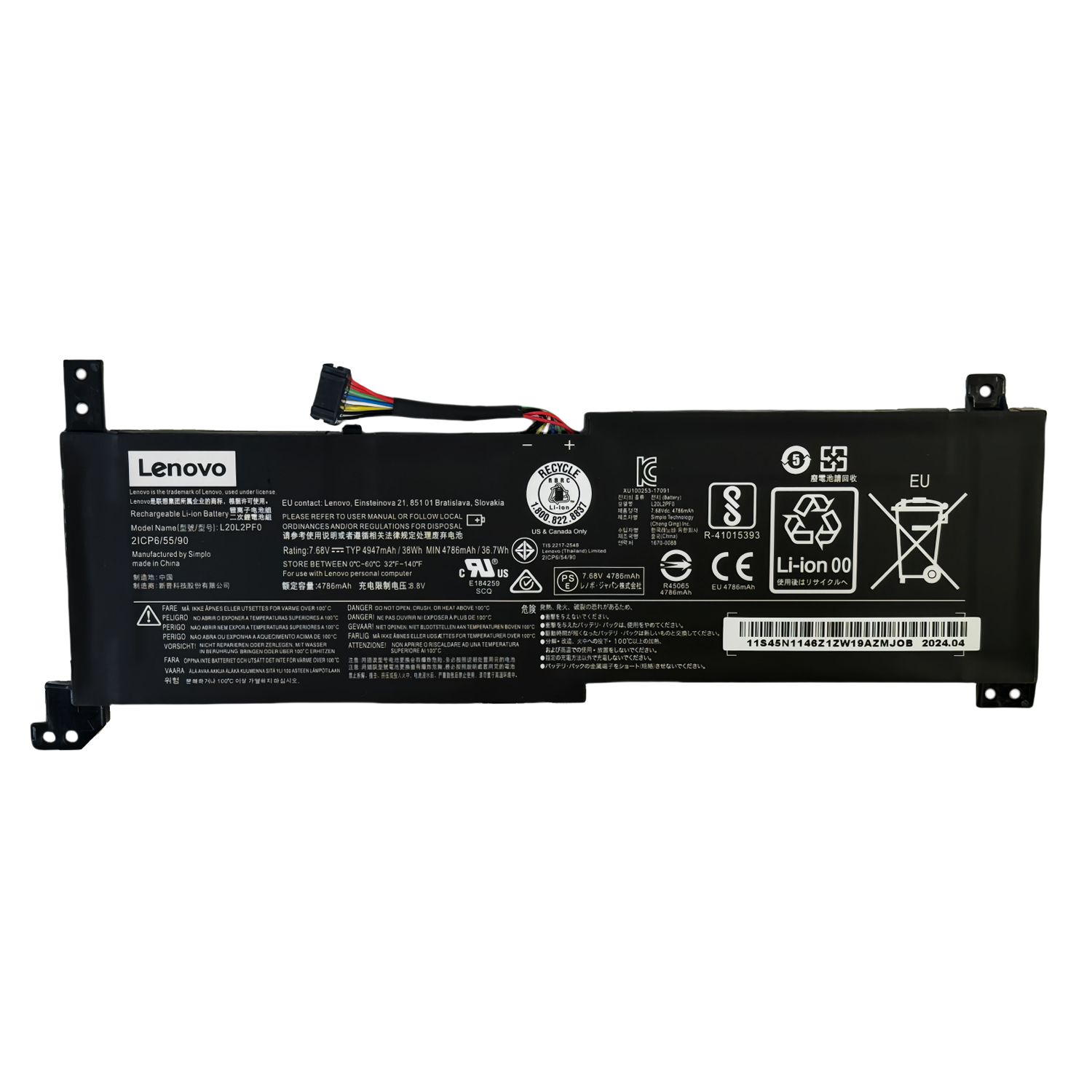
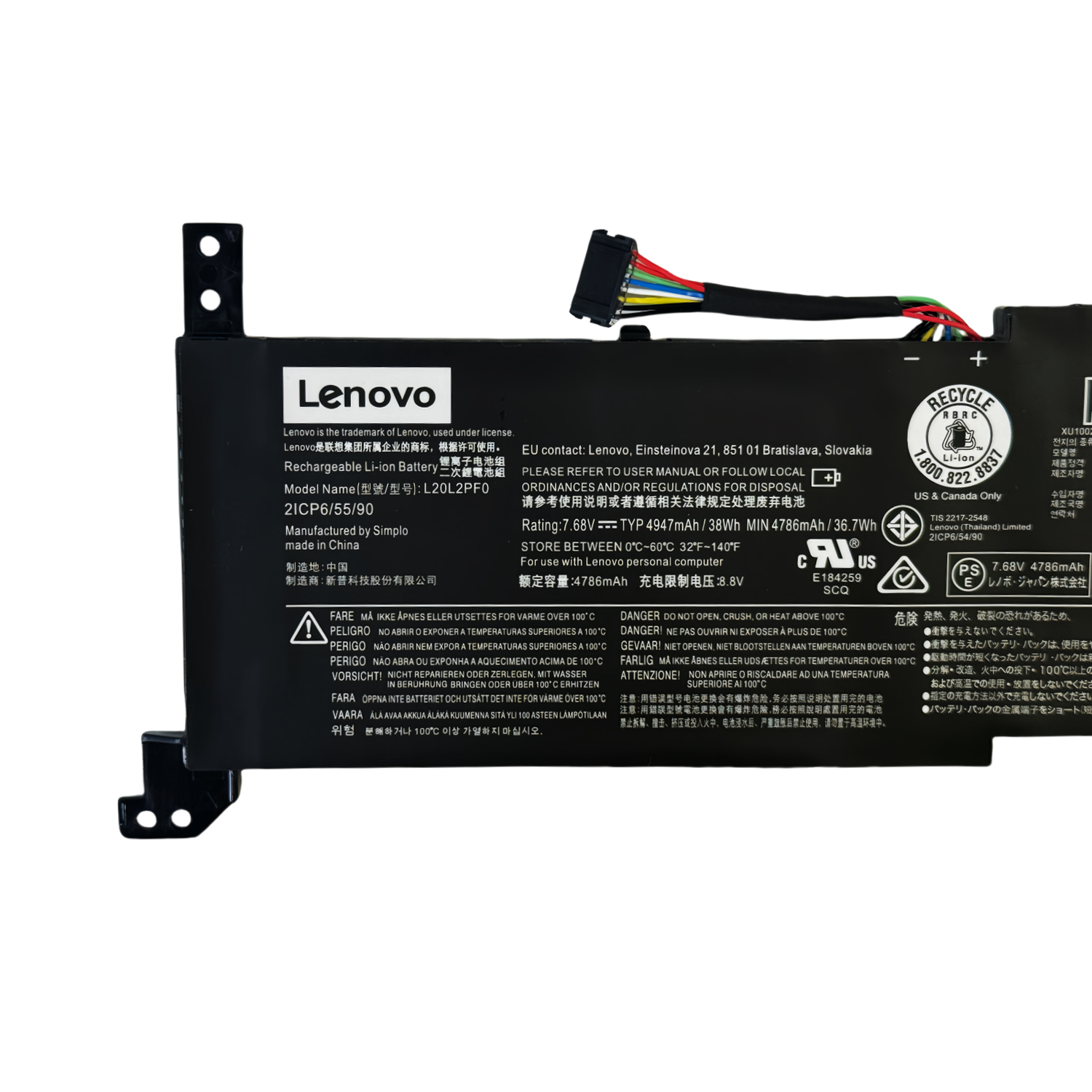
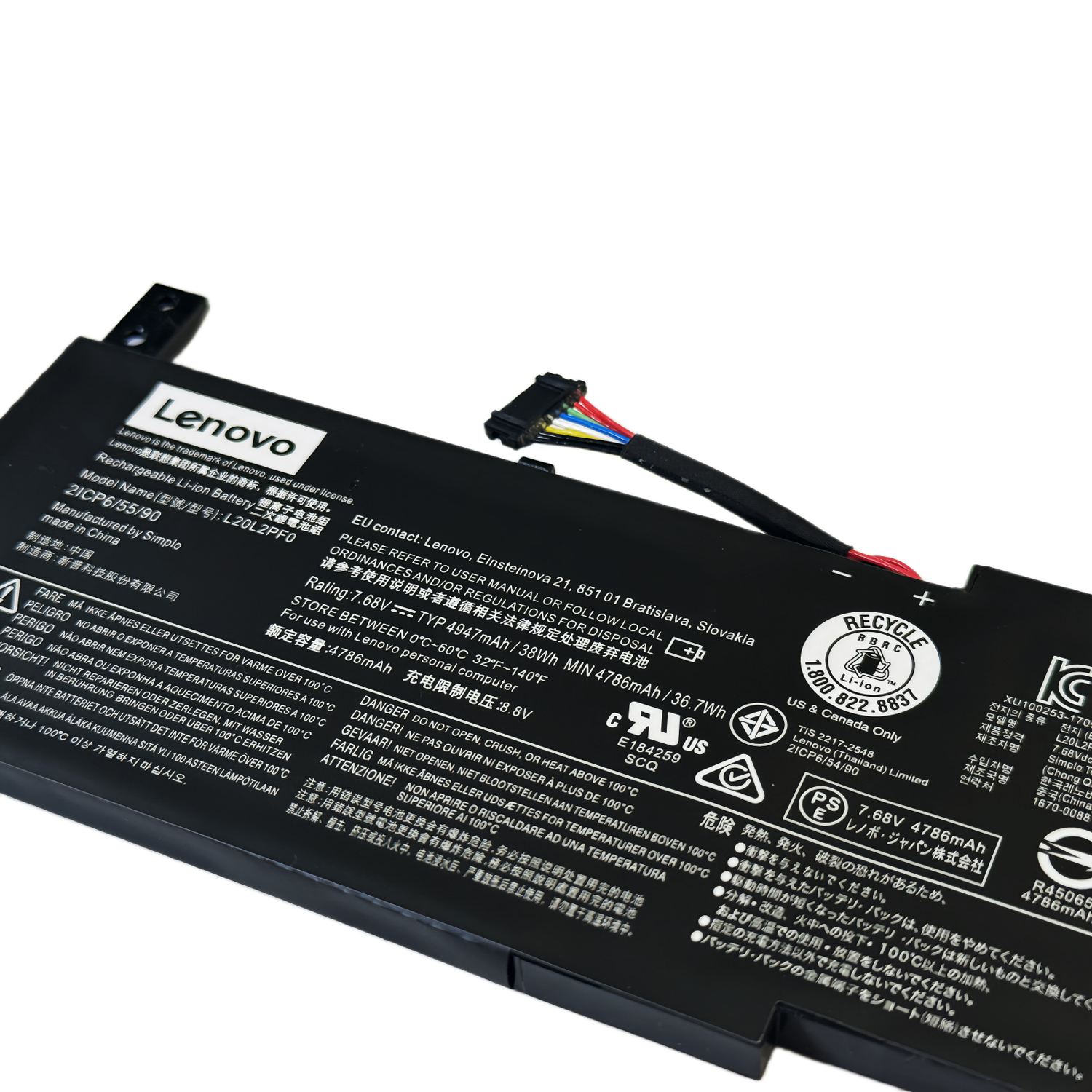
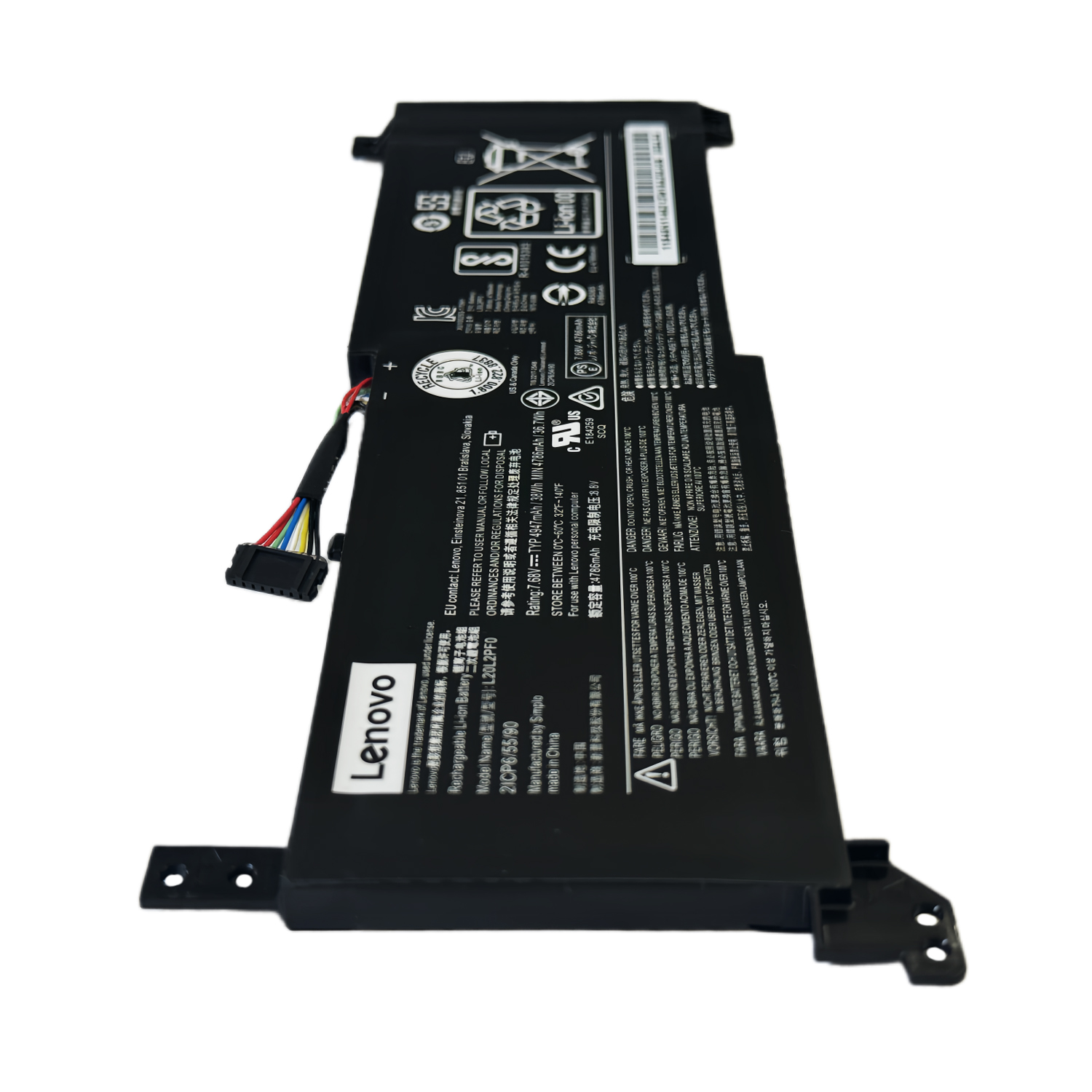
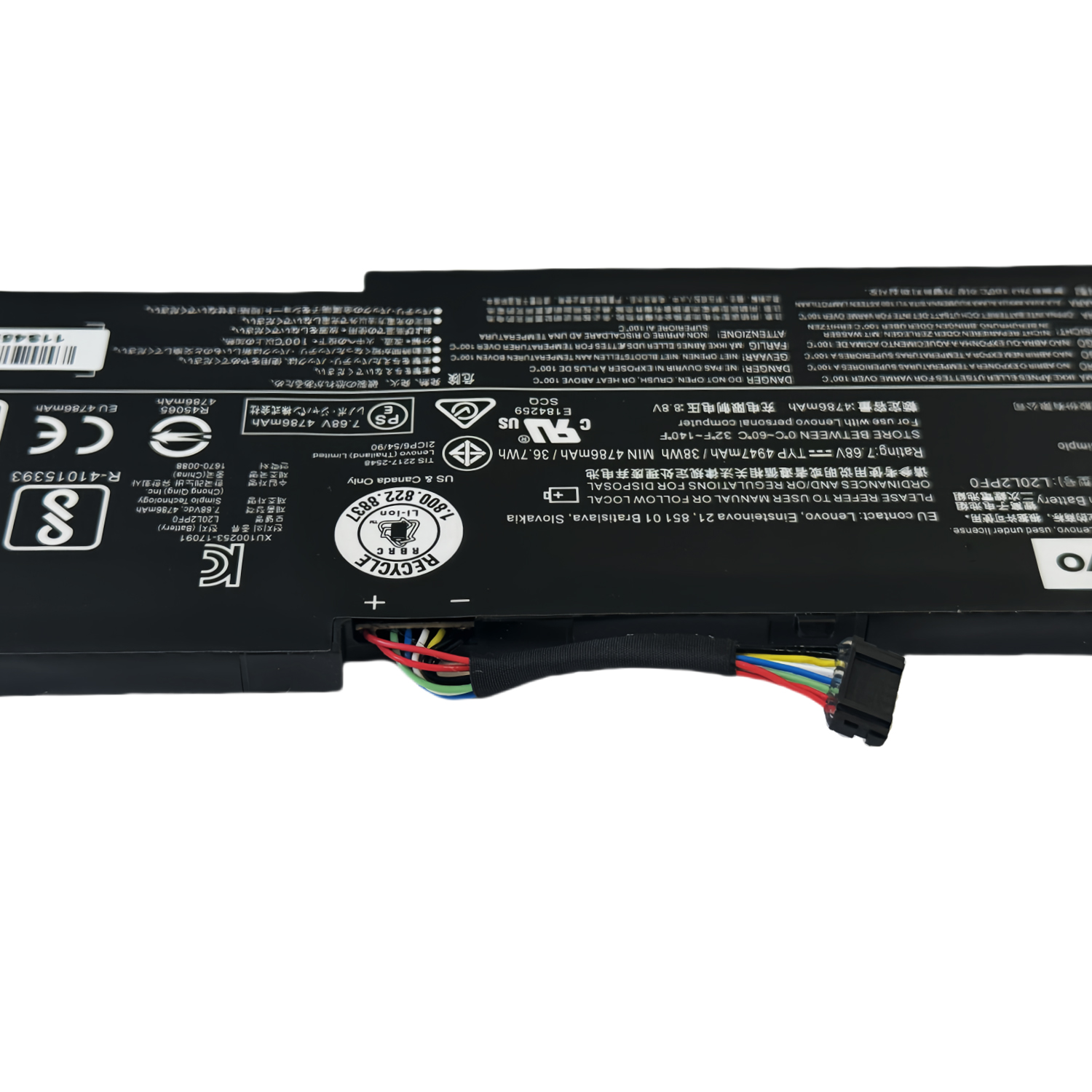
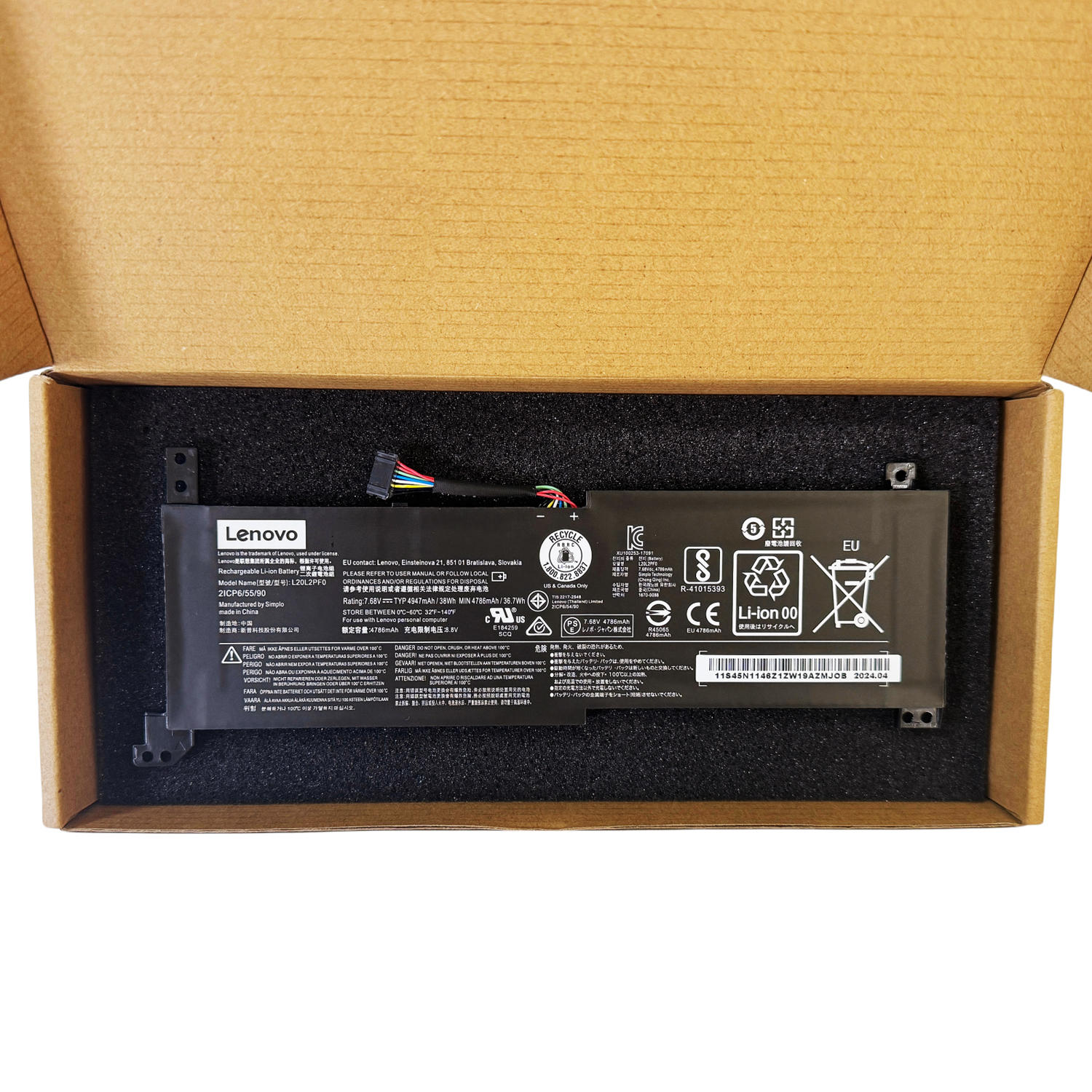
Battery Model: L20M2PF0 (Genuine Specification)
-
Compatible Part Numbers: L20L2PF0, L20M2PF8, L20B2PF0, L20C2PF0
-
Genuine FRU Codes: 5B11B36280, 5B11B36273, 5B11B36285
-
Capacity: 38 Wh
-
Voltage: 11.52V (Critical for Compatibility)
-
Type: Li-Polymer Battery (Internal)
-
Condition: Brand New, High-Quality Replacement
Why Choose This L20M2PF0 Battery?
-
Broad Compatibility: A single, reliable solution for dozens of modern IdeaPad and V-series models, simplifying your search.
-
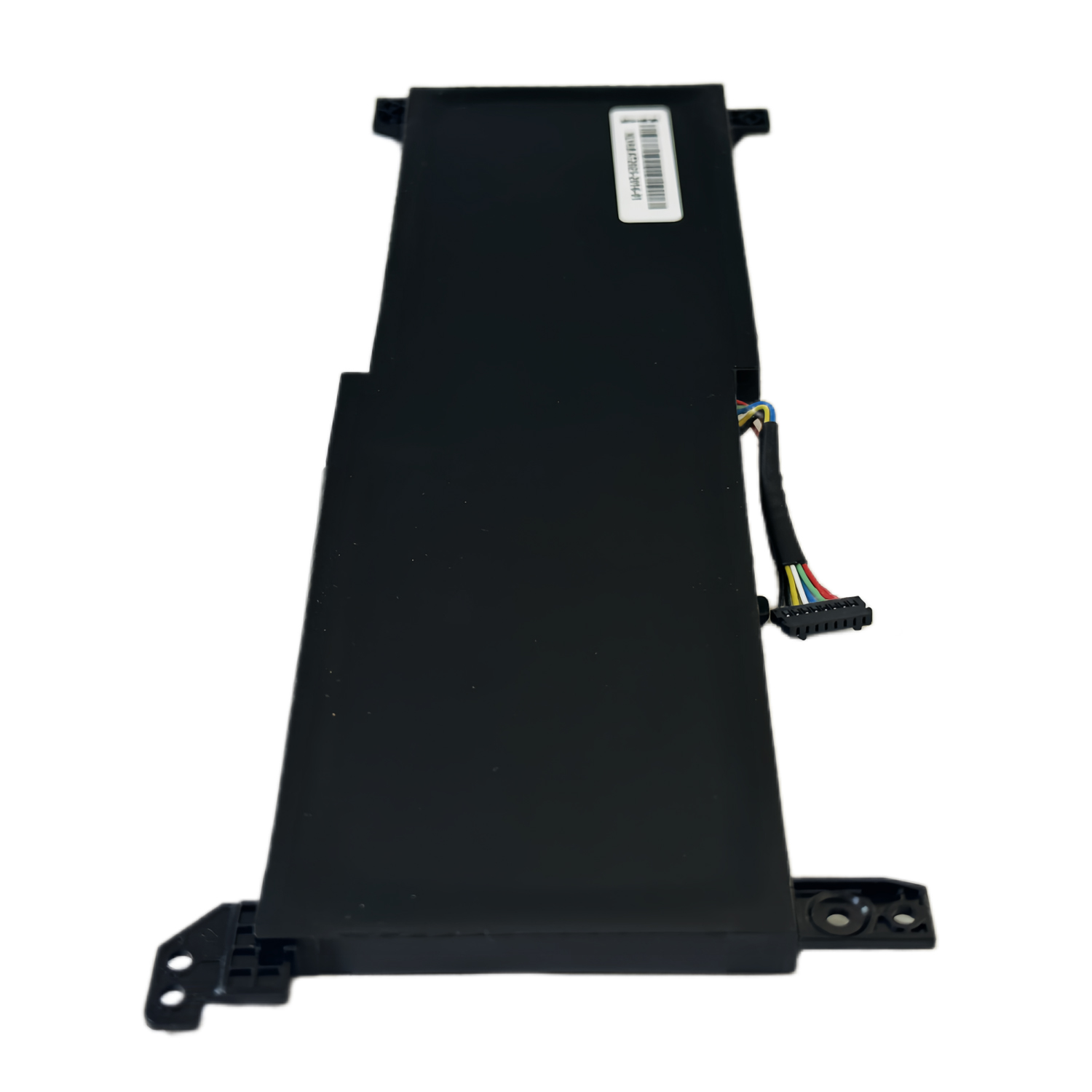
Perfect OEM Fit: Precision-engineered to match the original battery’s dimensions and connector, ensuring a hassle-free installation.
-
Reliable for Daily Use: Provides stable power for everyday computing tasks, web browsing, and video streaming.
-
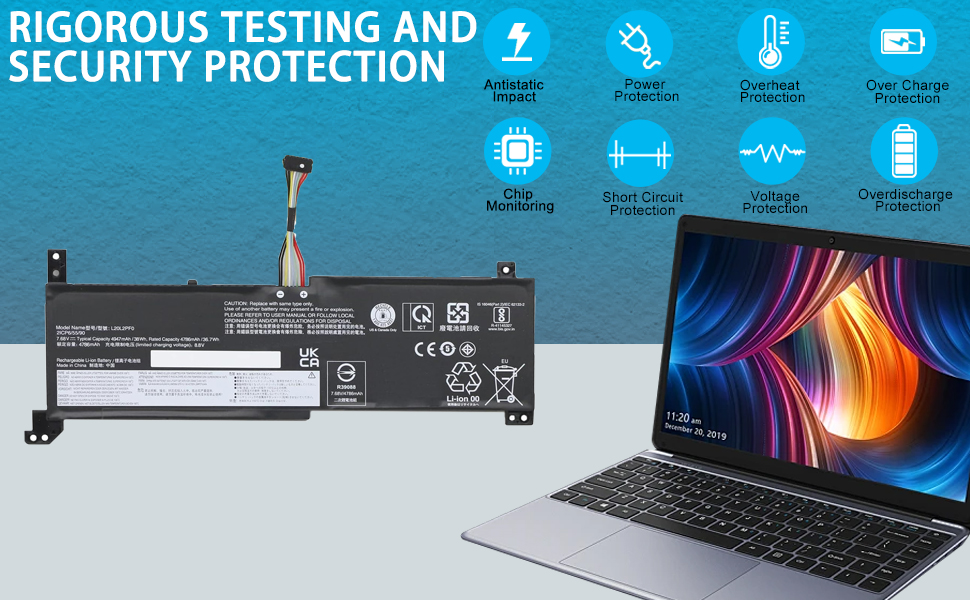
Safe & Certified: Built with protection circuits to prevent overcharging and short circuits.
Installation Notice
These Lenovo laptops use an internal battery. Replacement requires removing the bottom case.
If you are not experienced with laptop repair, we recommend seeking professional installation to avoid damaging plastic clips or internal connectors.
Frequently Asked Questions (FAQ)
-
Q: Is this compatible with my IdeaPad 3-14ITL6?
A: Yes, the L20M2PF0 is the correct internal battery for the IdeaPad 3-14ITL6 model.
-
Q: What’s the capacity of this battery?
A: This is a 38Wh battery, which is the standard capacity for these entry-level and mainstream laptop models.
-
Q: How do I confirm my laptop model?
A: Check the label on the bottom of your laptop. The full model number (e.g., 81X70006US) will be listed there.
Ready to Get Your Laptop Working Again?
Order your L20M2PF0 battery today for a simple and reliable power solution.
FAQ: Genuine L20M2PF0 Replacement Battery for Lenovo IdeaPad Series
Q1: Is this battery compatible with my Lenovo laptop?
Yes, this Genuine L20M2PF0 battery is compatible with a wide range of recent Lenovo IdeaPad models, including:
-
IdeaPad 3 Series: 3-14ITL6, 3-15ITL6, 3-17ITL6
-
IdeaPad S Series: S14 G2-ITL
-
IdeaPad V Series: V14 G2-ITL, V15 G2-ITL, V17 G2-ITL
-
IdeaPad G Series: G3-IAP
-
IdeaPad K Series: K14 G2-ITL
-
Part Numbers: L20M2PF0, L20L2PF0, L20M2PF8, L20B2PF0, L20C2PF0
-
FRU Numbers: 5B11B36280, 5B11B36273, 5B11B36285
Q2: What are the technical specifications?
This genuine battery matches original Lenovo specifications:
-
Compatible Part Numbers: L20M2PF0, L20L2PF0, L20M2PF8, L20B2PF0, L20C2PF0
-
Voltage: 11.52V
-
Capacity: 38Wh (Watt-hours) / 3300mAh
-
Chemistry: Lithium-Ion
-
Configuration: 2-Cell
Q3: Is this a genuine Lenovo OEM battery?
Yes, this is a 100% genuine Lenovo OEM battery manufactured to exact factory specifications. It guarantees perfect compatibility, safety, and optimal performance for your IdeaPad laptop.
Q4: How difficult is it to replace the battery myself?
Replacing the battery in these IdeaPad models is generally a moderate DIY task:
-
Tools Needed: Precision Phillips screwdriver, plastic prying tools
-
Process: Requires removing the bottom panel to access the internal battery
-
Recommendation: Search for your specific model (e.g., “IdeaPad 3-14ITL6 battery replacement”) online for visual guides
Q5: What warranty do you offer?
This genuine Lenovo battery comes with a 12-month warranty against manufacturing defects.
Q6: Will my laptop recognize this new battery correctly?
Yes, the system will automatically recognize this genuine battery. For optimal performance:
-
Use Lenovo Vantage software to check battery status
-
Allow 2-3 complete charge cycles for calibration
-
Update your BIOS and power management drivers
Q7: How can I maximize my new battery’s lifespan?
To extend battery life:
-
Use Battery Conservation Mode in Lenovo Vantage when primarily plugged in
-
Avoid frequent complete discharges
-
Keep the device well-ventilated during use
-
Store in a cool, dry environment
Q8: My old battery is swollen. Is it safe to replace?
A swollen battery requires immediate attention:
-
Power off immediately and disconnect from power
-
Professional help recommended for safe removal
-
Do not puncture or attempt to bend the battery
-
Recycle properly at designated e-waste facilities
Q9: What is the 38Wh capacity suitable for?
The 38Wh capacity is designed for:
-
Standard productivity tasks (web browsing, office applications)
-
Light to moderate usage away from power outlets
-
Portability-focused designs where weight and size are priorities
-
Budget-conscious models in the IdeaPad lineup
Q10: Why choose genuine over third-party batteries?
For your IdeaPad, a genuine battery ensures:
-
Perfect Compatibility: Exact fit and connector alignment
-
Safety Certified: Meets all Lenovo safety standards
-
Reliable Performance: Consistent power delivery
-
Quality Assurance: Premium cells for longer lifespan
-
Warranty Protection: Legitimate coverage and support
⚠️ Important Compatibility Note
This battery is specifically designed for the listed IdeaPad 3, V, S, G, and K series models. Always verify your exact model number before purchasing.
Need Help Confirming Your Model?
Contact us with your laptop’s model number (found on the bottom label or in Lenovo Vantage), and we’ll guarantee perfect compatibility for your specific device!
Battery Tip: For daily use when mostly plugged in, enable “Battery Conservation Mode” in Lenovo Vantage to limit maximum charge to 60% and significantly extend your battery’s overall lifespan.



Reviews
There are no reviews yet.