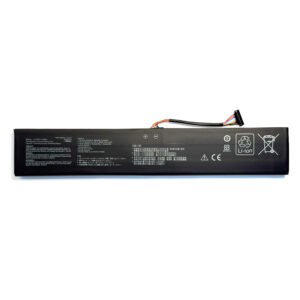
Genuine L17C4P72 80Wh Internal Battery for Lenovo ThinkPad X1 Extreme & P1 (1st & 2nd Gen)
Power your high-performance mobile workstation. This genuine L17C4P72 replacement battery delivers a full 80Wh of capacity, engineered for the Lenovo ThinkPad X1 Extreme (1st & 2nd Gen) and ThinkPad P1 (1st & 2nd Gen). Ensure stable, reliable power for demanding tasks like 4K video editing, 3D rendering, and CAD work with this guaranteed OEM-compatible internal battery.
Extensive Workstation Compatibility
This L17C4P72 battery is the correct internal replacement for these premium Lenovo mobile workstations:
-
ThinkPad X1 Extreme 1st Generation
-
ThinkPad X1 Extreme 2nd Generation
-
ThinkPad P1 1st Generation
-
ThinkPad P1 2nd Generation
Key Specifications & Part Numbers
-
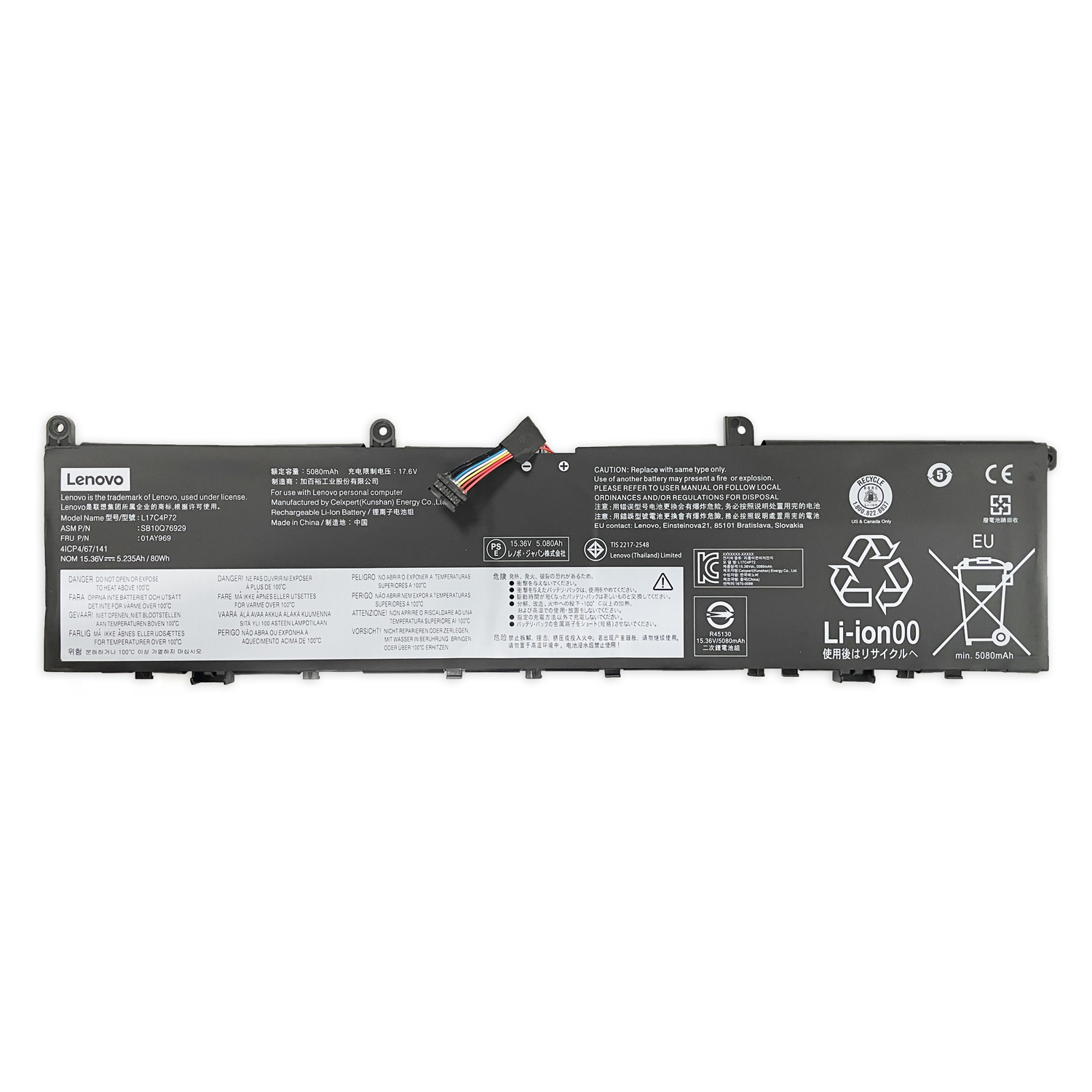
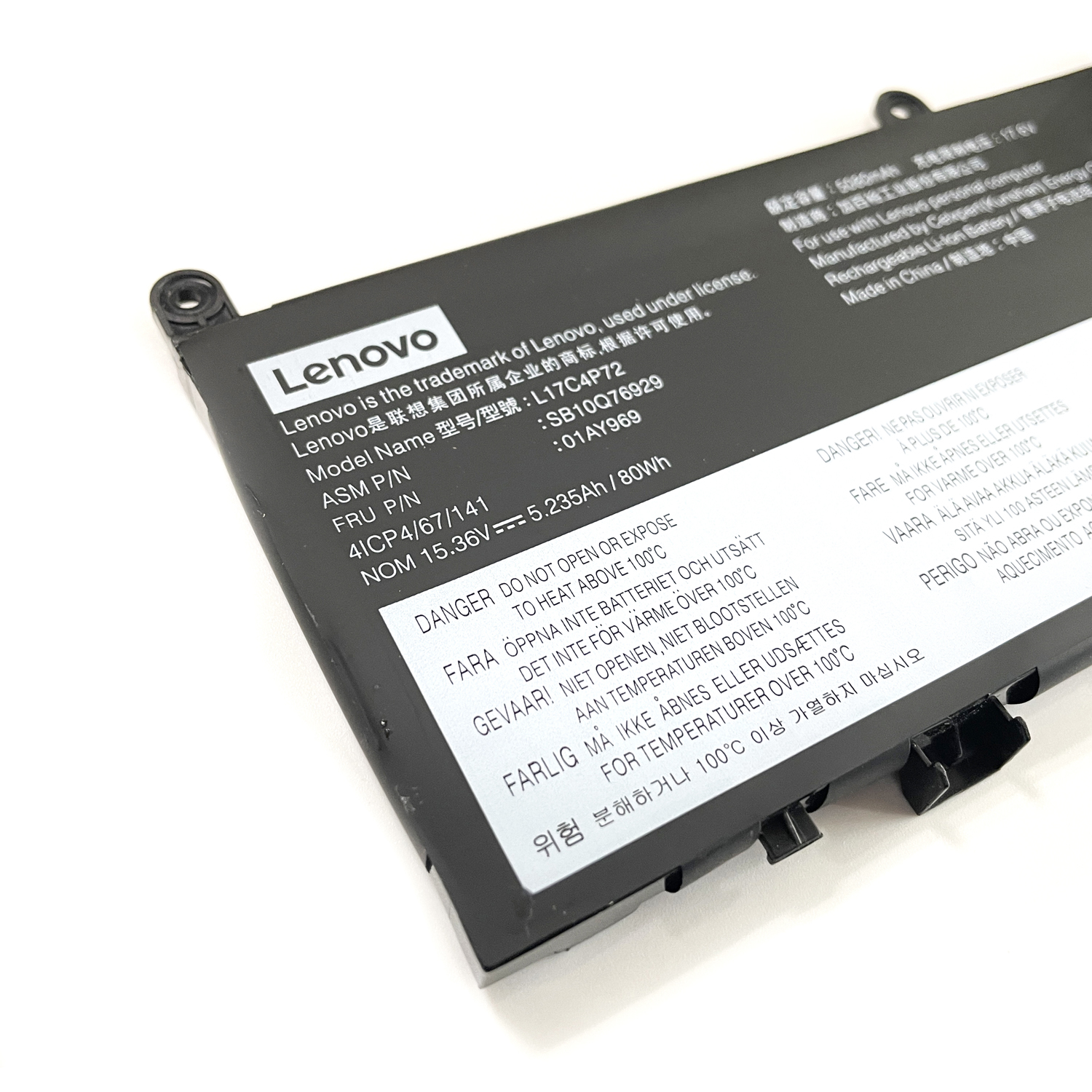
Battery Model: L17C4P72 (Genuine Specification)
-
Compatible Part Numbers: L17M4P72, 01AY968, 01AY969, L18M4P71, 01YU911
-
Genuine FRU Codes: 5B10V98091, SB10Q76929, SB10Q76928
-
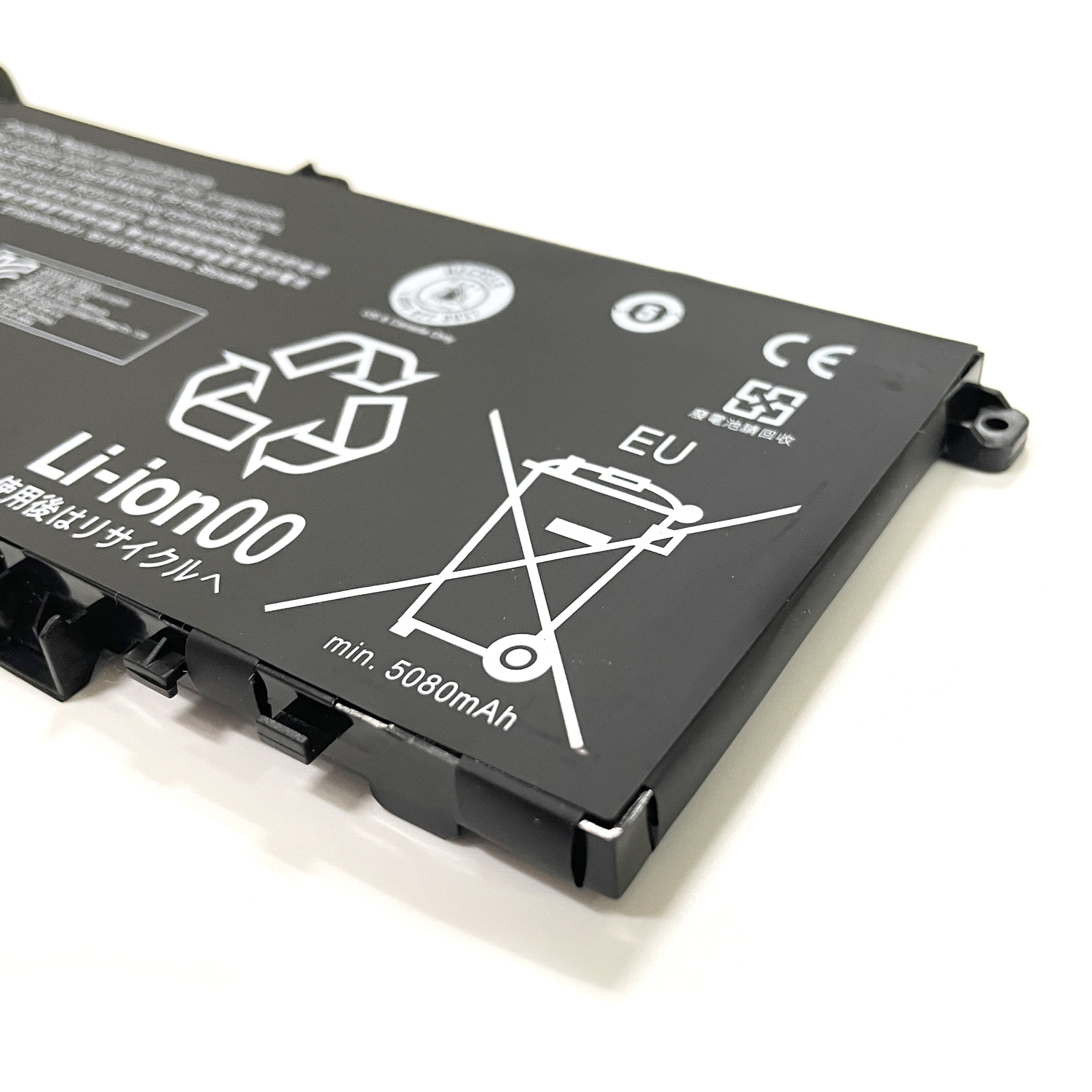
Capacity: 80 Wh (High Capacity)
-
Voltage: 15.36V (Typical for this series)
-
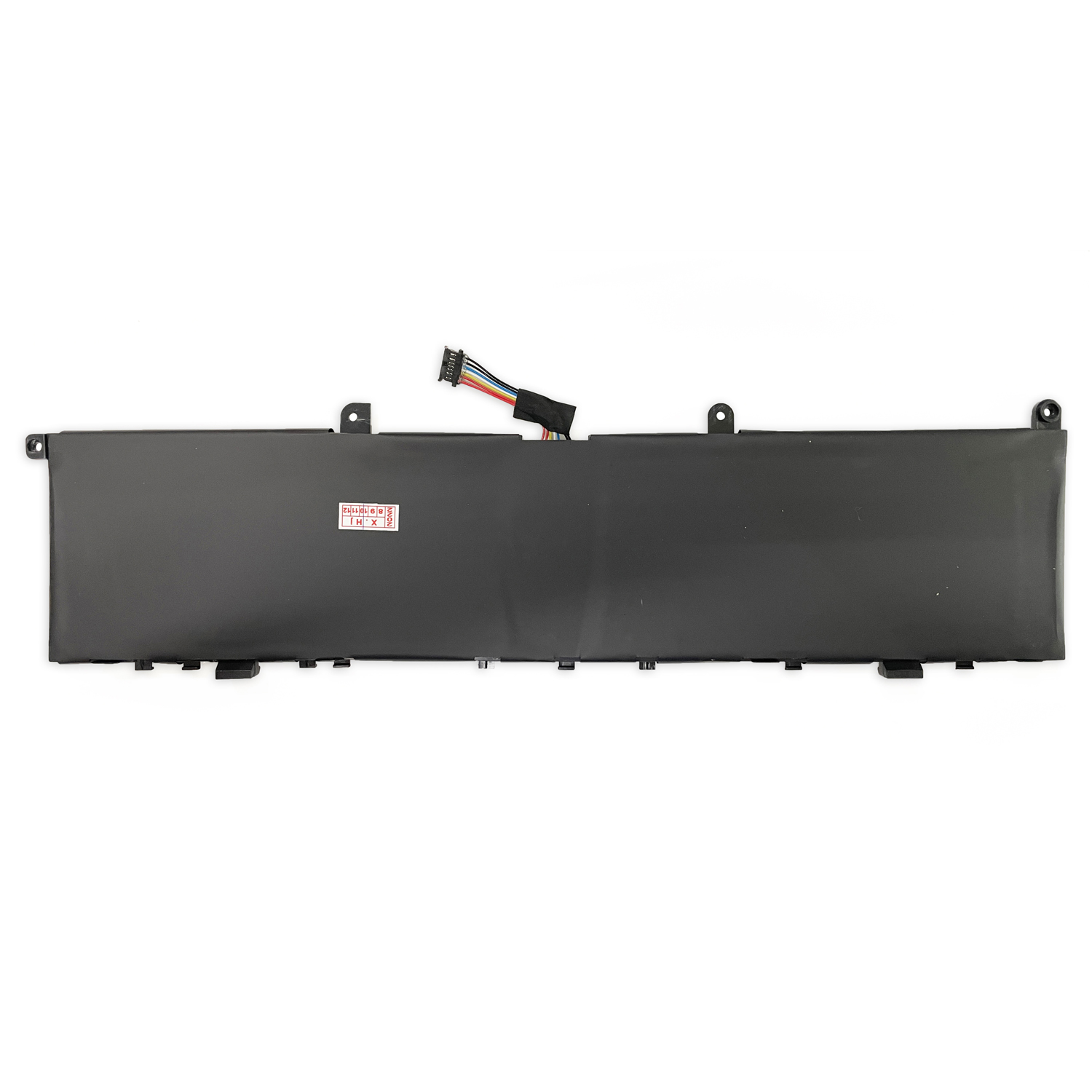
Type: Li-Polymer Battery (Internal)
-
Condition: Brand New, OEM Quality
Why Choose a Genuine Battery for Your Workstation?
-
Stable Power for High-Performance Components: The 80Wh capacity and robust design are calibrated to support the power demands of high-wattage GPUs (GTX/RTX) and Intel H-series processors.
-
Guaranteed Fit & Safety: Precision-engineered for the slim workstation chassis, with integrated protection circuits essential for protecting your valuable investment.
-
Optimal System Communication: Ensures accurate battery health reporting in Lenovo Vantage and prevents potential power management errors.
-
Maintains Resale Value: Using genuine components helps preserve the integrity and value of your premium laptop.
Professional Installation is Crucial
The ThinkPad X1 Extreme and P1 feature a complex, compact internal design with inverted motherboards and advanced cooling systems.
To avoid causing irreversible damage, this replacement must be performed by a qualified technician.
Frequently Asked Questions (FAQ)
-
Q: Is this battery compatible with both the X1 Extreme Gen 1 and Gen 2?
A: Yes. The L17C4P72 battery is designed as the replacement for both the 1st and 2nd generations of the ThinkPad X1 Extreme and P1.
-
Q: What is the difference between L17C4P72 and L18M4P71?
A: These are different part numbers for the same 80Wh battery, often varying by production batch or region. They are functionally identical and fully compatible.
-
Q: Will this work with an X1 Extreme Gen 3 or newer P1?
A: No. Generation 3 and newer models of these laptops use a different, incompatible battery design. Please verify your laptop’s generation.
Ready to Restore Your Workstation’s Power?
Order the genuine L17C4P72 battery today and get back to demanding, untethered productivity.
FAQ: Genuine L17C4P72 Replacement Battery for ThinkPad X1 Extreme & P1 (1st & 2nd Gen)
Q1: Is this battery compatible with my ThinkPad X1 Extreme or P1?
Yes, this Genuine L17C4P72 battery is specifically designed for both 1st and 2nd Generation models of:
-
ThinkPad X1 Extreme (1st & 2nd Gen)
-
ThinkPad P1 (1st & 2nd Gen)
-
Compatible Part Numbers: L17C4P72, L17M4P72, 01AY968, 01AY969, L18M4P71, 01YU911, 5B10V98091, SB10Q76929, SB10Q76928
Q2: What are the technical specifications?
This genuine battery matches original Lenovo specifications:
-
Lenovo Part Numbers: L17C4P72, L17M4P72, L18M4P71
-
Voltage: 15.36V
-
Capacity: 80Wh (Watt-hours)
-
Chemistry: Lithium-Ion
-
Configuration: 4-Cell
-
Type: High-Capacity Internal Battery
Q3: Is this a genuine Lenovo OEM battery?
Yes, this is a 100% genuine Lenovo OEM battery with exact factory specifications. It guarantees perfect compatibility, safety, and performance for your high-performance workstation.
Q4: How difficult is it to replace the battery myself?
Replacing the battery in X1 Extreme/P1 models requires moderate to advanced technical skill:
-
Tools Needed: Precision Phillips screwdriver, plastic prying tools
-
Process: Requires removing the bottom panel to access the internal battery
-
Recommendation: Search for “X1 Extreme battery replacement” guides online. Professional installation recommended if unsure.
Q5: What warranty do you offer?
This genuine Lenovo battery comes with a 12-month warranty against manufacturing defects.
Q6: Will my system recognize this battery correctly?
Yes, the ThinkPad’s power management system will automatically recognize this genuine battery. You can verify through:
-
Lenovo Vantage software
-
Windows Battery Report
-
BIOS Power Information
Q7: How can I maximize my new battery’s lifespan?
To extend battery life for your workstation:
-
Use Lenovo Vantage Battery Conservation Mode when primarily plugged in
-
Avoid frequent complete discharges
-
Keep the device well-ventilated during heavy workloads
-
Update BIOS and power management drivers regularly
Q8: My old battery is swollen. Is it safe to replace?
A swollen battery requires immediate professional attention:
-
Power off immediately and disconnect from power
-
Professional help recommended for safe removal
-
Do not puncture or attempt to bend the battery
-
Recycle properly at designated e-waste facilities
Q9: Why is the 80Wh capacity important for these models?
The 80Wh capacity is ideal for:
-
Mobile workstation performance with dedicated graphics
-
Extended runtime for creative/professional applications
-
Balancing power and portability in a slim form factor
-
Maximum capacity allowed for air travel
Q10: Why choose genuine over third-party batteries?
For your high-performance ThinkPad, a genuine battery ensures:
-
Perfect Compatibility: Exact fit and connector alignment
-
Safety Certification: Meets Lenovo’s rigorous safety standards
-
Performance: Stable power delivery for GPU/CPU intensive tasks
-
Reliability: Premium quality cells for consistent performance
-
Warranty Support: Backed by legitimate warranty coverage
⚠️ Important Compatibility Note
This battery is specifically designed for X1 Extreme and P1 1st/2nd Gen models. It will NOT fit X1 Carbon, X1 Yoga, or other ThinkPad series.
Need Help Confirming Your Model?
Contact us with your ThinkPad’s serial number or model type (found on bottom label), and we’ll guarantee perfect compatibility for your specific device!
Workstation Tip: For optimal battery health when using your X1 Extreme/P1 for extended periods plugged in, enable “Battery Conservation Mode” in Lenovo Vantage to limit maximum charge to 80% and reduce wear on the battery.


Reviews
There are no reviews yet.