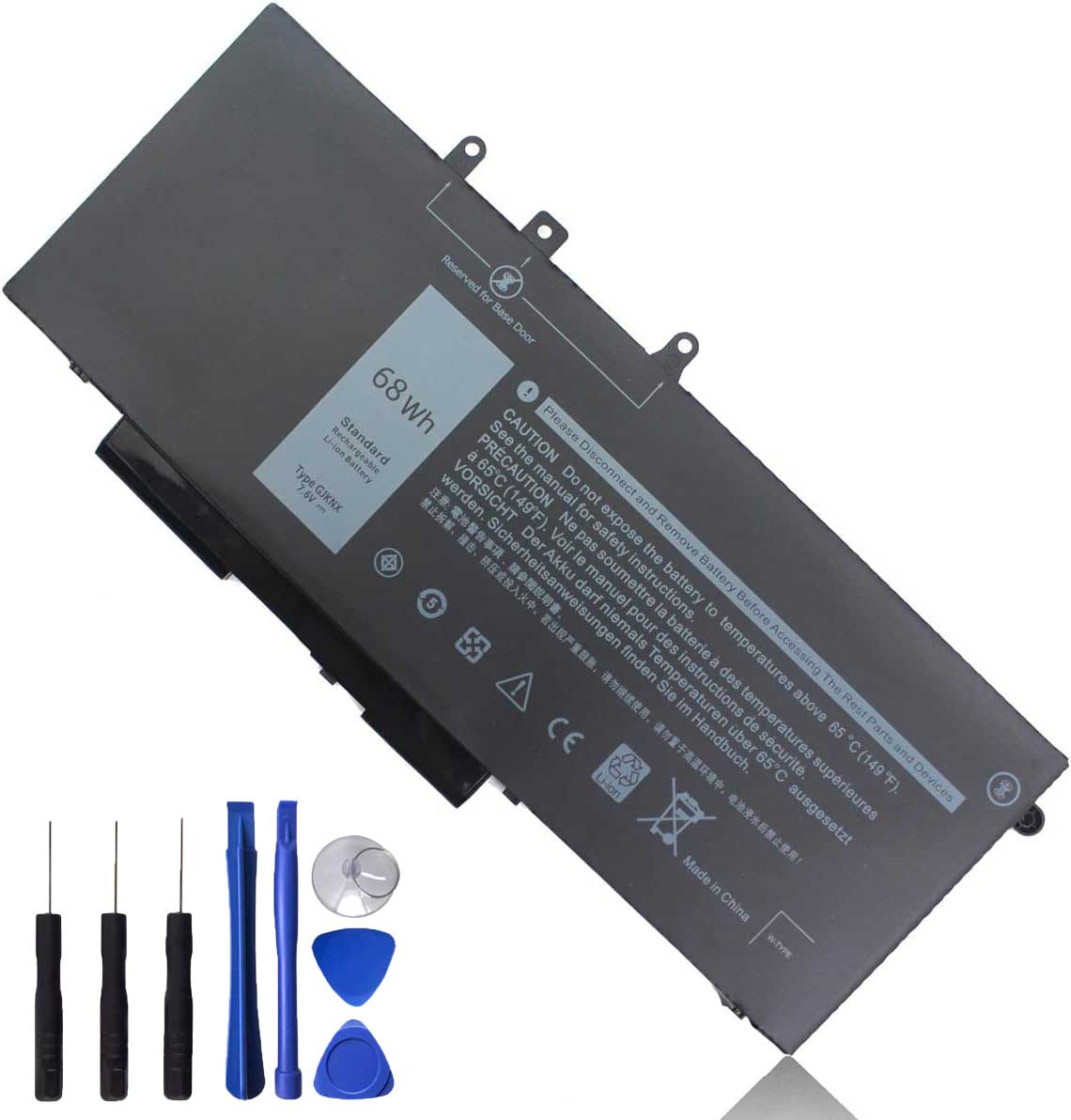
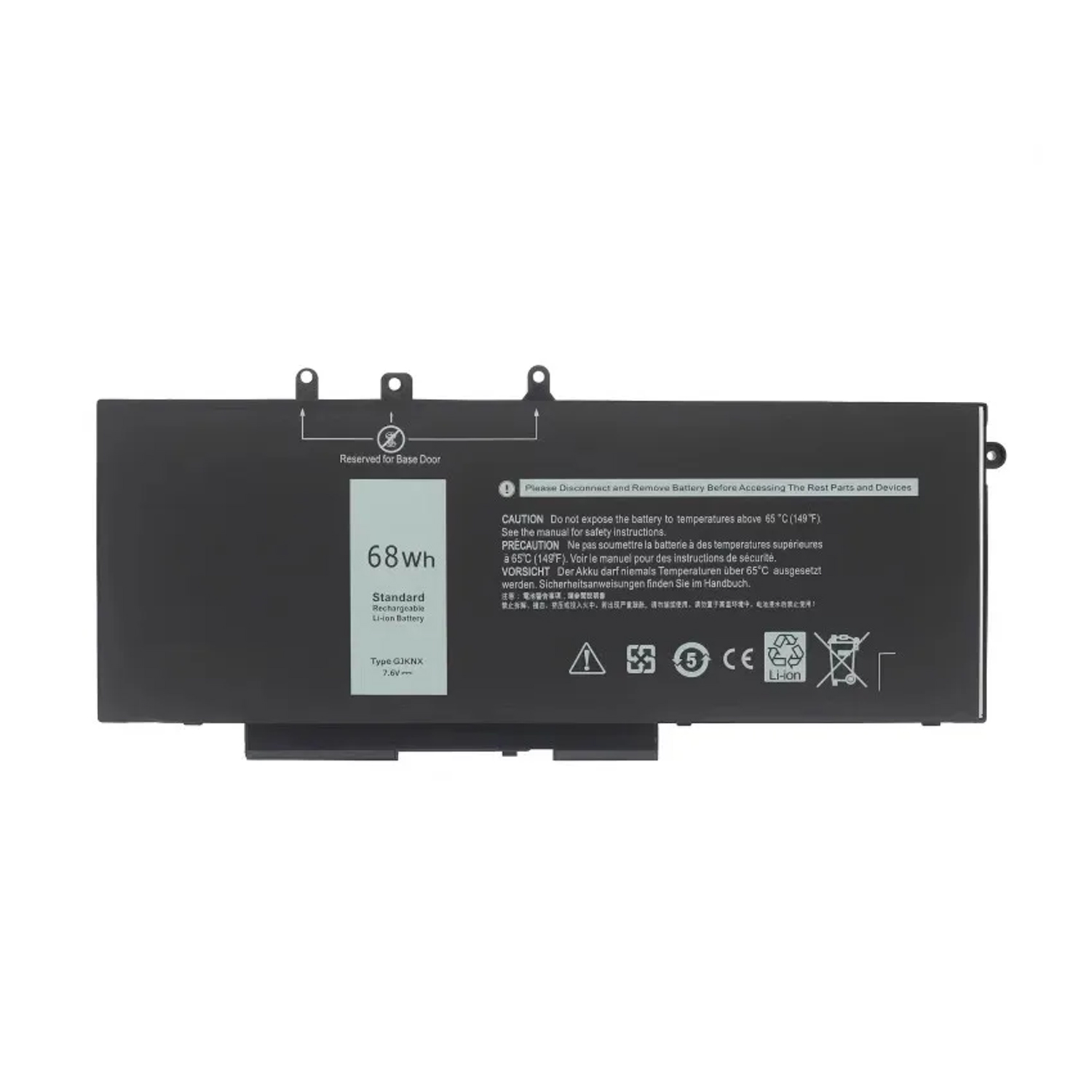
Genuine 68Wh 4-Cell Laptop Battery for Dell Latitude 5580/5480/5590/5490 & Precision 3520/3530
Reliable Power for Your Dell Business Laptop and Mobile Workstation
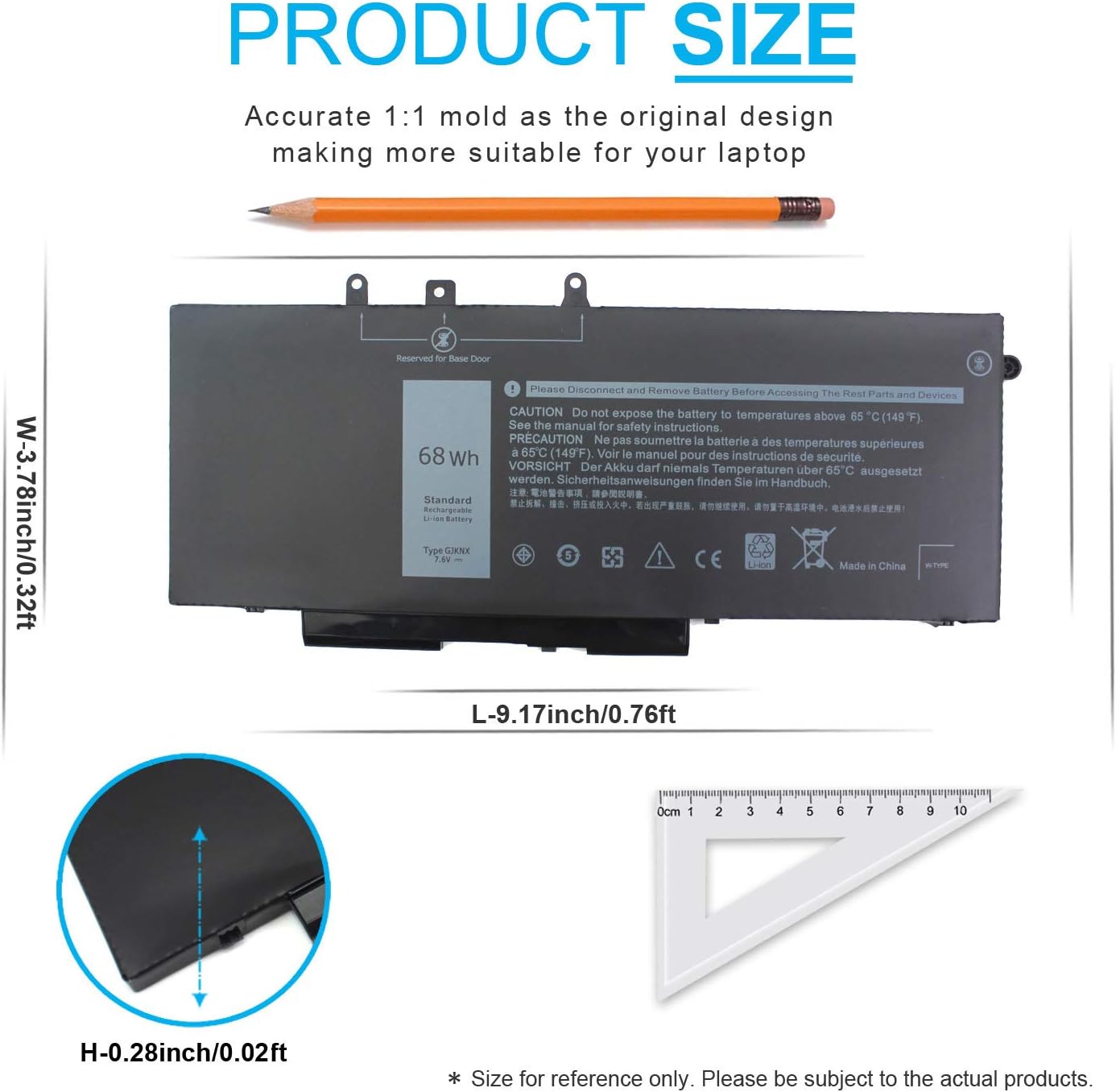
This genuine 68Wh (7.6V) 4-cell replacement battery (Part Number: GJKNX) is engineered to deliver dependable performance for a wide range of Dell business-class laptops. It is fully compatible with Dell Latitude 5580, 5480, 5280, 5590, 5490, 5488, 5288, 5495, 5491, 5591 (including E-prefix models like E5480, E5580) and Precision 3520, 3530 mobile workstations. It serves as a direct replacement for part numbers 451-BBZG, GD1JP, 0GD1JP, DY9NT, 0DY9NT, 5YHR4, P60F, and P72G.
Key Features & Benefits:
-
✔ Extensive Compatibility: Meticulously designed to power numerous Dell Latitude and Precision models from popular generations, ensuring you find the correct battery for your device.
-
✔ 68Wh High Capacity: Provides extended runtime for mobile professionals, reducing the frequency of charges and enhancing productivity.
-
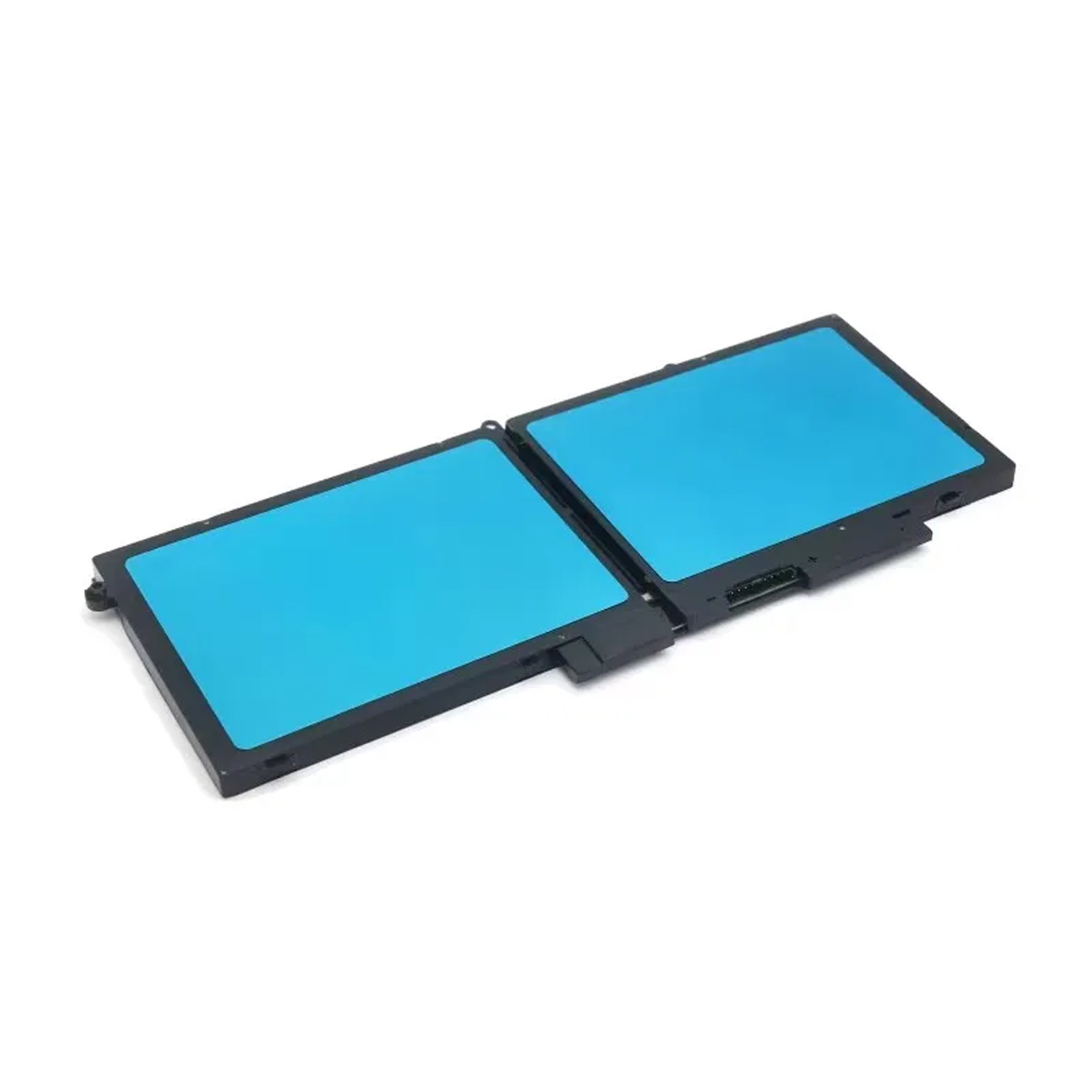
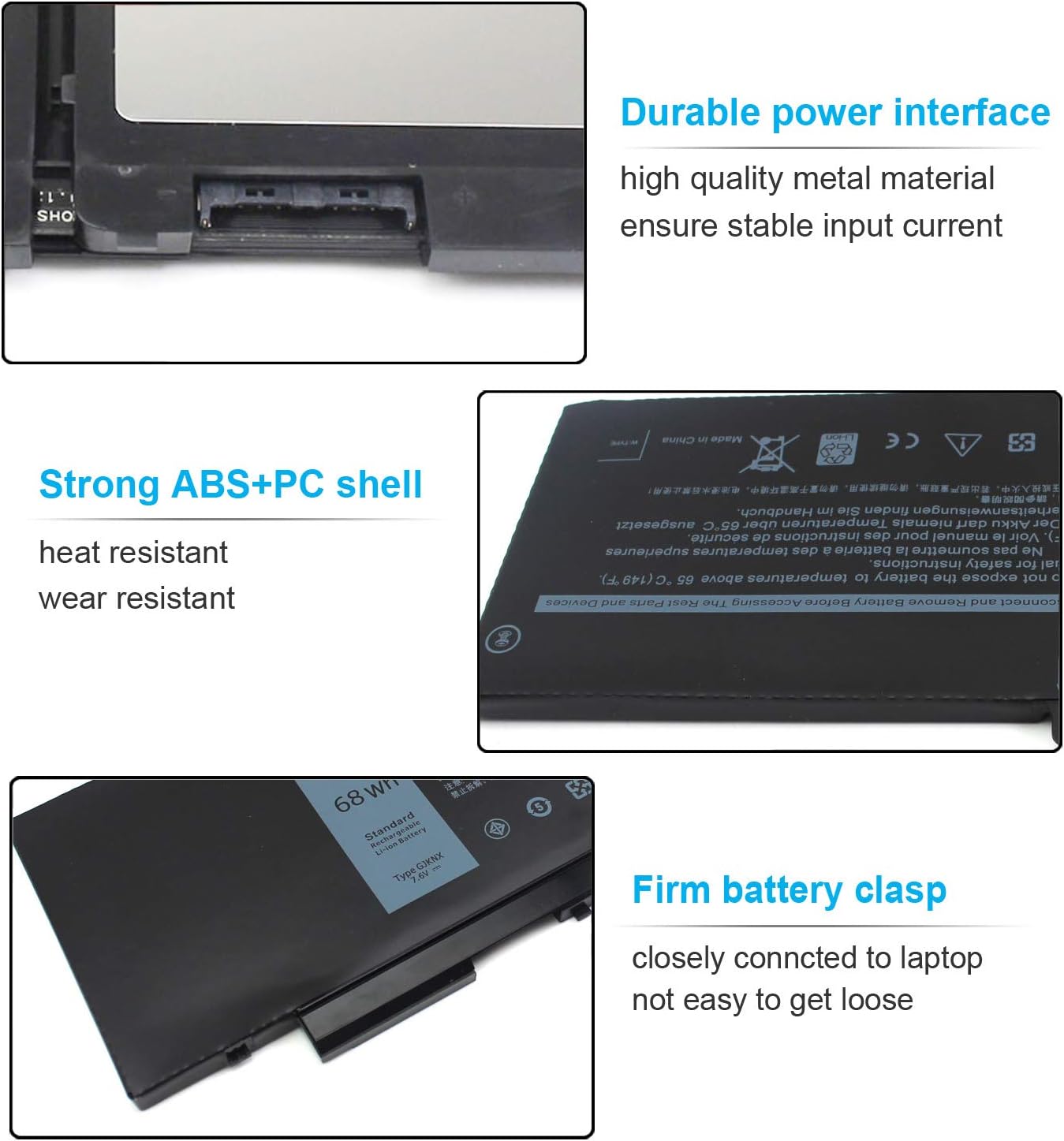
✔ 4-Cell Robust Design: Offers a balance of capacity and durability, fitting perfectly into your laptop’s chassis as per original design.
-
✔ Guaranteed Safety & Reliability: Built with protection circuits against overcharging, over-discharging, and short circuits, meeting stringent safety standards.
Compatibility Includes:
-
Dell Latitude Series: 5280, 5288, 5480, 5488, 5490, 5491, 5495, 5580, 5590, 5591 (and their E-prefix variants).
-
Dell Precision Series: 3520, 3530.
Why Choose This Battery?
-
Perfect Fit: Eliminate compatibility concerns with a battery designed specifically for these Dell series.
-
Quality Assured: Manufactured to meet high-quality and safety standards for reliable everyday use.
-
Warranty Support: Backed by a [例如:12-month] warranty for customer confidence.
Order now and restore the mobile productivity of your trusted Dell laptop!
Genuine GJKNX 7.6V 68Wh Battery for Dell Laptops
Q1: Is this GJKNX battery compatible with my Dell Latitude 5580 or Precision 3520?
A: Yes, this GJKNX 7.6V 68Wh battery is specifically designed to be compatible with a wide range of Dell laptops, including the Dell Latitude 5580, 5480, 5280, 5590, 5490, 5591 and the Dell Precision 3520, 3530 series. We strongly recommend checking your old battery’s Dell part number (like 451-BBZG or GD1JP) to ensure a perfect match.
Q2: What are the Dell part numbers this battery replaces?
A: This battery is a direct replacement for several official Dell part numbers. The most common ones include:
Q3: Is this a genuine Dell battery or a compatible one?
A: This is a high-quality compatible battery from the brand Genuine GJKNX. It is manufactured to meet or exceed the specifications of the original Dell battery. It is not an original Dell part, which makes it a more affordable replacement while still delivering reliable performance.
Q4: What does 68Wh (Watt-hours) capacity mean for battery life?
A: The 68Wh (Watt-hour) rating indicates the battery’s energy storage capacity. A higher Wh generally means longer run time between charges compared to a lower Wh battery (like a 42Wh or 56Wh). This 68Wh capacity should provide excellent battery life for your Dell Latitude or Precision laptop under normal usage conditions.
Q5: How do I check if this battery is the right model for my specific Dell laptop?
A: The safest way to check compatibility is to physically look at your current battery:
-
Shut down and unplug your laptop.
-
Remove the battery.
-
Locate the part number on the battery’s label (e.g., 451-BBZG, GD1JP).
-
Match it to the part numbers listed in this product’s description. This is the most reliable method.
Q6: Is this a 4-cell battery, and what does that mean?
A: Yes, this is a 4-cell lithium-ion battery. The “cell” count refers to the number of internal energy cells. A 4-cell configuration is standard for this type of replacement battery, offering a good balance of capacity, size, and weight for the compatible Dell laptops.
Q7: What warranty comes with this GJKNX replacement battery?
A: Most genuine GJKNX batteries come with a robust warranty, often ranging from 12 to 36 months. Please check the specific product listing for the seller’s warranty details, as this is a strong indicator of the product’s quality and the seller’s confidence.
Q8: How should I calibrate the new battery after installation?
A: For optimal performance, calibrate your new battery:
-
Charge it uninterrupted to 100%.
-
Let it discharge completely by using the laptop until it powers off.
-
Recharge it fully to 100% again without interruption.
This process helps the laptop’s system accurately report the battery level.


Reviews
There are no reviews yet.