Genuine Dell 9JM71 Laptop Battery – 42Wh 11.4V for Latitude 5320/7320/7420/7520
Maintain Peak Performance with an Authentic Dell Battery
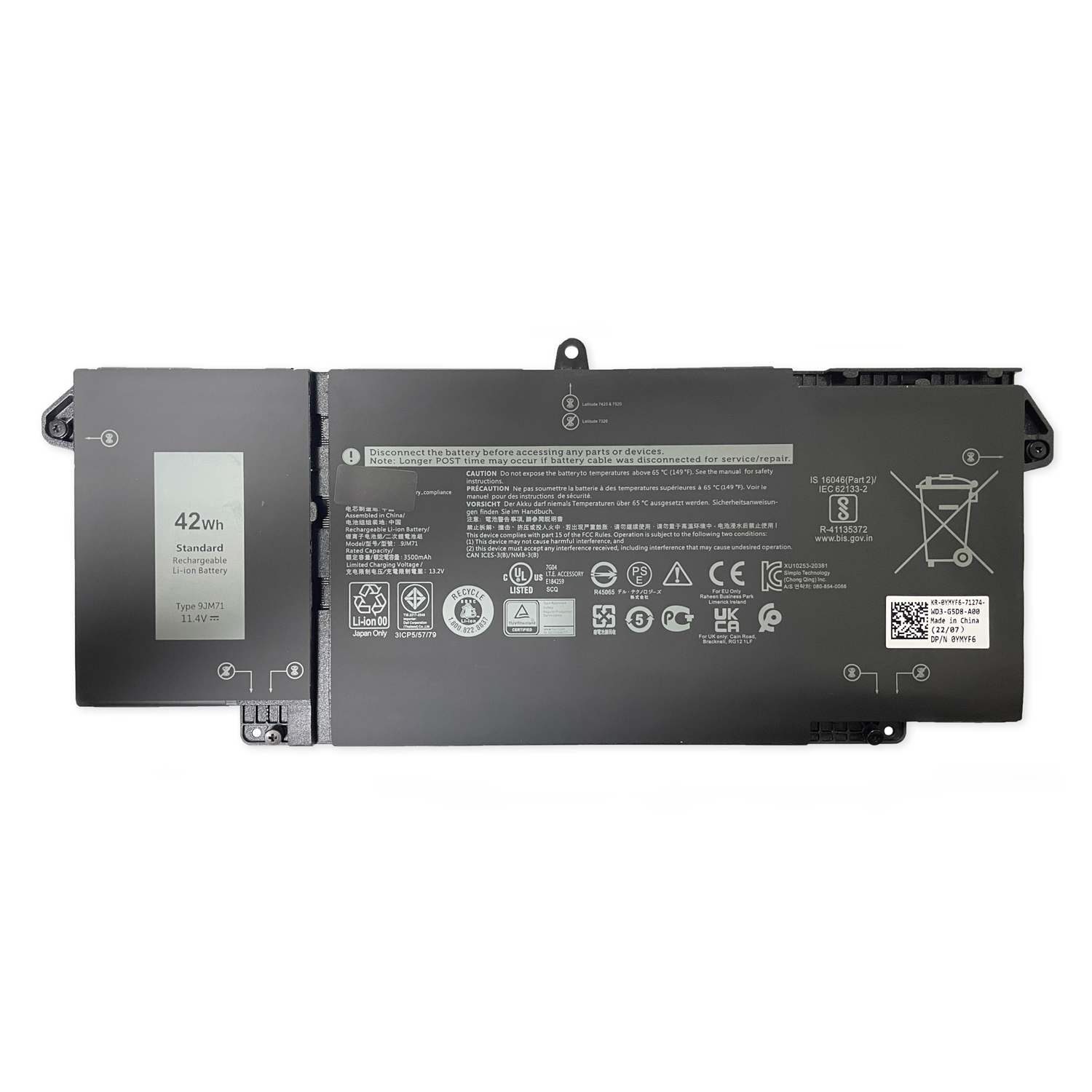
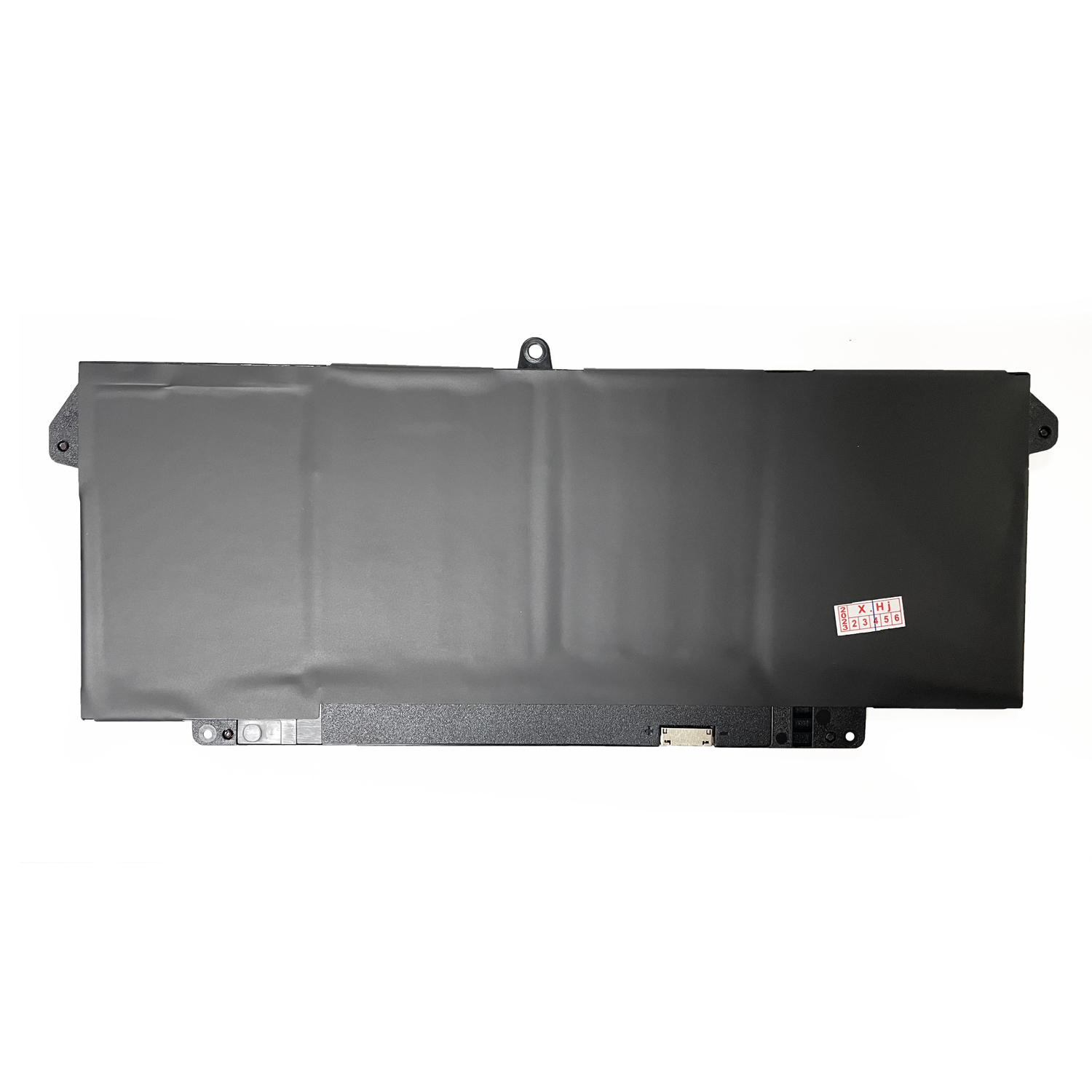
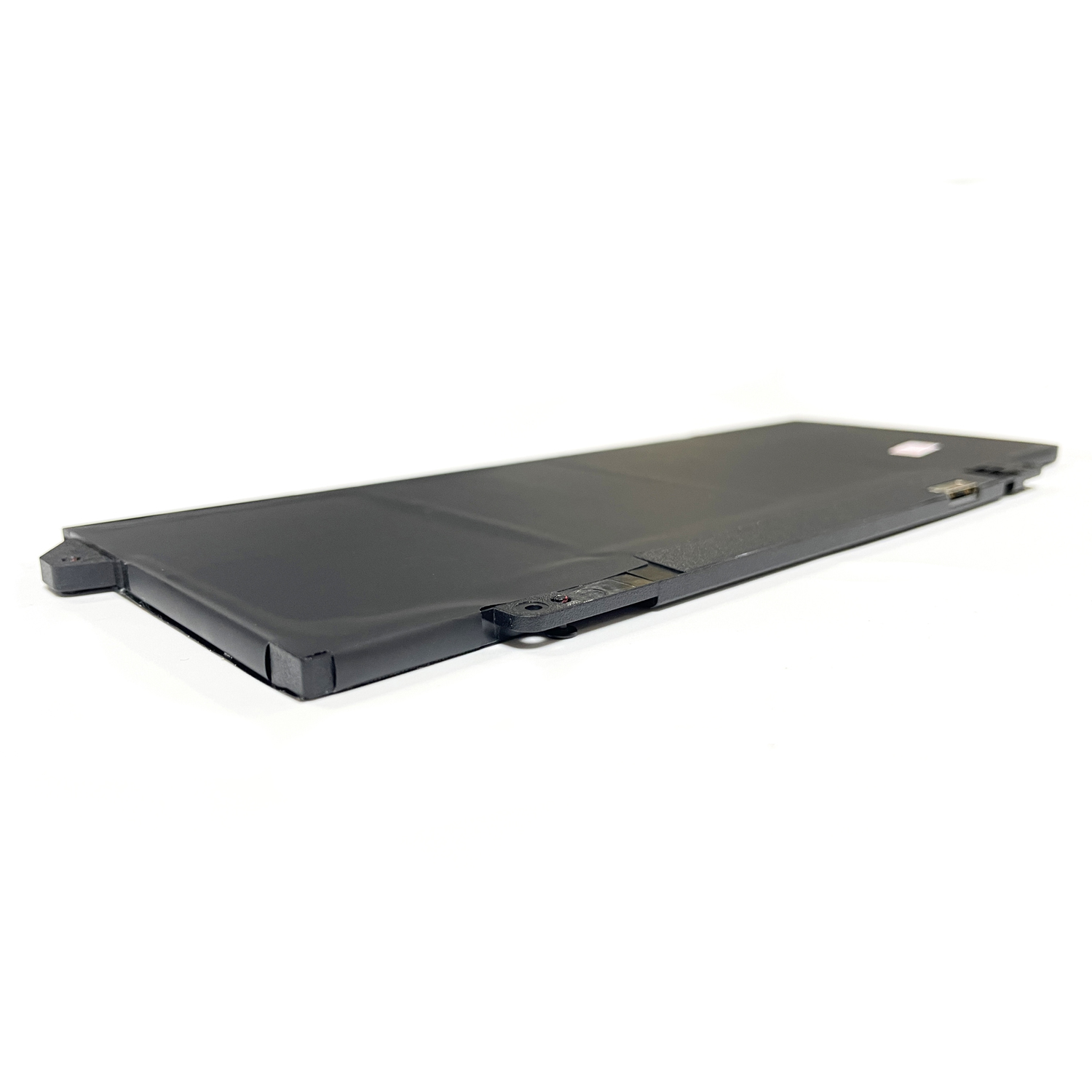
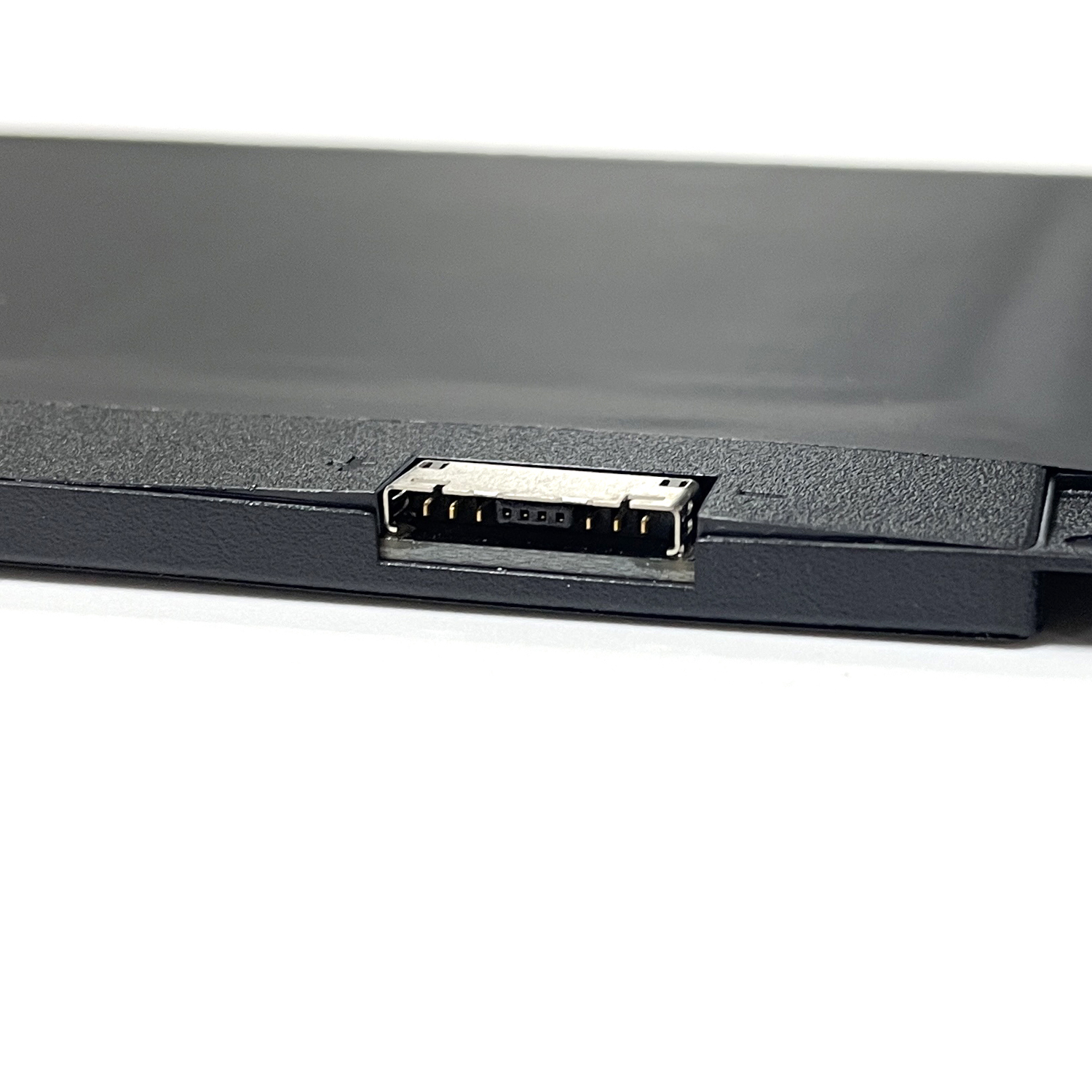
This genuine Dell 42Wh (11.4V) lithium-ion battery (Part Number: 9JM71) is engineered specifically for Dell Latitude 5320, 7320, 7420, and 7520 business laptops. As an original Dell component, it guarantees perfect compatibility and reliable power delivery for your mobile workstations.
Key Features:
• Original Dell Quality: Direct-from-manufacturer battery ensuring seamless integration with your laptop’s power management system
• 42Wh Capacity: Provides balanced performance and runtime for business applications
• 11.4V Specification: Matches exact Dell engineering requirements for stable operation
• Safety Certified: Built-in protection against overcharging and short circuits
Compatibility Includes:
-
Dell Latitude 5320 Series
-
Dell Latitude 7320/7330 Series
-
Dell Latitude 7420/7430 Series
-
Dell Latitude 7520/7530 Series
Why Choose Genuine?
-
Perfect fit with no compatibility risks
-
Maintains your device warranty coverage
-
Consistent performance matching original specifications
Order today and ensure your Dell Latitude operates at its best.
FAQ: Genuine Dell 9JM71 42Wh Laptop Battery for Latitude 5320, 7320, 7420, 7520
1. Is the Dell 9JM71 battery compatible with my laptop?
Yes, the genuine Dell part number 9JM71 is compatible with the following Dell Latitude 5000 & 7000 series models:
-
Dell Latitude 5320
-
Dell Latitude 7320
-
Dell Latitude 7420
-
Dell Latitude 7520
Critical Note: It is essential to verify the specifications of your original battery. While compatible, the 42Wh capacity is a lower-capacity option. Your laptop may have originally come with a higher-capacity (e.g., 63Wh) battery. The 9JM71 will fit and function perfectly but may offer shorter battery life.
2. Is this a genuine Dell OEM battery?
Yes. The part number 9JM71 is an official Dell OEM (Original Equipment Manufacturer) part number. A battery sold with this number from a reputable source is the genuine component. Always purchase from authorized or highly-rated sellers to ensure authenticity.
3. What are the technical specifications?
This is a genuine Dell battery with the following specifications:
4. The listing says 11.4V, but I’ve seen 7.6V for these models. Which is correct?
This is an important distinction. Both are correct but for different battery options within the same laptop models.
-
11.4V batteries like the 9JM71 are typically a 3-cell configuration.
-
7.6V batteries (e.g., a 63Wh model) are typically a 4-cell configuration and are more common in the “high-capacity” option for these ultra-thin laptops.
The 9JM71 (11.4V, 42Wh) is a valid, genuine option, but it is crucial to check which voltage and capacity your specific laptop was designed for to ensure expected performance.
5. How do I know which capacity battery my laptop needs?
The best way is to:
-
Check the label on your original battery.
-
Use your laptop’s Service Tag on the official Dell Support website. It will list the original battery part number and specifications.
6. Is it difficult to replace the battery in these models?
Replacement is moderate in difficulty. The Latitude 5320/7320/7420/7520 series have internal batteries, requiring you to:
-
Power off the laptop.
-
Remove the bottom case by unscrewing several Torx screws (often T5).
-
Disconnect the battery cable from the motherboard.
-
Unscrew the battery from the chassis.
If you are not experienced with internal repairs, seeking professional help is recommended.
7. Why is the Wh (Watt-hour) rating important?
The Wh rating indicates the total energy capacity. A 42Wh battery will not last as long on a single charge as a 63Wh battery. If long battery life is a priority, you may want to confirm if a higher-capacity option is compatible with your specific laptop configuration.
8. How can I verify the battery is genuine when I receive it?
-
Physical Inspection: Look for sharp, clear printing, a Dell hologram, and the correct part number (9JM71) on the label.
-
System Recognition: Your Dell laptop should recognize the battery correctly in the BIOS or Dell Power Manager software without warnings.
Disclaimer: Using a non-genuine battery can pose safety risks and may not perform correctly. For ultra-thin laptops with internal batteries, professional installation is often advised to avoid damaging delicate components. Always recycle old batteries responsibly. Double-check your laptop’s required battery specifications before purchase.

Reviews
There are no reviews yet.