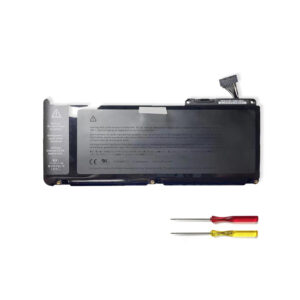
Genuine AA-PBSN4AF Replacement Battery for Samsung NP930SBE / NT930SBE Series Notebook
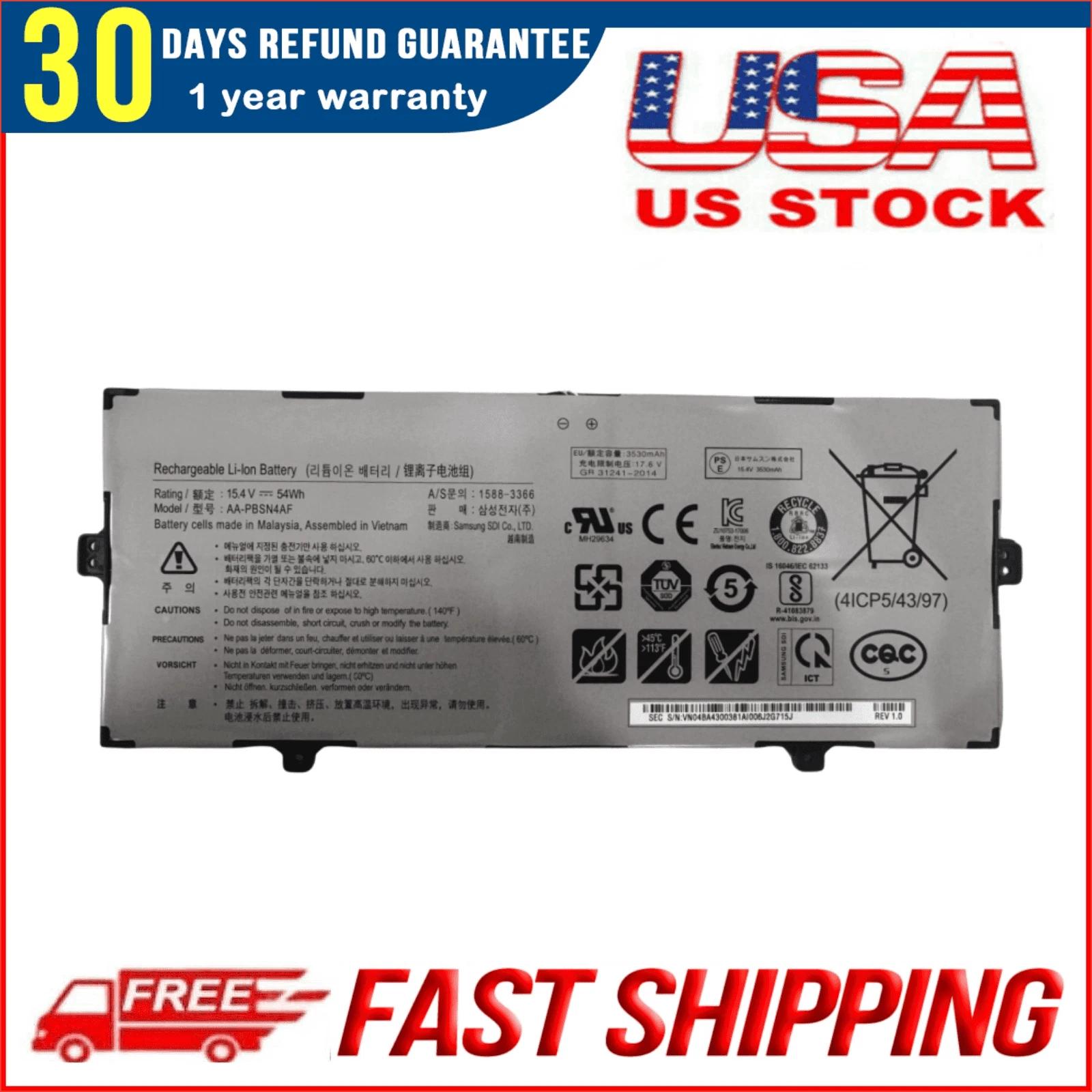
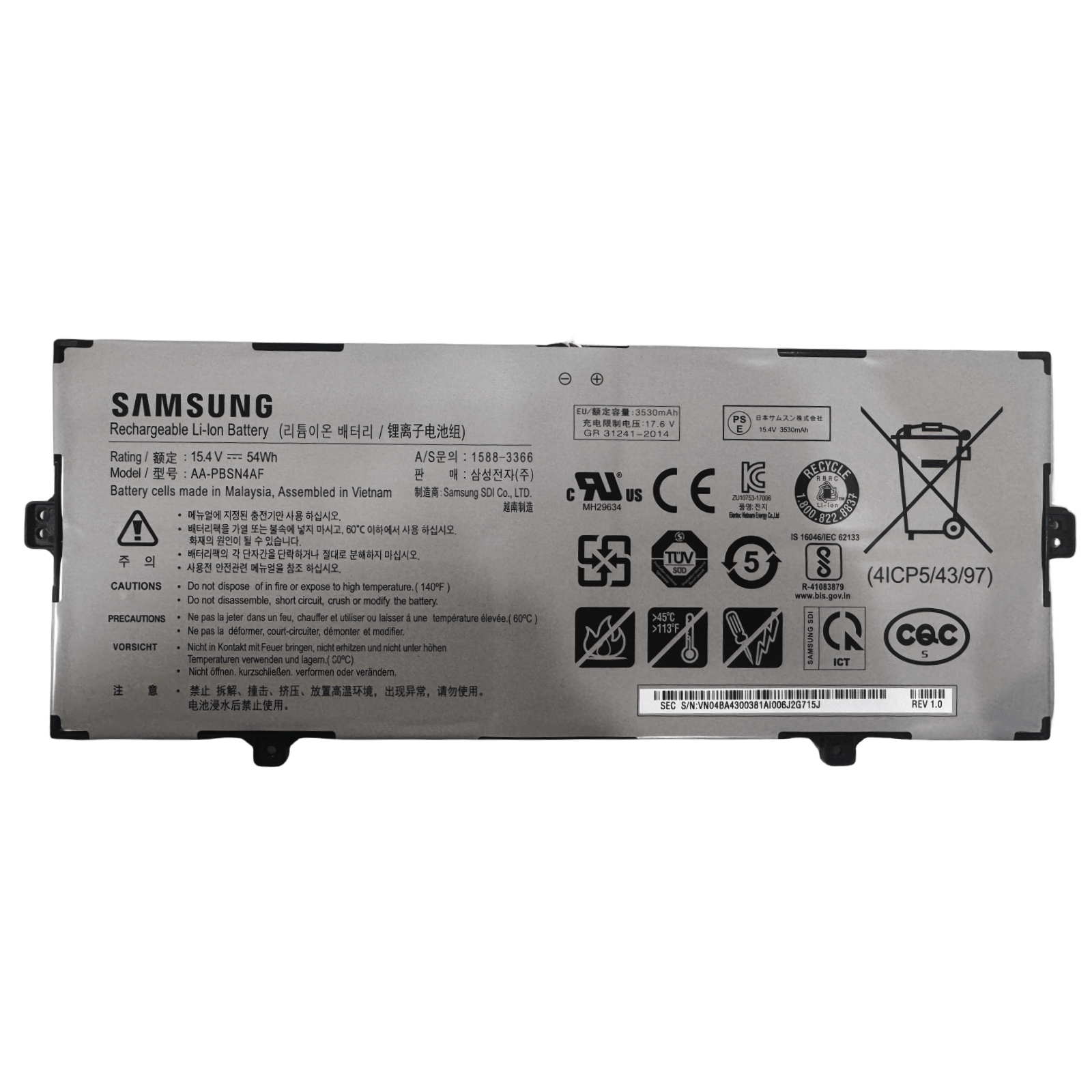
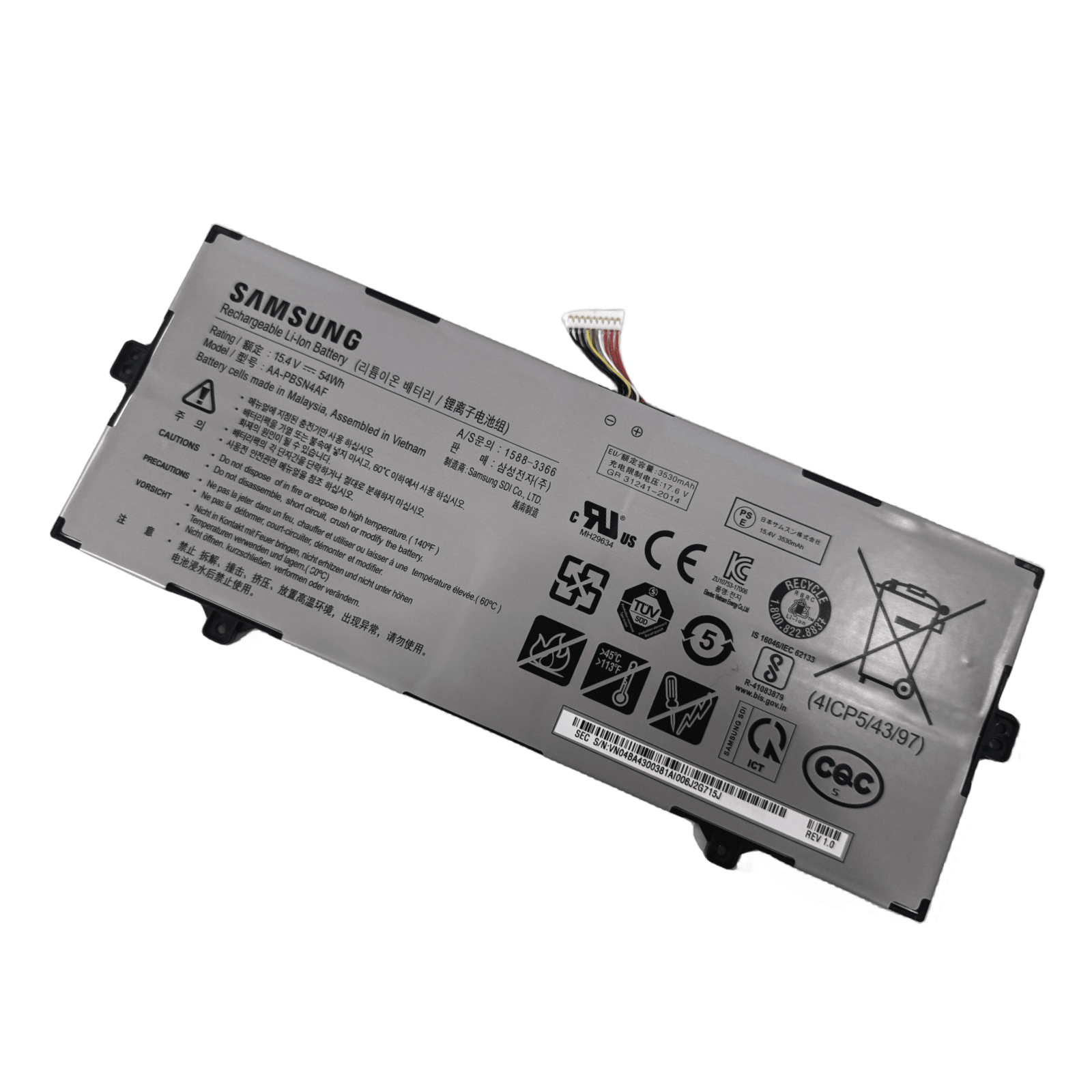
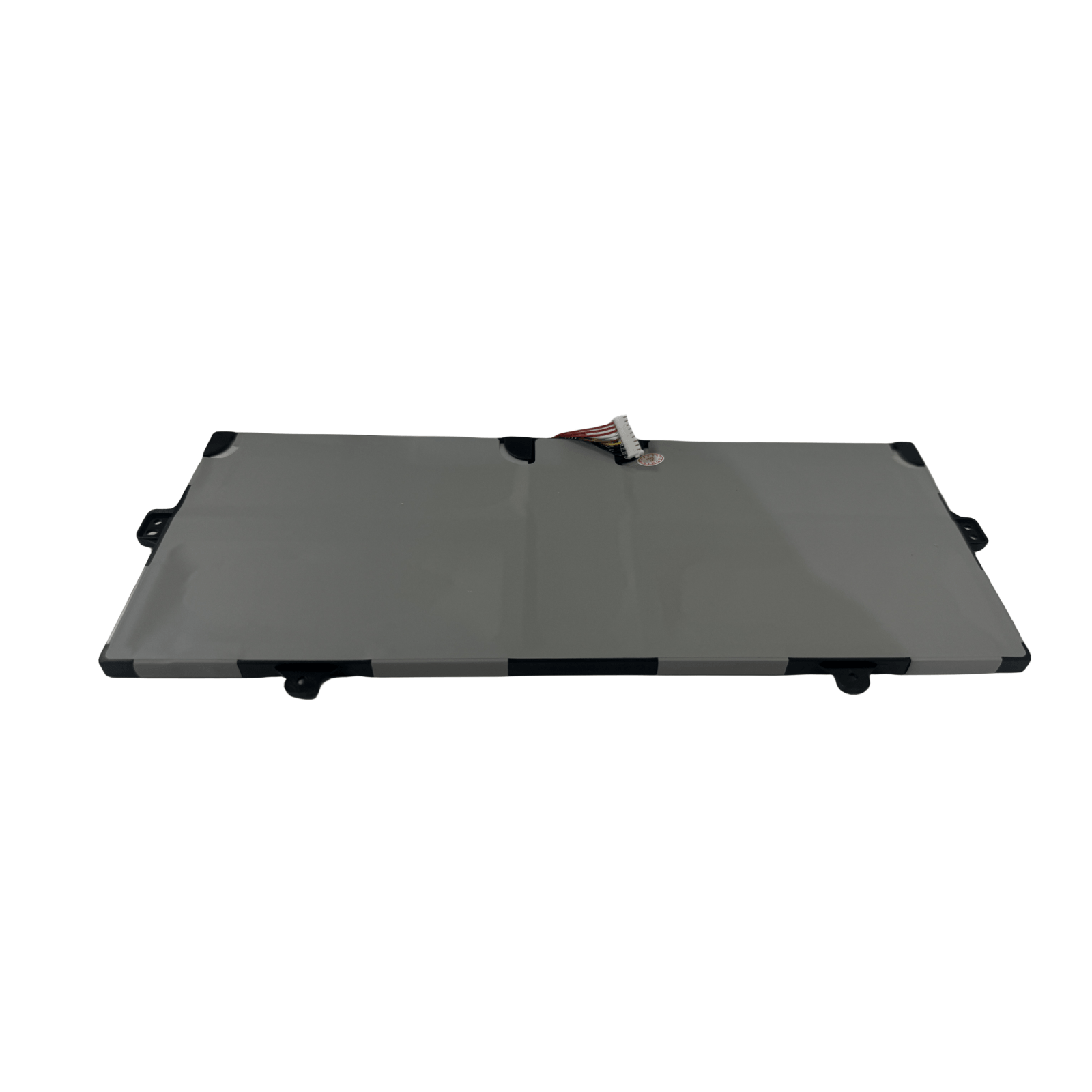
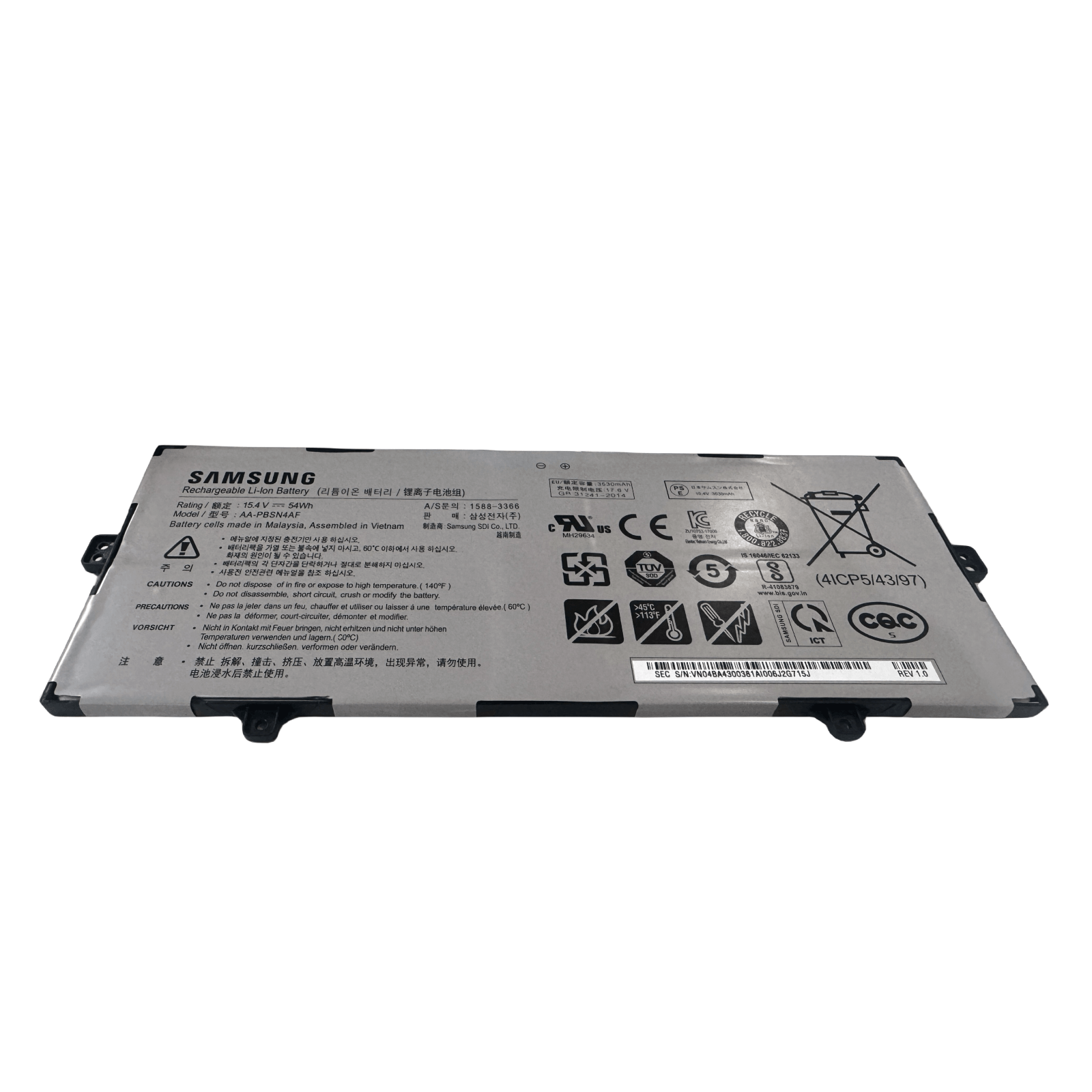
Restore the sleek portability of your Samsung ultrabook. This genuine AA-PBSN4AF replacement battery is engineered to the exact specifications of your Samsung NP930SBE or NT930SBE series notebook. With a 54Wh (3530mAh) capacity and 15.4V output, this 4-cell battery delivers the reliable power you need for a full day of work or study.
Precision Compatibility
This AA-PBSN4AF battery is a direct replacement for the following specific Samsung notebook models:
Key Specifications
-
Battery Code: AA-PBSN4AF (Genuine Specification)
-
Capacity: 54 Wh (3530mAh)
-
Voltage: 15.4 V
-
Configuration: 4-Cell Li-Polymer
-
Condition: Brand New, High-Quality Replacement
Why Choose This Battery for Your Samsung Notebook?
-
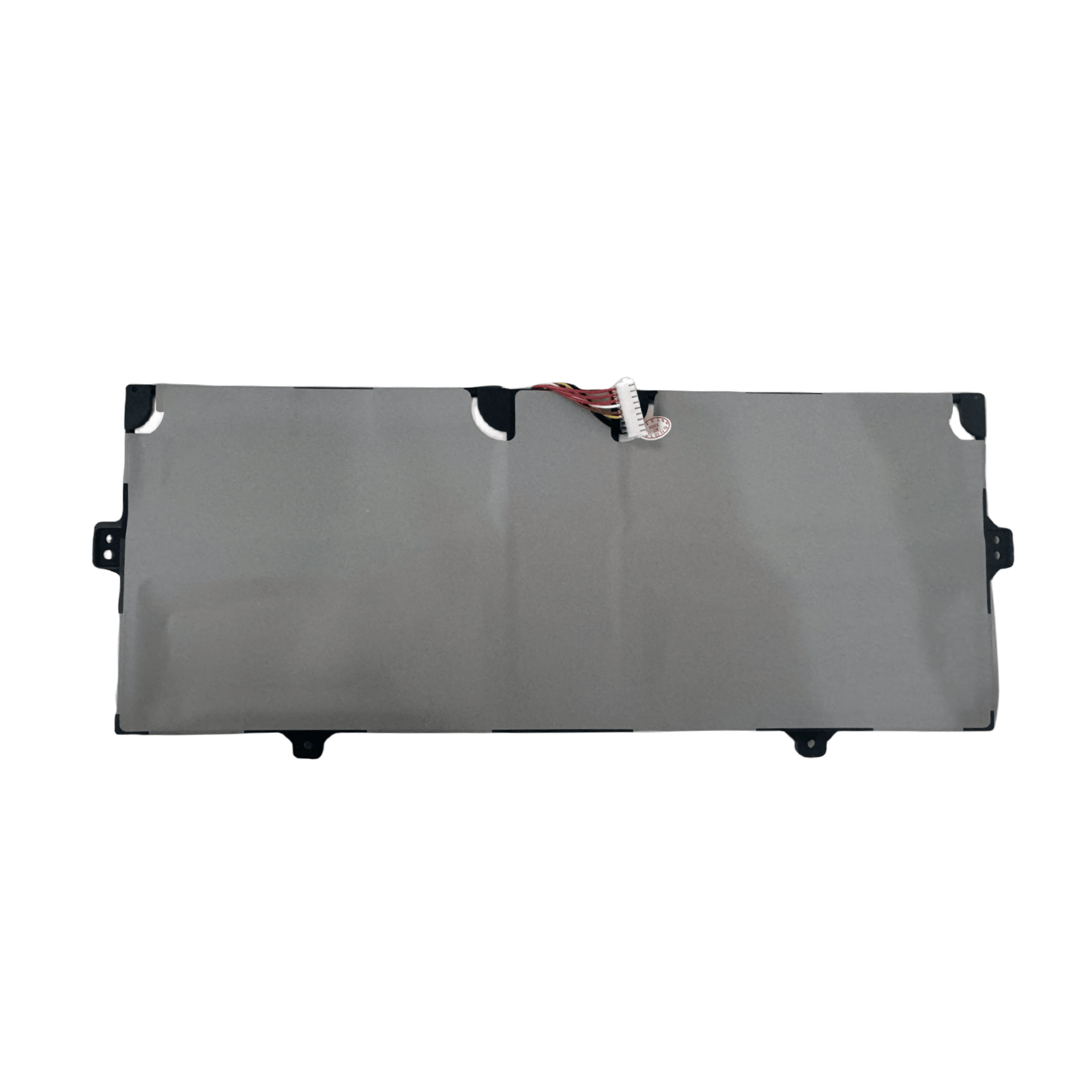
Perfect OEM Fit: Precision-engineered to match the original battery’s dimensions and connector, ensuring a hassle-free installation and secure fit.
-
Optimized Runtime: The 54Wh capacity is designed to provide balanced performance and battery life for your ultrabook’s needs.
-
Safe & Stable Power: Built-in protection circuits guard against overcharging, over-discharging, and short circuits.
-
Reliable Performance: Enjoy consistent power delivery without unexpected shutdowns, restoring your notebook’s original mobility.
Installation Notice
This Samsung notebook model features an internal battery. Replacement requires careful disassembly of the device. If you are not experienced with electronics repair, we strongly recommend seeking professional installation services to avoid any potential damage.
Ready to Regain Your Notebook’s Mobility?
Order your AA-PBSN4AF replacement battery today and get back to computing without limits.
FAQ: Genuine AA-PBSN4AF Replacement Battery for Samsung NP930SBE Series Notebooks
Q1: Is this AA-PBSN4AF battery compatible with my Samsung notebook?
Yes, this Genuine AA-PBSN4AF battery is specifically designed for the Samsung NP930SBE and NT930SBE series notebooks. It is compatible with the following models:
Important: Please verify your laptop’s exact model number on the bottom case label to ensure compatibility before purchasing.
Q2: What are the technical specifications of this battery?
This genuine battery meets original Samsung specifications:
-
Samsung Part Number: AA-PBSN4AF
-
Voltage: 15.4V
-
Capacity: 54Wh (Watt-hours) / 3530mAh
-
Cell Configuration: 4-Cell Lithium-Ion
-
Compatibility: Samsung NP930SBE/NT930SBE series
Q3: Is this a genuine Samsung OEM battery?
Yes, this is a 100% genuine Samsung OEM (Original Equipment Manufacturer) battery with part number AA-PBSN4AF. It is the exact same battery originally installed in your Samsung notebook, ensuring perfect compatibility and performance.
Q4: How difficult is it to replace the battery myself?
Battery replacement in Samsung notebooks requires basic to moderate technical skill:
-
Tools Needed: Precision Phillips screwdriver
-
Process: Typically involves removing the bottom panel and disconnecting the battery connector
-
Recommendation: We recommend consulting your device’s service manual or watching a disassembly guide specific to your model before attempting
Q5: What warranty do you offer on this battery?
This genuine Samsung battery comes with a 12-month warranty against manufacturing defects. Please retain your purchase receipt for warranty service.
Q6: Will this work with other Samsung notebook models?
No, this battery is specifically designed for NP930SBE/NT930SBE series only. Other Samsung notebook models require different battery specifications. Always verify your exact model number before purchase.
Q7: What should I do if my laptop doesn’t power on after installation?
If your device doesn’t power on after battery replacement:
-
Verify the battery connector is fully seated
-
Connect the original charger and hold the power button for 15-20 seconds
-
Try powering on normally
-
Ensure you’re using the original Samsung charger
Q8: How can I maximize my new battery’s lifespan?
To extend battery life:
-
Avoid constant 100% charging when possible
-
Keep the device well-ventilated during use
-
Avoid extreme temperature exposure
-
Update your BIOS and drivers regularly
-
Use power-saving modes when on battery
Q9: My old battery is swollen. Is it safe to replace?
A swollen battery requires careful handling:
-
Stop using immediately and power off the device
-
Professional help recommended for swollen battery replacement
-
Do not puncture or bend the battery
-
Recycle properly at designated e-waste facilities
Q10: How do I confirm my laptop’s exact model number?
Find your model number by:
-
Checking the label on the bottom of your laptop
-
Going to Settings > System > About in Windows
-
Checking the original packaging or purchase documentation
Need Compatibility Verification?
Contact us with your laptop’s complete model number (from the bottom label) before ordering. We guarantee perfect fitment for your specific device!
Note: For other Samsung notebook models, please search for the specific battery model designed for those devices.

Reviews
There are no reviews yet.