Genuine A2797 Replacement Battery for Apple MacBook Air | M2 & M3 Chip Models | 66.5Wh High-Capacity | Compatible with Multiple 13″ & 15″ Configurations
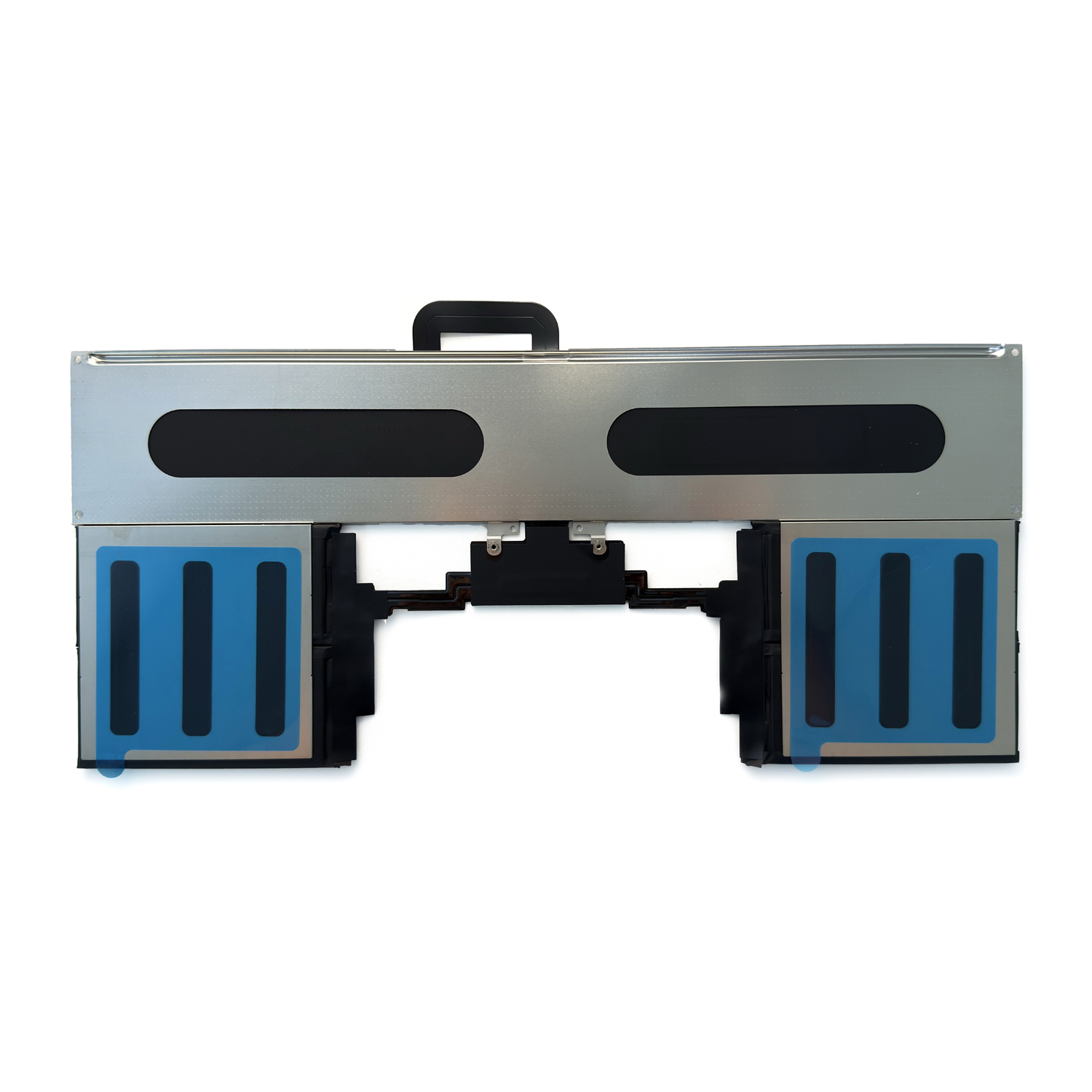
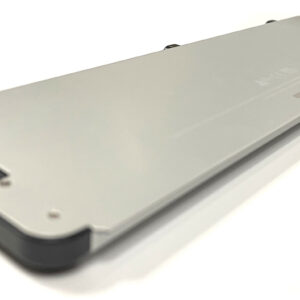
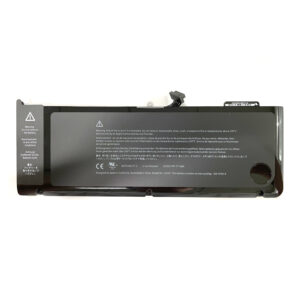
Power your next-generation MacBook Air with our authentic A2797 replacement battery, engineered for both M2 (A2941) and M3 (A3114) chip models including the 15-inch MacBook Air. With 66.5Wh capacity and 5762mAh power, this battery delivers exceptional performance for all-day computing, creative tasks, and mobile productivity. Experience seamless compatibility and maintain your MacBook Air’s legendary battery life with this precision-engineered replacement.
Guaranteed Compatibility:
This battery is designed for:
-
MacBook Air M2 Model: A2941 (13-inch)
-
MacBook Air M3 Model: A3114 (13-inch)
-
MacBook Air 15-inch Models: MQKP3LL/A, MQKQ3LL/A, MQKR3LL/A, MQKT3LL/A, MQKU3LL/A, MQKV3LL/A
-
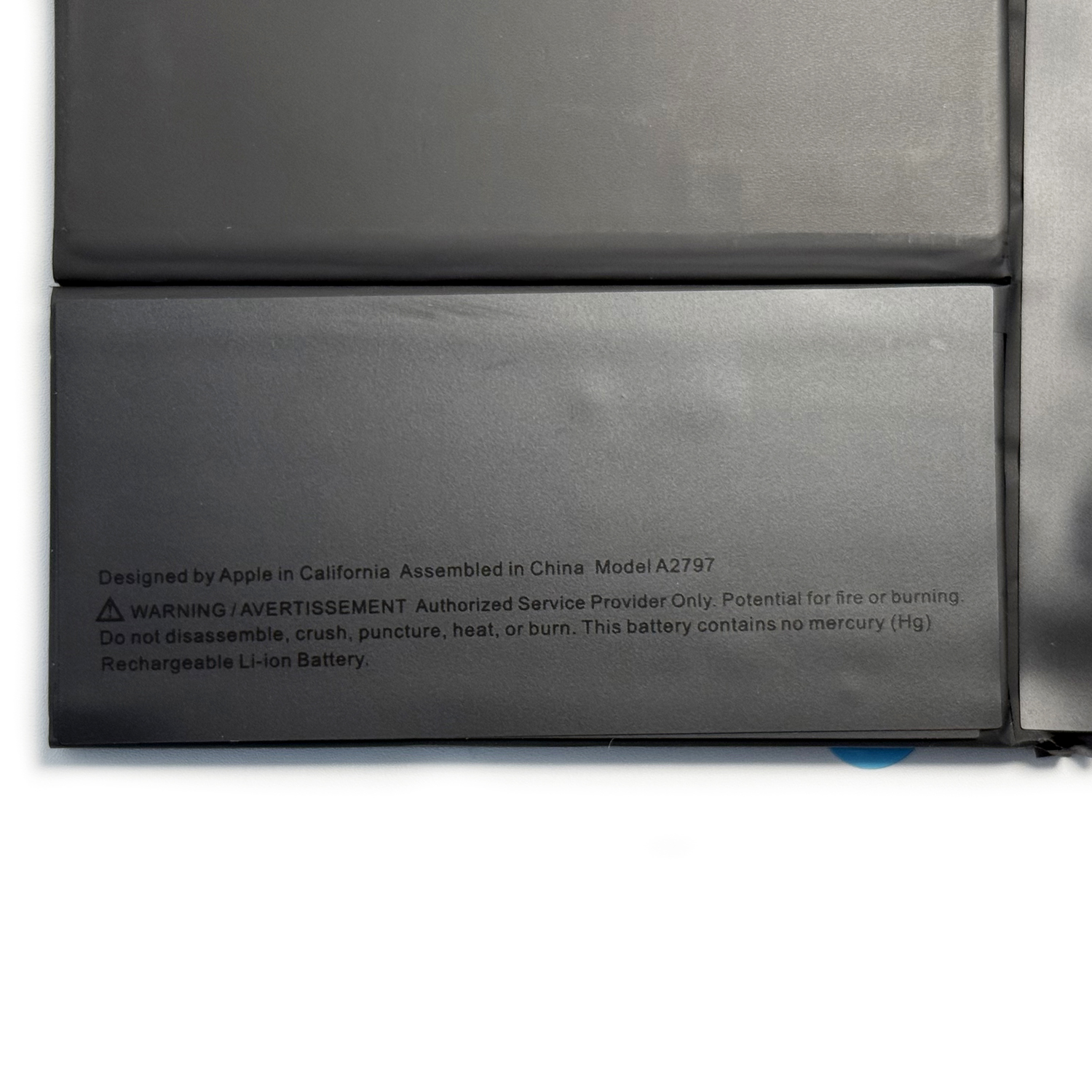
Apple Part Number: A2797
-
Chip Compatibility: Apple M2 & M3 series
Key Features:
-
High 66.5Wh Capacity: All-day power for mobile professionals
-
M2/M3 Optimized: Perfect compatibility with Apple Silicon power management
-
Advanced Safety: Multiple protection circuits (overcharge/overheat/short-circuit)
-
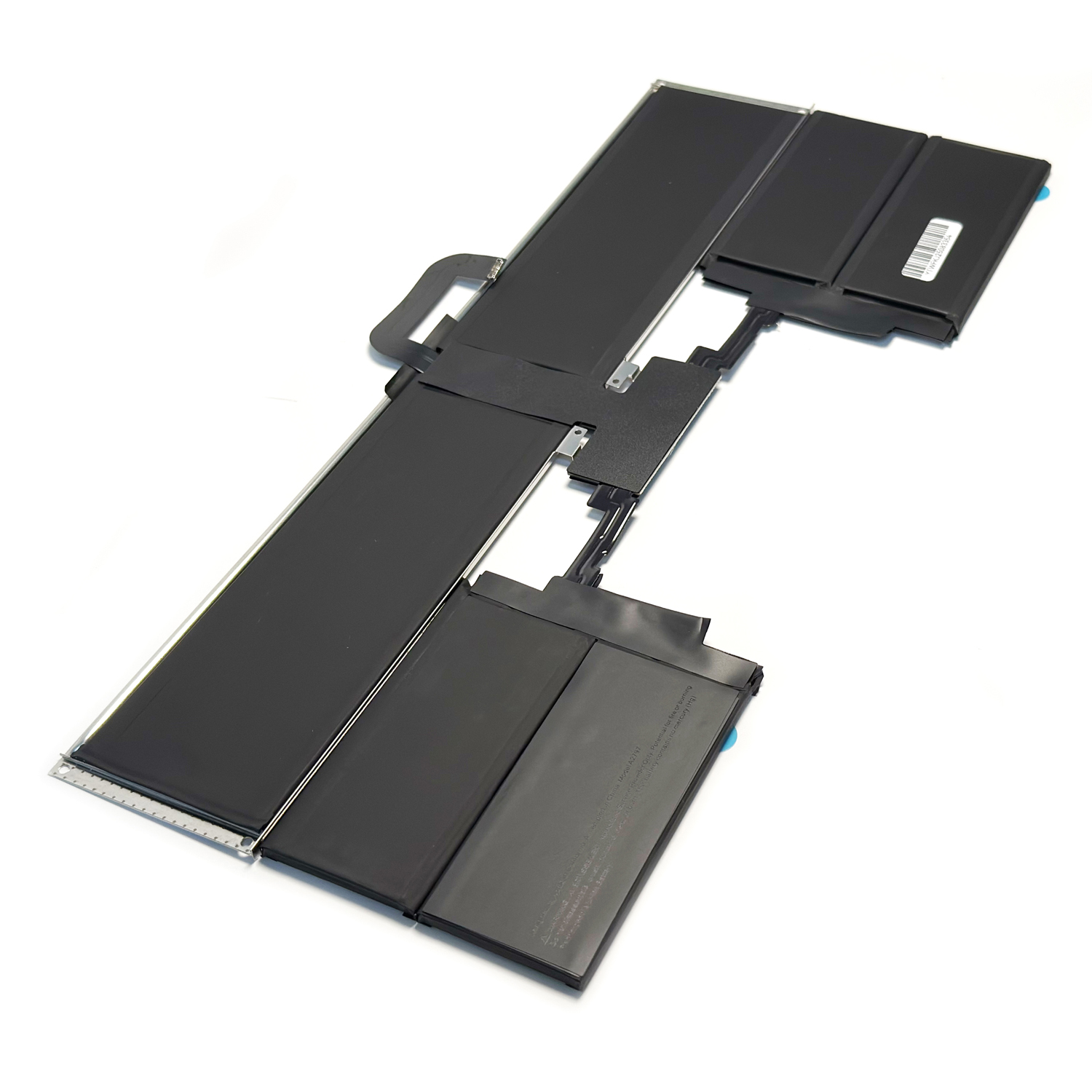
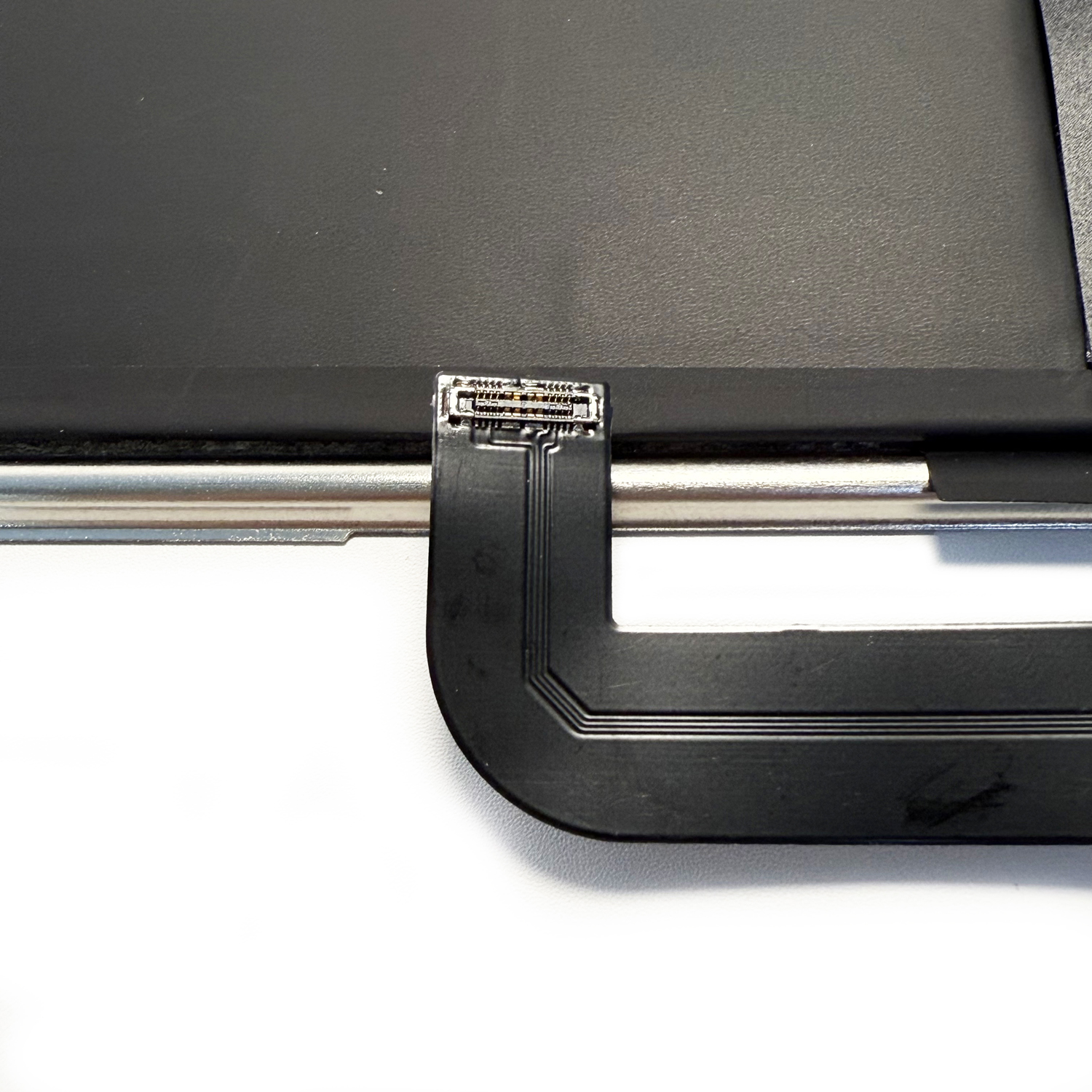
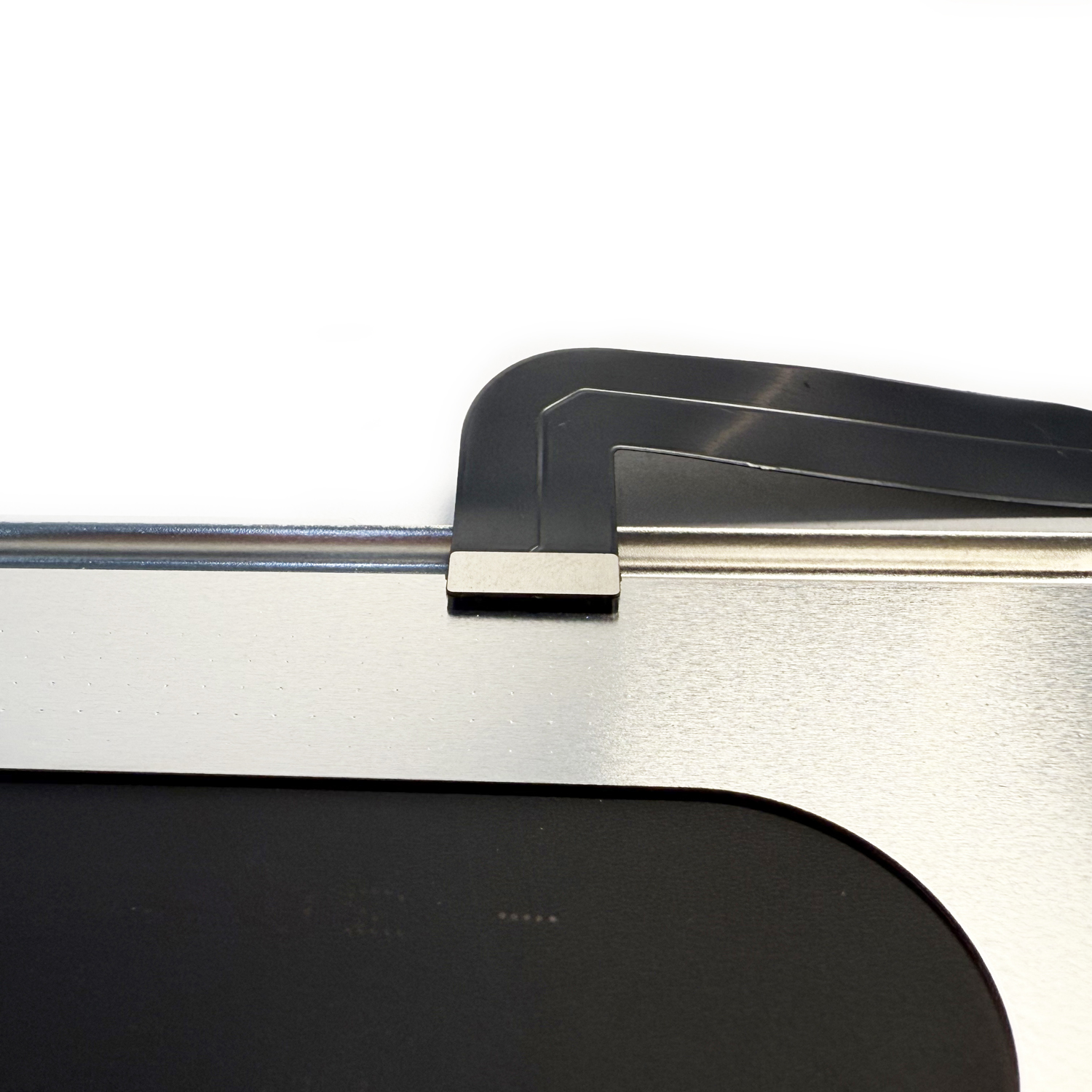
Precision Fit: Direct replacement with proper connector alignment
-
Eco-Friendly: RoHS compliant and mercury-free
Technical Specifications:
-
Capacity: 66.5Wh
-
Voltage: 11.3V
-
Power: 5762mAh
-
Battery Type: Li-ion Polymer (Apple custom design)
-
Compatibility: MacBook Air 13″ (M2/M3) & 15″ models
-
Cycle Count: Up to 1000 cycles
-
Certifications: CE, RoHS, FCC, Apple OEM Standards
Performance Benefits:
-
Extended Runtime: Up to 18 hours of wireless web browsing
-
Silent Operation: Fanless design compatibility
-
Fast Charging: Works with Apple 30W/35W USB-C Power Adapter
-
Seamless Integration: Perfect macOS power management
Quality Assurance:
-
Grade A+ Cells: Premium lithium-ion technology
-
Rigorous Testing: 12-point quality control inspection
-
1-Year Warranty: Comprehensive defect coverage
-
Safety Certified: Meets international safety standards
Installation Guide:
-
Power down completely and disconnect all cables
-
Remove bottom case (P5 pentalobe screwdriver required)
-
Disconnect battery connector from logic board
-
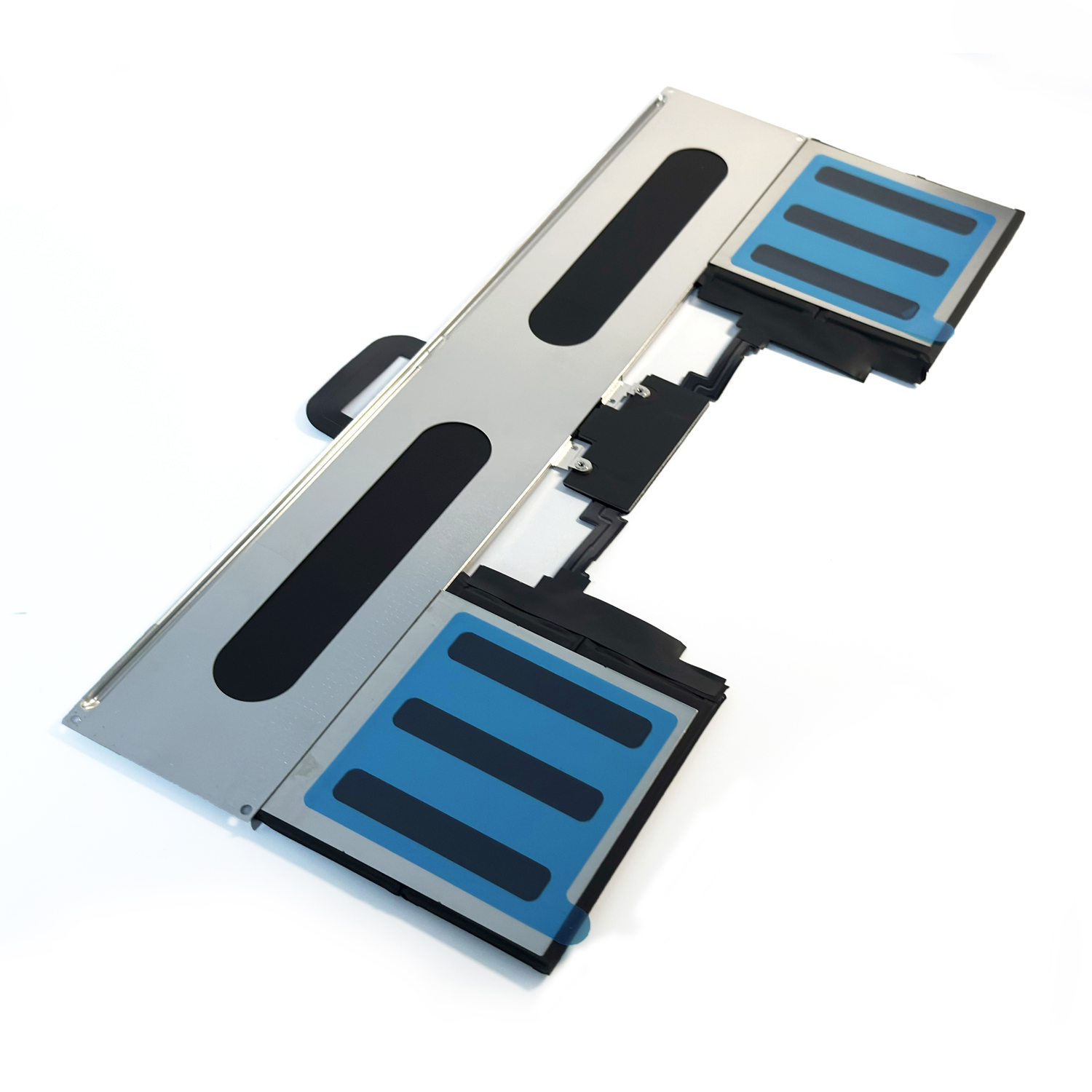
Carefully replace battery (note adhesive placement)
-
Reassemble and charge fully before first use
Maintenance Tips:
-
Use Apple 30W or 35W USB-C Power Adapter
-
Enable “Optimized Battery Charging” in macOS Settings
-
Avoid exposure to high temperatures (>35°C/95°F)
-
Store at 50% charge if not using for extended periods
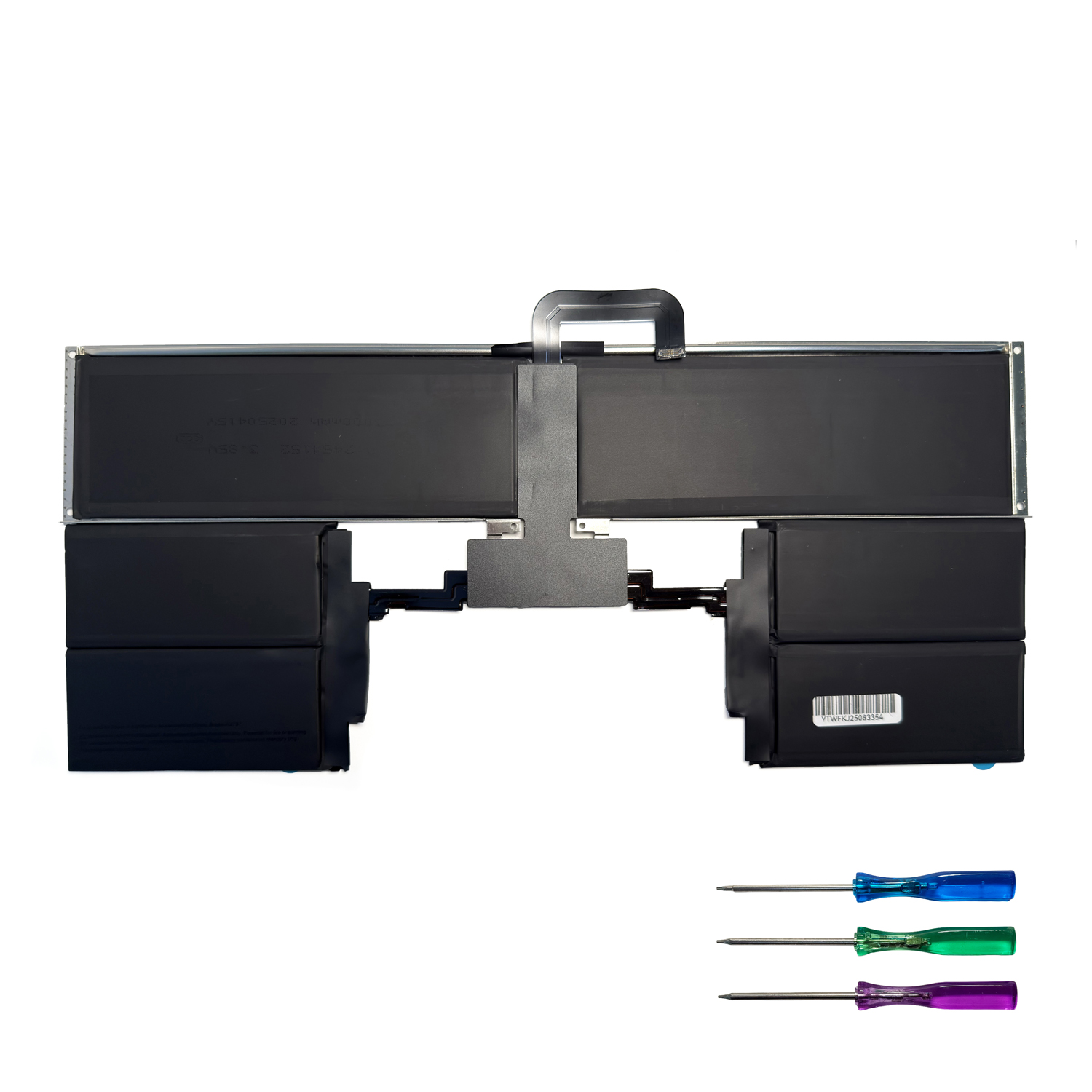
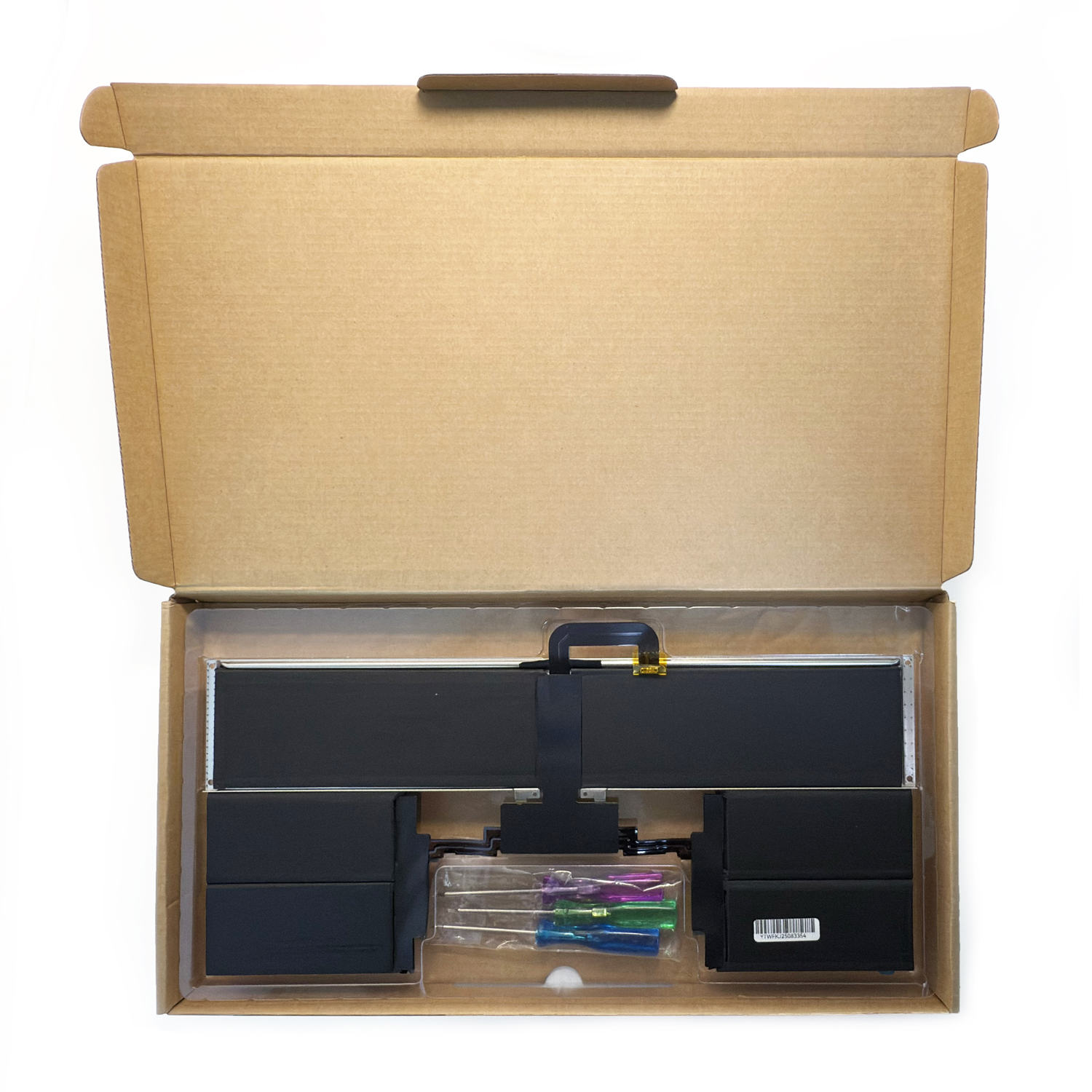
Package Includes:
Why Choose Our Battery?
-
Multi-Model Compatibility (M2 & M3 chips, 13″ & 15″ models)
-
30-Day Return Policy
-
Free Global Shipping
-
Expert Technical Support
-
Environmentally Responsible Manufacturing
Important Notes:
-
Verify your specific model number before purchase
-
Professional installation recommended for optimal results
-
Not compatible with Intel-based MacBook Air models
-
Use only genuine Apple USB-C power adapters
🛒 Ready to Restore Your MacBook Air’s All-Day Battery Life?
Click Add to Cart for genuine compatibility and fast shipping!
Frequently Asked Questions: Genuine A2797 MacBook Air Battery
1. Is this a genuine Apple OEM A2797 battery?
Yes, this is a 100% genuine Apple OEM battery with part number A2797. It is the original battery supplied by Apple for new devices, not an aftermarket or compatible alternative. It guarantees perfect fit, performance, and system integration.
2. Which specific MacBook Air models is this battery compatible with?
This A2797 battery is compatible with the following models:
-
MacBook Air 13-inch (M2, 2022): Model A2681
-
MacBook Air 15-inch (M2, 2023): Model A2941
-
MacBook Air 13-inch (M3, 2024): Model A2931
-
MacBook Air 15-inch (M3, 2024): Model A3114
These models are also known under the series number MQKP3LL/A.
3. How can I verify the battery is genuine and the correct part?
After professional installation, macOS will recognize the battery correctly. To verify:
-
Go to Apple menu () > About This Mac > System Report.
-
Select Power from the hardware list.
-
Check the Model Information and Cycle Count. A genuine battery will show accurate manufacturer details and start with a cycle count of 1.
4. What are the technical specifications?
5. Can I install this battery myself?
We strongly discourage self-installation. Modern MacBook Air models have batteries that are securely glued to the top case. Replacement requires:
-
Specialized tools (P5 Pentalobe, T5 Torx screwdrivers).
-
Expertise to safely handle adhesive strips without damaging internal components.
-
Knowledge of the battery management system (BMS) to avoid short circuits.
To prevent serious damage and ensure safety, this repair must be performed by an Apple Authorized Service Provider (AASP) or a highly skilled professional technician.
6. Will installing this battery myself void my MacBook’s warranty?
If your MacBook is still covered by Apple’s standard warranty or AppleCare+, having the battery replaced by a non-authorized provider will void the remaining warranty for any future issues. For warranty protection, always use an Apple Authorized Service Provider.
7. What is the expected cycle count for this new battery?
This is a brand new, genuine Apple battery with a 0-1 cycle count. Apple designs these batteries to retain up to 80% of their original capacity at 1000 complete charge cycles.
8. Does the battery come with a warranty?
When purchased as a part and installed by an Apple Authorized Service Provider, it is covered by Apple’s limited warranty for parts. If purchased from a third-party seller for installation elsewhere, the seller may offer their own warranty. Please check the specific product listing for details.
9. What tools are required for a professional installation?
A professional will use:
-
P5 Pentalobe screwdriver for the bottom case.
-
T5 Torx screwdriver for internal components.
-
Battery adhesive removal tools (plastic cards, solvent).
-
ESD-safe workspace and tools.
-
New adhesive strips for securing the new battery.
10. How should I dispose of the old battery?
Lithium-ion batteries are hazardous waste and must not be thrown in the trash. You can return your old battery to any Apple Store or Apple Authorized Service Provider for free recycling. Many electronics retailers also offer battery recycling programs.
Critical Safety Disclaimer: Attempting to replace a MacBook Air battery without proper training and tools carries a high risk of damaging your device and causing personal injury (e.g., from battery puncture or fire). The information provided is for reference only. We assume no liability for any damage or injury resulting from the installation of this product. Always seek professional repair services.

Reviews
There are no reviews yet.