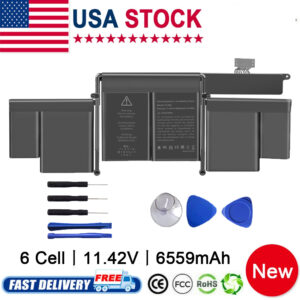
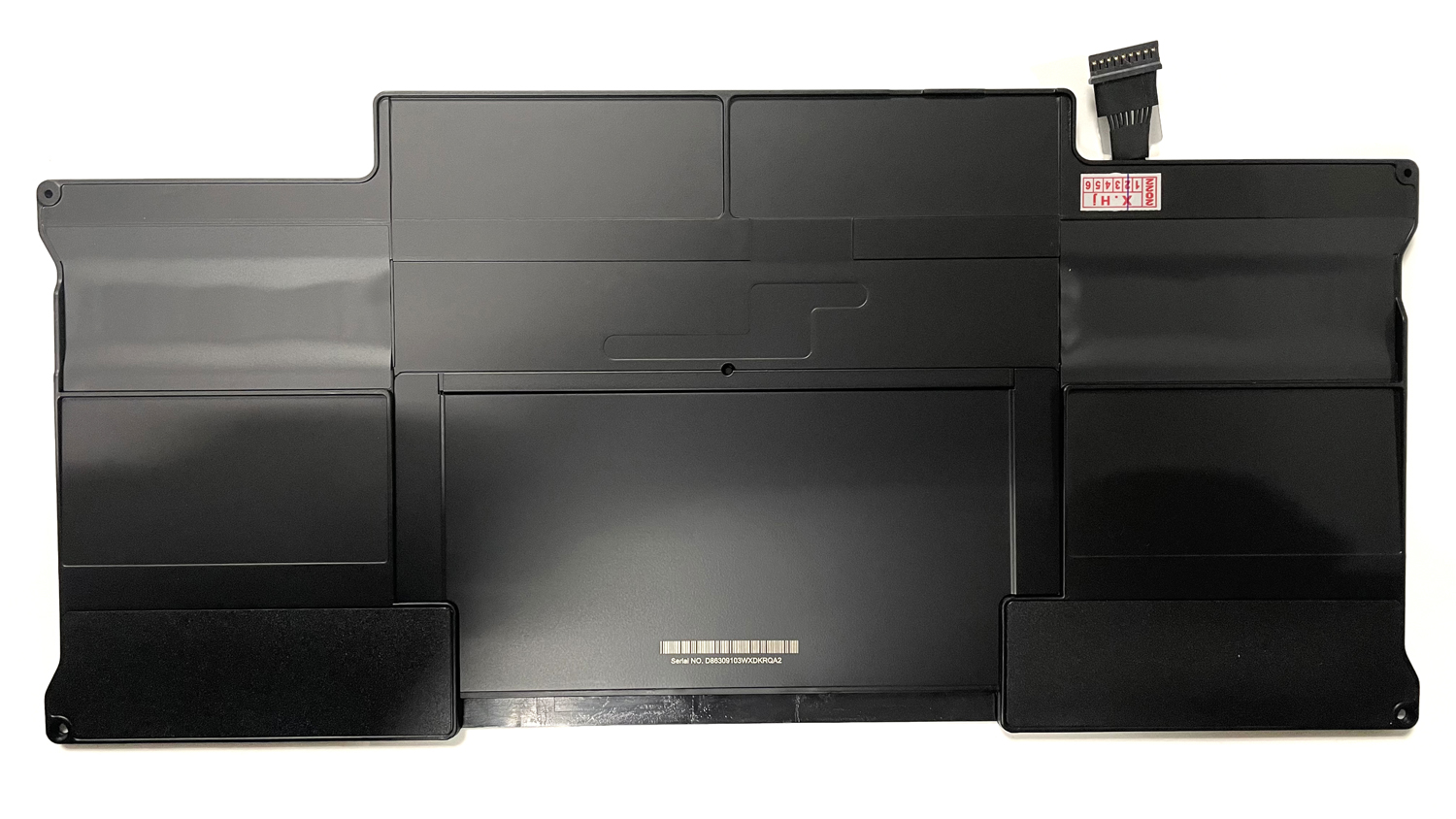
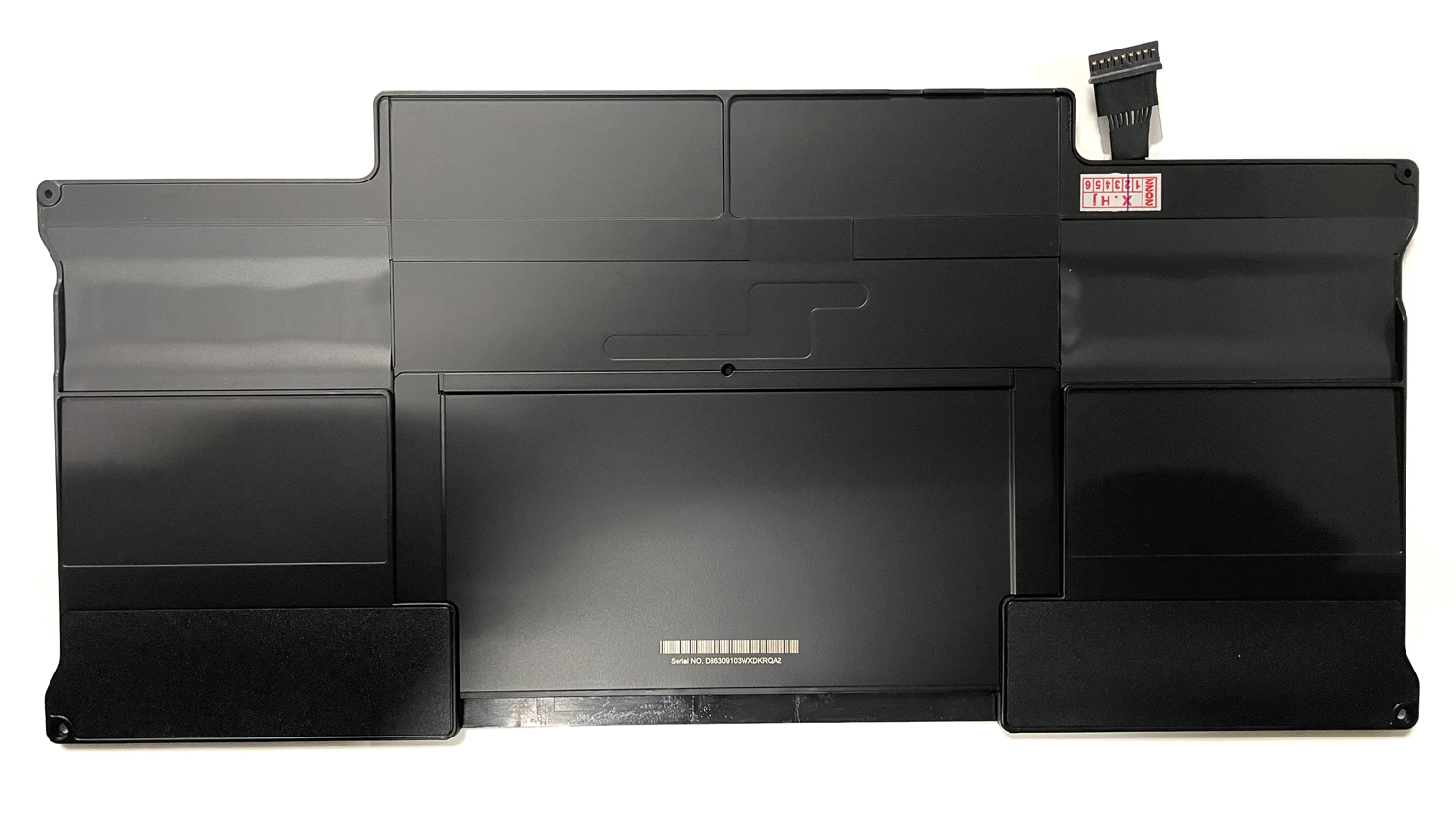
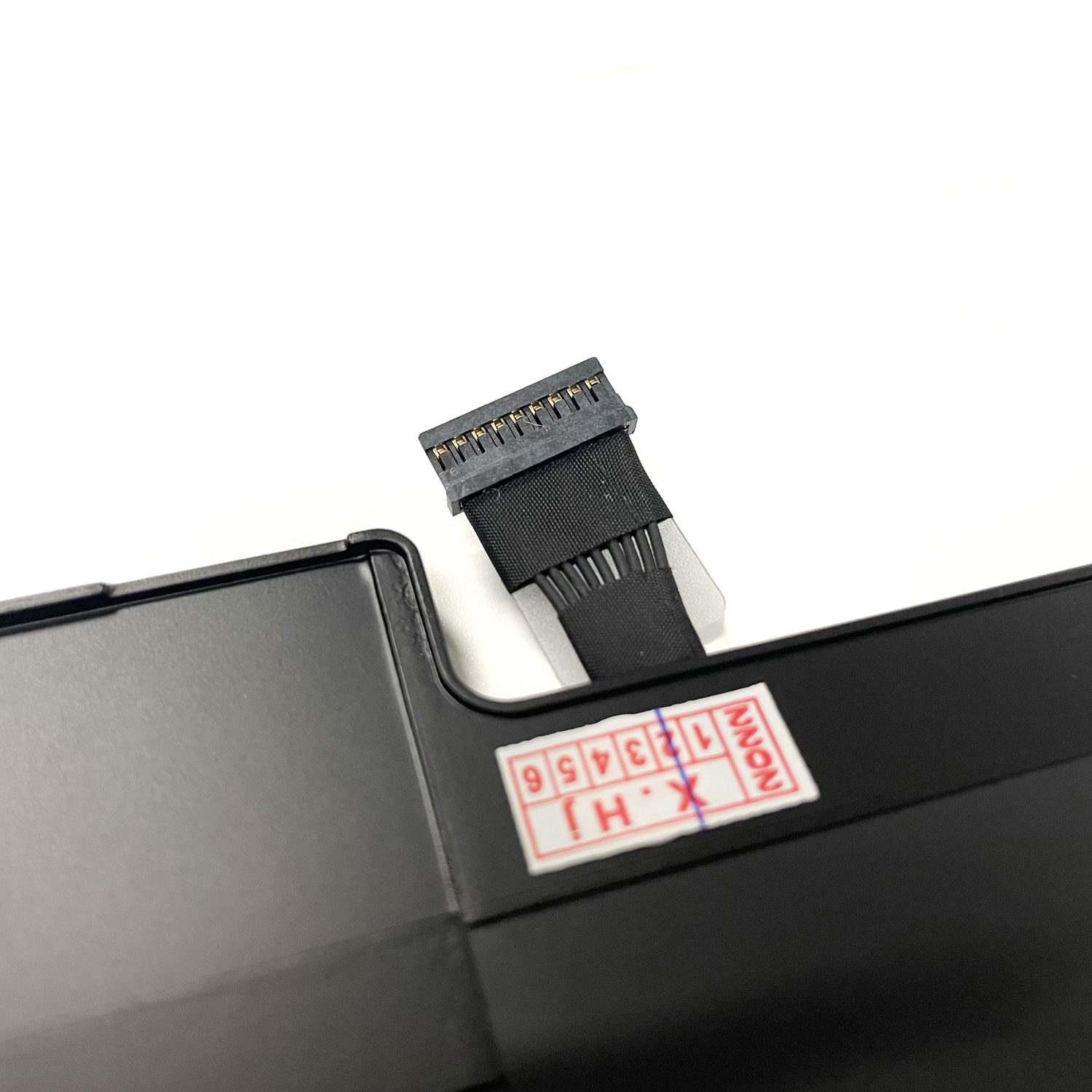
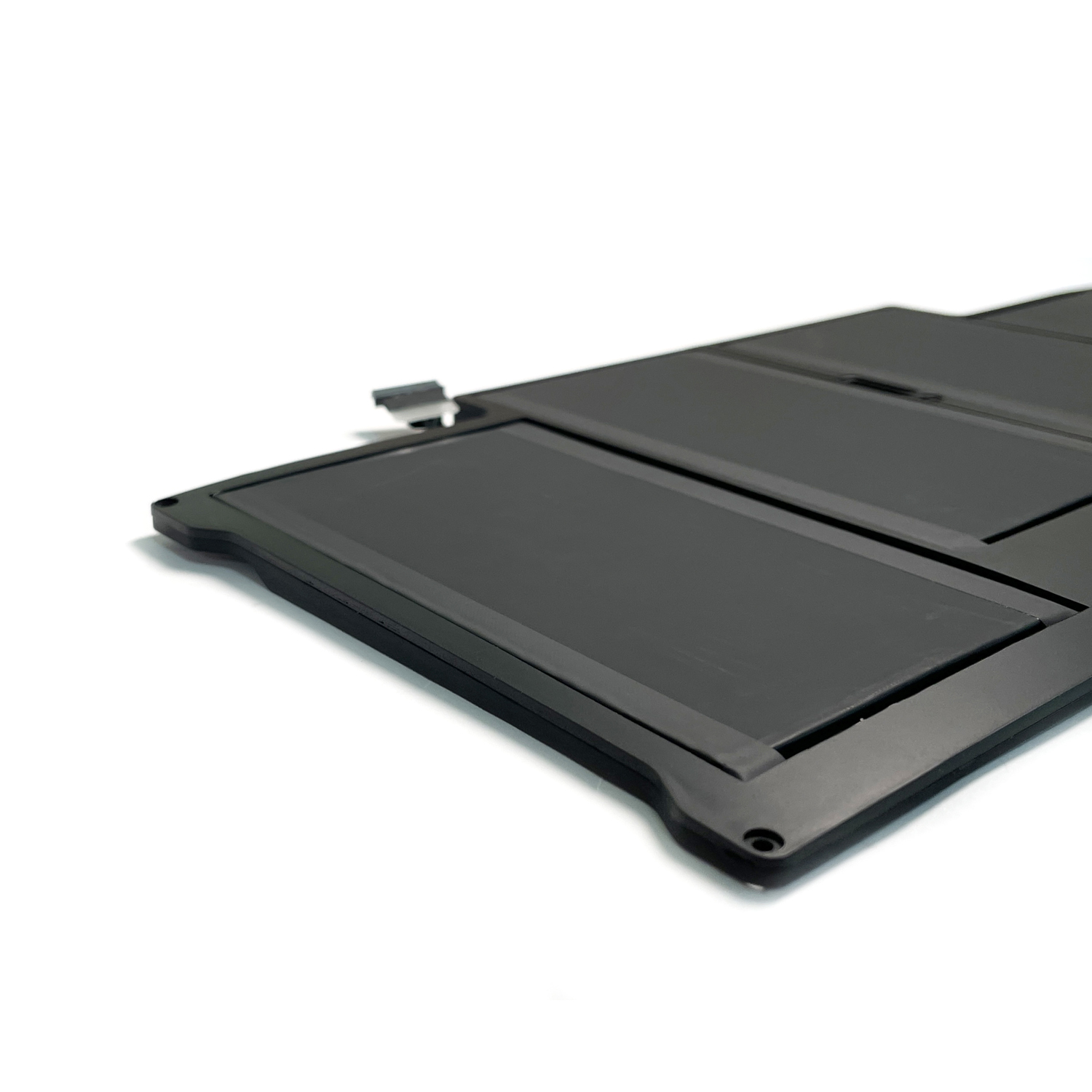
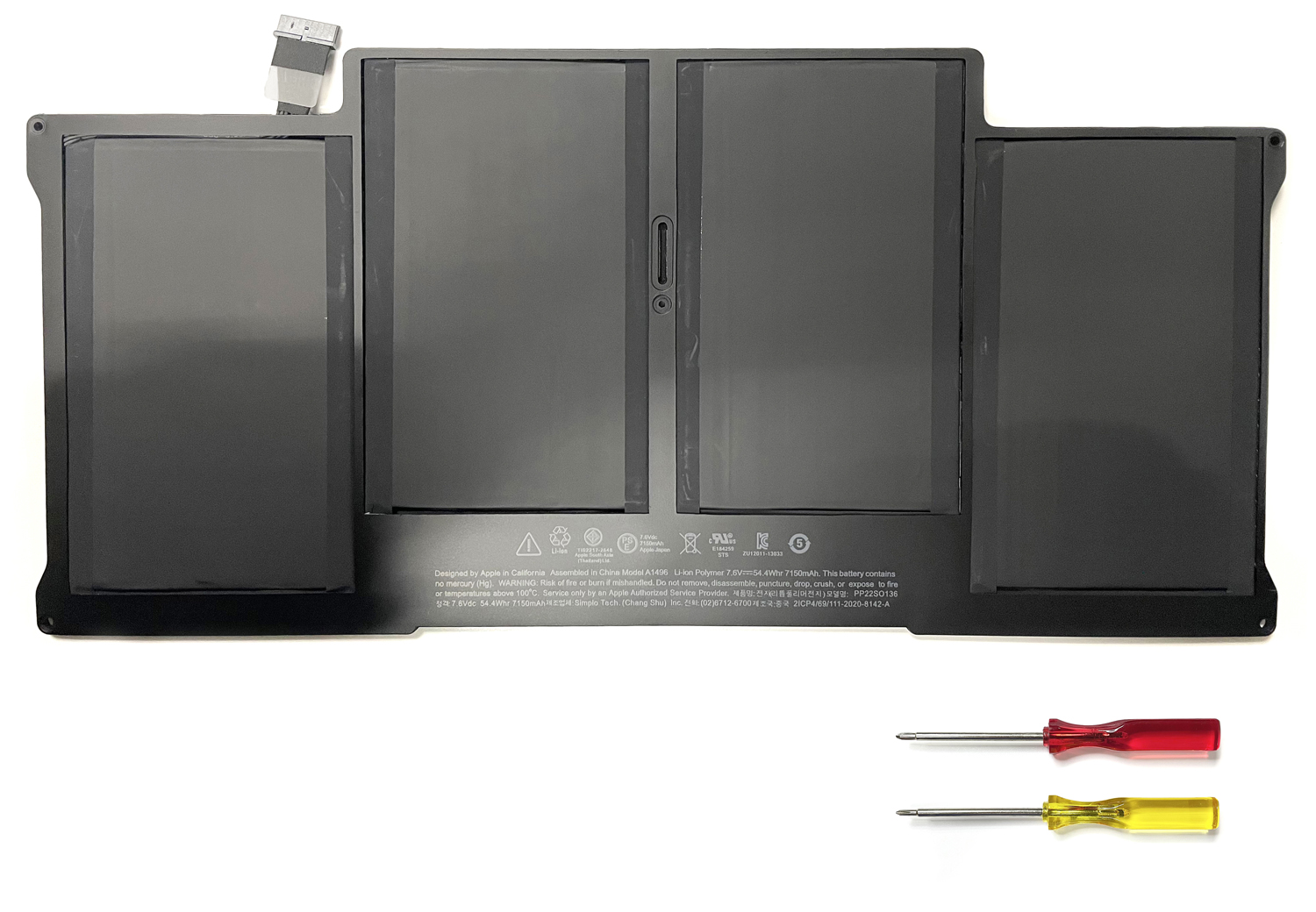
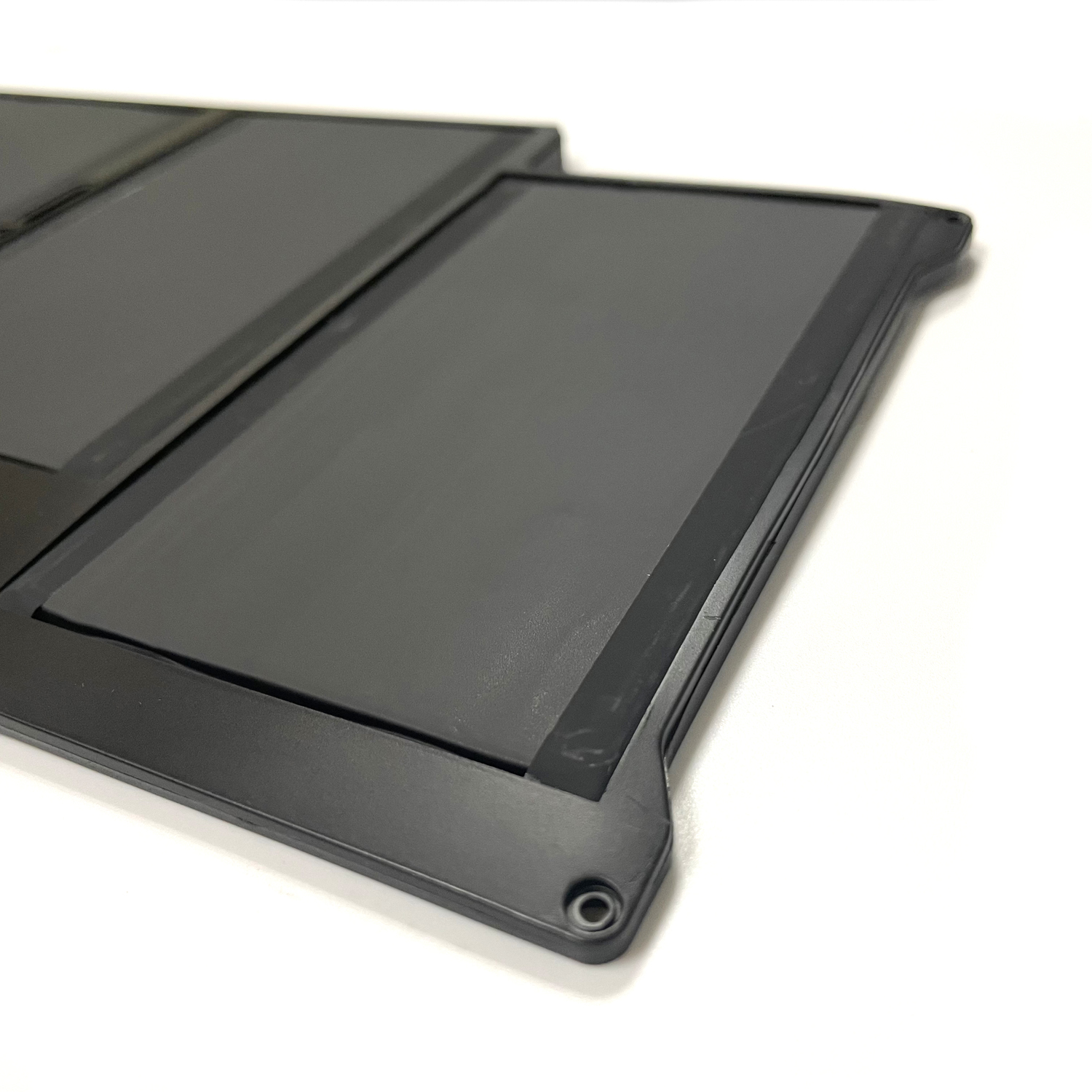
High quality battery A1466 A1496 A1405 Replacement Battery for MacBook Air 13″ (2010-2017) | Multi-Model Compatible

$39.99

& Free Shipping

Genuine A1466/A1496/A1405 Battery for MacBook Air 13″ (2010-2017). Fits A1396, A1377 & more.

1-Year Warranty. Free Shipping. Shop Now!

In stock, item location: Commerce, CA.ETA:3-5 business days to USPS
Guaranteed Safe Checkout
, ,
Service Promise
Rate this product

Genuine A1466 A1496 A1405 Replacement Battery for Apple MacBook Air 13″ | 2010 to 2017 Models | Universal Compatibility | High-Performance Power Solution


Restore your MacBook Air 13-inch to peak performance with our multi-compatible replacement battery. Designed to replace A1466, A1496, and A1405 models, this battery supports MacBook Air 13-inch models from Late 2010 through 2017. With universal compatibility across 7 years of models and advanced safety features, it’s the perfect solution to extend your MacBook Air’s lifespan and performance.

Guaranteed Compatibility:
This battery replaces multiple original part numbers:

  • Primary Part Numbers: A1466, A1496, A1405

  • Compatible Models: A1396, A1377

  • Year Coverage: Late 2010, Mid 2011, Mid 2012, Mid 2013, Early 2014, Early 2015, 2017

 Key Features:

  • Universal Fit: Single battery solution for 7 years of models

  • Optimized Capacity: Matches or exceeds original specifications

  • Premium Li-ion Cells: Superior energy density and cycle life

  • Advanced Safety: Multiple protection circuits

  • Plug-and-Play: Direct replacement, no modifications required

Technical Specifications:

  • Battery Type: Li-ion Polymer

  • Compatibility: MacBook Air 13″ (Late 2010 – 2017)

  • Voltage: 7.6V

  • Capacity: 54Wh (may vary by specific model year)

  • Certifications: CE, RoHS, FCC

 Performance Benefits:

  • Extended Runtime: Up to 7-9 hours of typical usage

  • Lightweight Design: Maintains original slim profile

  • Fast Charging: Efficient power replenishment

  • Seamless Integration: Perfect macOS compatibility

 Quality Assurance:

  • Grade A Cells: Highest quality lithium-ion technology

  • Rigorous Testing: Comprehensive quality control

  • 1-Year Warranty: Full defect coverage

  • Safety Certified: Overcharge/overheat/short-circuit protection

 Installation Guide:

  1. Power down completely and disconnect all cables

  2. Remove bottom case (P5 pentalobe screwdriver required)

  3. Disconnect battery connector from logic board

  4. Replace battery and reassemble components

  5. Charge fully before first use

 Maintenance Tips:

  • Enable “Optimized Battery Charging” in macOS settings

  • Avoid exposure to extreme temperatures

  • Calibrate occasionally: Full charge → discharge to sleep → recharge

  • Use only genuine Apple 45W MagSafe power adapter

 Package Includes:

  • 1 x Universal Replacement Battery

  • Installation guide

  • Safety documentation

  • Warranty card

 Why Choose Our Battery?

  •  7-Year Model Compatibility (2010-2017)

  • 30-Day Return Policy

  • Free Global Shipping

  •  Expert Technical Support

  • Environmentally Responsible Manufacturing

⚠️ Important Notes:

  • Verify your specific model year before purchase

  • Professional installation recommended

  • Recycle old batteries at authorized facilities

  • Use only certified Apple power adapters

 Ready to Restore Your MacBook Air’s Performance?
Click Add to Cart for fast shipping and universal compatibility!
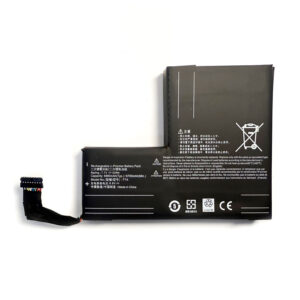
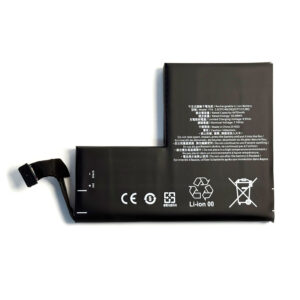
Battery Capacity

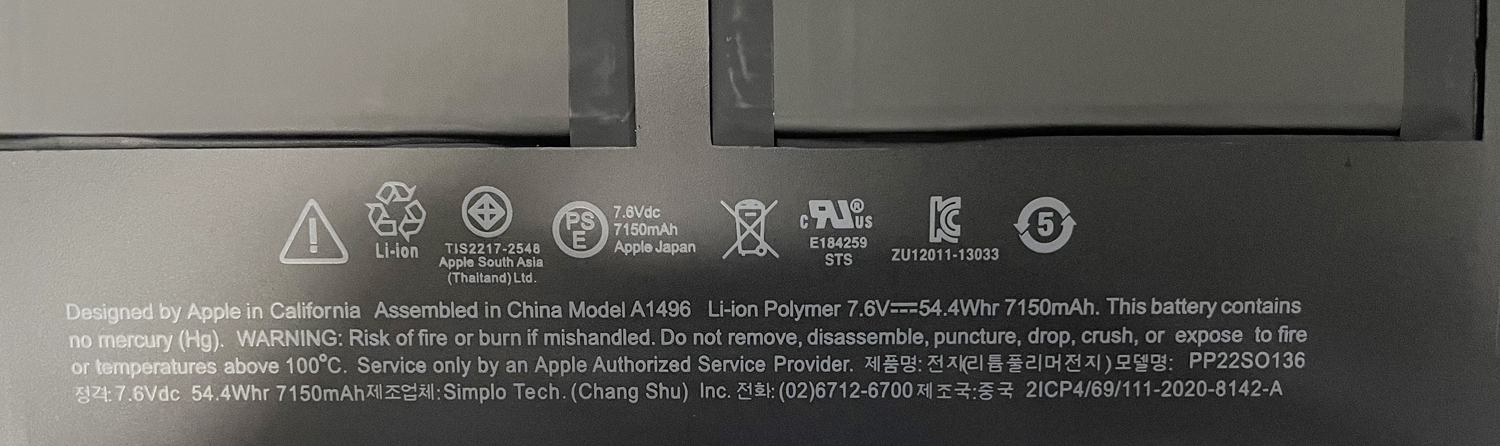
54.4Wh/7150hAh

Voltage

7.6V

Model No

A1496

Warranty

12 months

Compatible Apple Part Numbers

A1496
020-8142-A
661-6055
661-6639
MD231LL/A
MD760LL/B
MD760LL/B*
MD761LL/B
MJVE2LL/A
MJVE2LL/A*

Compatible Apple Laptop Models

MacBook Air "Core I7" 1.7 13" (Mid-2013)
MacBook Air 11.6 inch BH302LL/A
MacBook Air 11.6 inch MC965
MacBook Air 13 inch A1466 (2012 Version)
MacBook Air 13 inch A1466 (Early 2014)
MacBook Air 13 inch A1466 (Mid 2013)
MacBook Air 13.3 inch MC965LL/A
MacBook Air 13.3 inch MD231LL/A*
MacBook Air 13.3 inch MD628LL/A*
MacBook Air 13.3 inch MD760LL/A*
MacBook Air 13.3 inch MD760LL/B*
MacBook Air 13.3" MD760LL/A
MacBook Air Core I5 1.6 13 inch (A1369 Mid-2011)
MacBook Air Core I7 1.7 13 inch(Mid-2013)
MacBook Air Core I7 1.7GHZ 13.3 inch A1466(EMC 2632)
mmGG2LL/A

Reviews

There are no reviews yet.

Be the first to review “High quality battery A1466 A1496 A1405 Replacement Battery for MacBook Air 13″ (2010-2017) | Multi-Model Compatible”

Your email address will not be published. Required fields are marked *

Rate this product

FAQ: Genuine A1466 A1496 A1405 MacBook Air 13″ Replacement Battery


Q1: Is this battery compatible with my MacBook Air 13″?

Yes, this is a multi-model compatible battery designed specifically for the 13-inch MacBook Air. It replaces the original batteries for the following models and their part numbers:

  • MacBook Air 13-inch (2010-2017)

  • Model A1369 (EMC 2399, 2400, 2401)

  • Model A1466 (EMC 2553, 2554, 2673, 2674, 2936, 2937, 2938)

  • Replaces Apple Part Numbers: A1405, A1466, A1496

Please check the model number on the bottom case of your MacBook Air to confirm compatibility before purchasing.

Q2: Is this a genuine Apple battery?

This is a high-quality replacement battery that is engineered to meet or exceed the specifications of the original Apple A1405, A1466, and A1496 batteries. It is not manufactured by Apple, but it is a genuine, brand-new, and reliable replacement part designed for perfect compatibility and performance with your MacBook Air.

Q3: What is the capacity (mAh) and voltage of this battery?

This replacement battery has a capacity of 7150mAh and a voltage of 7.6V, which matches the original specifications for the compatible MacBook Air 13-inch models. This ensures you get the same long-lasting performance and runtime as the original battery.

Q4: Does the battery come with the necessary tools and instructions?

Yes! Each battery kit includes:

  • The replacement battery.

  • A set of professional Pentalobe and Phillips screwdrivers required to open your MacBook Air.

  • Clear, step-by-step installation instructions.

  • We also recommend searching for a detailed installation video on YouTube for a visual guide.

Q5: How long will shipping take, and where do you ship from?

We ship orders within 24 hours from our warehouses in the United States. Standard shipping typically takes 3-5 business days for delivery within the continental US. Expedited shipping options are available at checkout.

Q6: What warranty do you offer on this MacBook Air battery?

We stand behind the quality of our products. This replacement battery comes with a comprehensive 24-month (2-year) warranty and dedicated customer support. If you experience any issues with the battery within the warranty period, please contact us for a replacement or refund.

Q7: My old battery is swelling. Is it safe to replace it myself?

Swelling (or bulging) is a sign that a battery needs to be replaced immediately. While our kits make the process as safe as possible for a DIY installation, if you are uncomfortable or your device is significantly damaged by a swollen battery, we recommend seeking help from a professional technician. Always power down the device and handle the old battery with care.

Q8: Will I need to calibrate the new battery after installation?

Yes, calibrating your new battery is recommended for accurate battery level reporting. After installation:

  1. Charge the battery to 100% without interruption.

  2. Use your MacBook Air until it goes to sleep due to low battery.

  3. Let it rest for at least 5 hours, then charge it back to 100% again.

This cycle helps your MacBook’s system accurately gauge the battery’s capacity.

Q9: Why is my MacBook Air not turning on after I installed the new battery?

Don’t worry; this is a common issue with a simple fix.

  1. Connect the MagSafe power adapter to your MacBook Air.

  2. Press and hold the Power Button for at least 10 seconds.

  3. Release the button, then press it again normally to turn on the computer. The system needs an initial charge to recognize the new battery.

If you continue to experience issues, please contact our support team.

Q10: How do I ensure I get the best performance and lifespan from my new battery?

To maximize your battery’s life:

  • Avoid frequently draining the battery to 0%. Try to keep it between 20% and 80% for daily use.

  • Avoid exposing your MacBook to extreme temperatures.

  • Periodically use your MacBook on battery power instead of leaving it plugged in constantly.


Have more questions? Contact our customer support team – we’re happy to help!

Disclaimer:
All batteries sold on replacementbatterymall.com are replacement parts. replacementbatterymall.com doesn't affiliate with any of the original manufacturers. Any registered trademarks or model names listed above are identified as purposes of showing compatibility only.
Shopping Cart