Genuine 56Wh Dell Laptop Battery (33YDH) for Inspiron 17 7000/7577 & Latitude 3590/3490
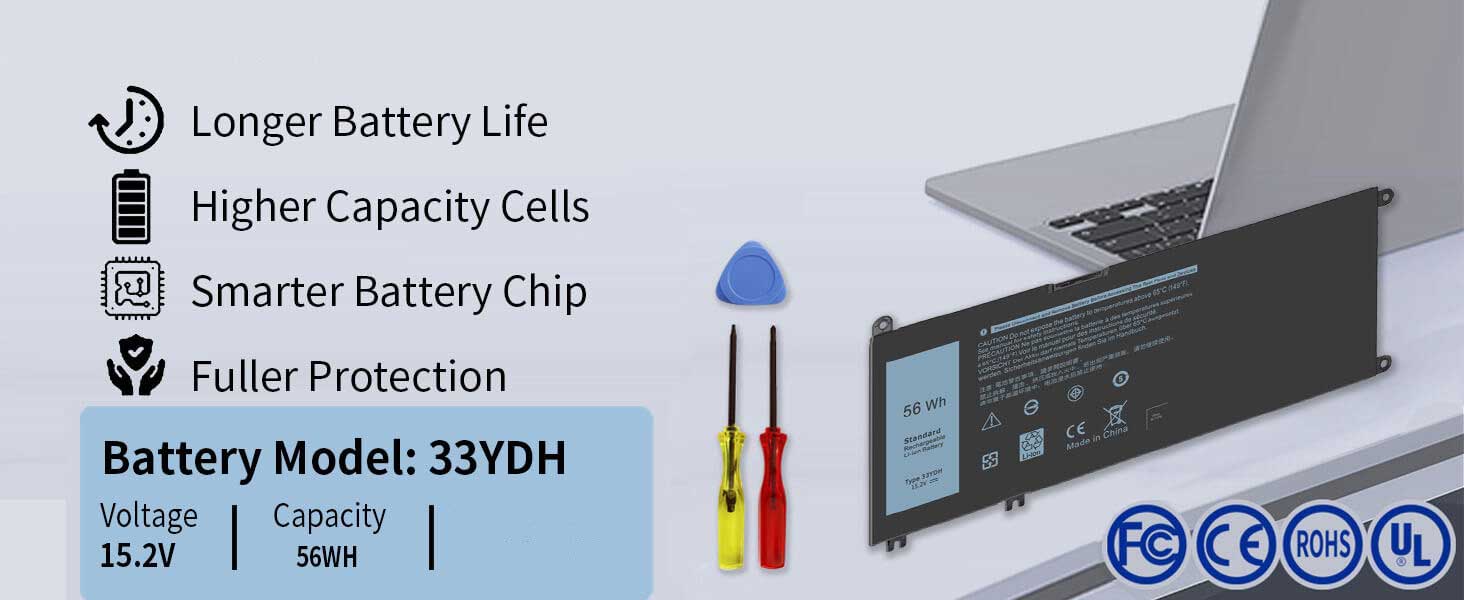

Restore Long-Lasting Power to Your Dell Laptop with Confidence
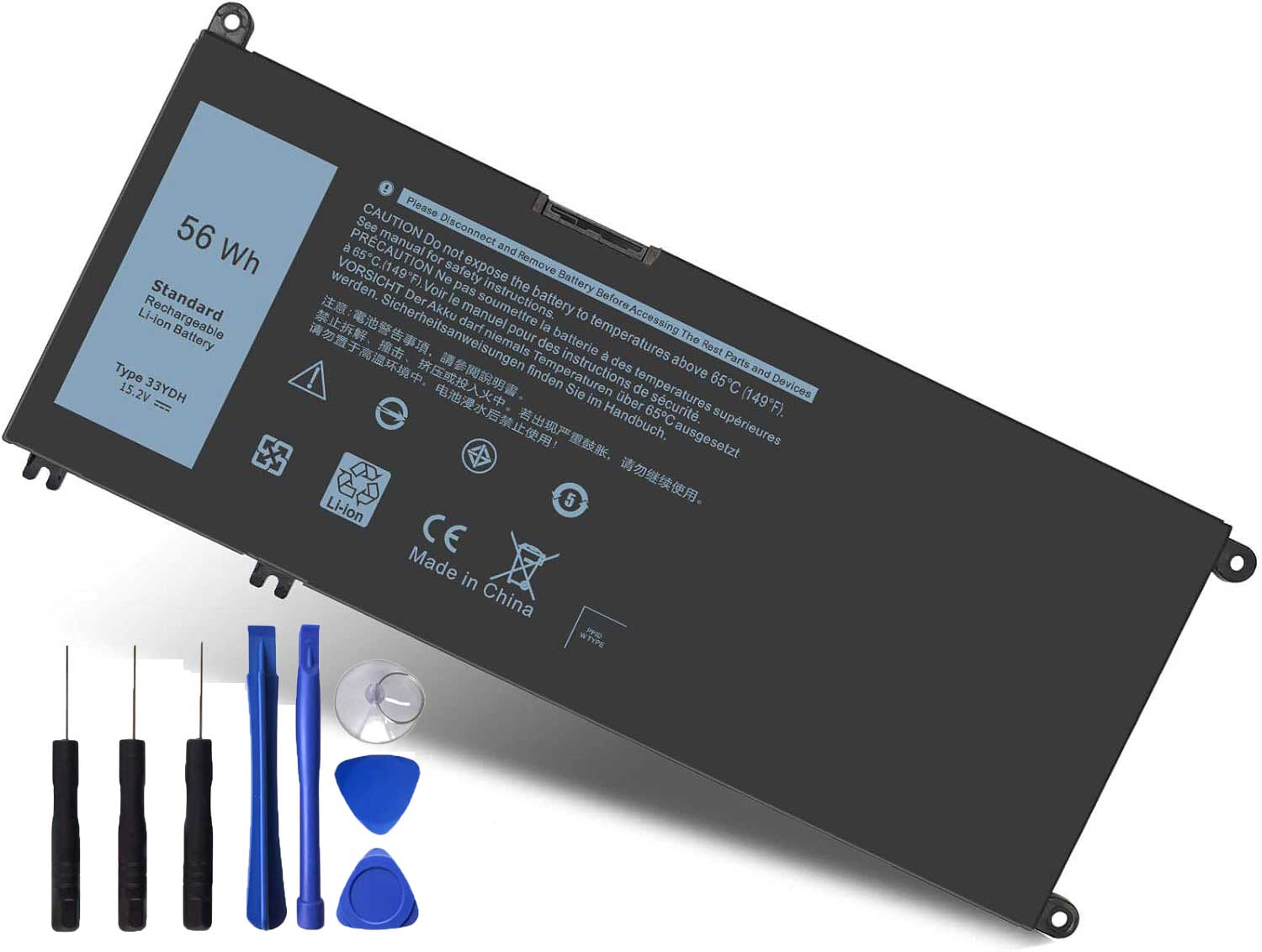
This genuine 56Wh replacement battery (Part Number: 33YDH) is engineered for a wide range of Dell Inspiron and Latitude series laptops, including Inspiron 17 7000 (7778, 7779, 7786, 7773), Inspiron 15 7577, G3 3579/3779, G5 5587, G7 7588, and Latitude 13 3380, 14 3490, 15 3590/3580. It seamlessly replaces part numbers PVHT1, P30E, 81PF3, 081PF3. Every battery is backed by a 12-month warranty, ensuring peace of mind with your purchase.
Key Features & Benefits:
✔ Wide Compatibility: Carefully engineered to be compatible with popular Dell Inspiron gaming and Latitude business laptops, providing a reliable power solution for various models.
✔ 56Wh Balanced Capacity: Offers optimal battery life for daily computing tasks, gaming, and multimedia entertainment.
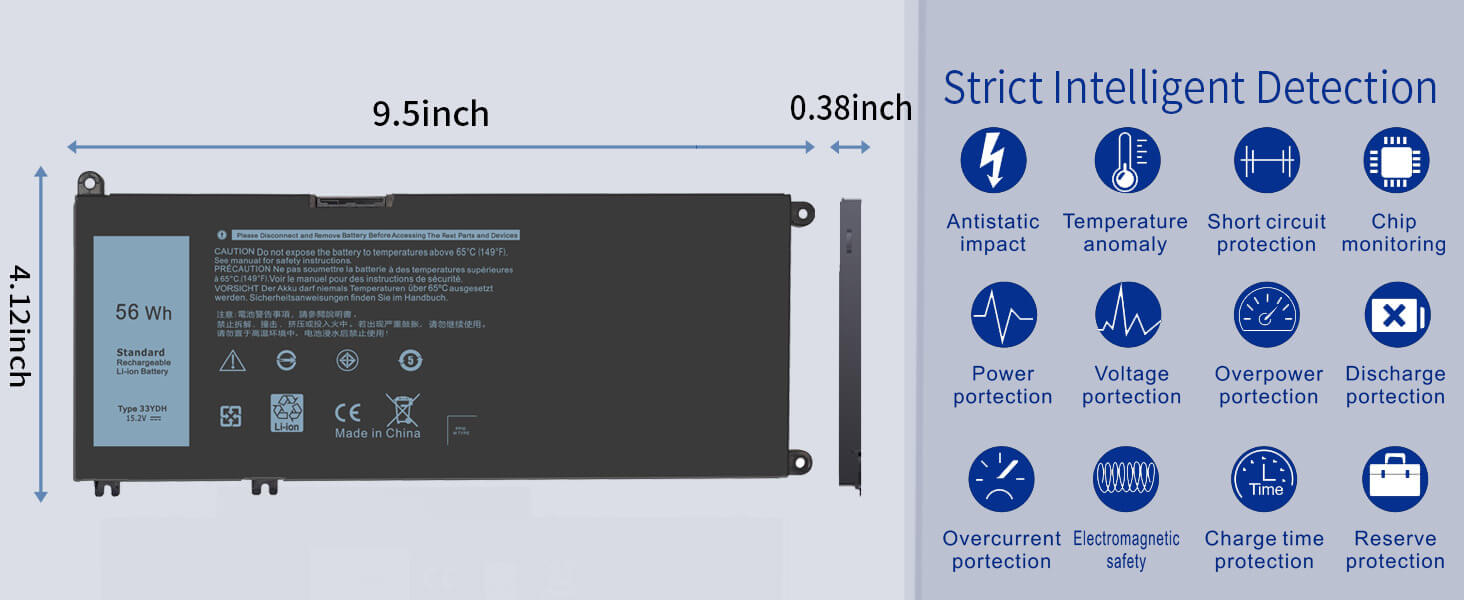
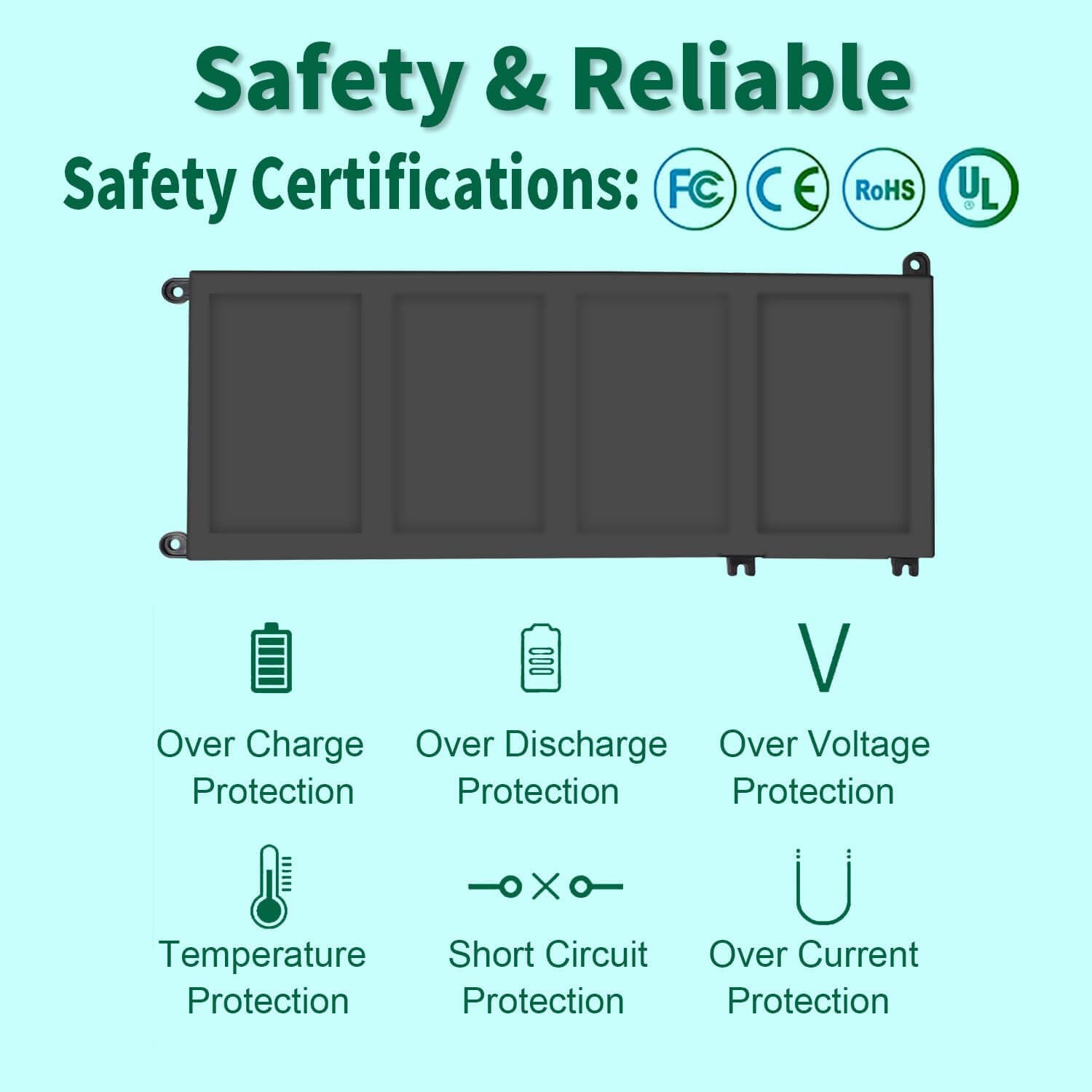
✔ Safety Guaranteed: Built with protection circuits to prevent overcharging, over-discharging, and short circuits, ensuring safe operation.
✔ 12-Month Warranty: We stand behind the quality of our batteries. Your purchase is protected for a full year, guaranteeing reliability.
Compatibility List:
Dell Inspiron: 17 7000 Series (7773, 7778, 7779, 7786), 15 7577, G3 3579/3779, G5 5587, G7 7588
Dell Latitude: 3380, 3490, 3580, 3590
Why Choose This Battery?
Worry-Free Purchase: The included 12-month warranty protects your investment.
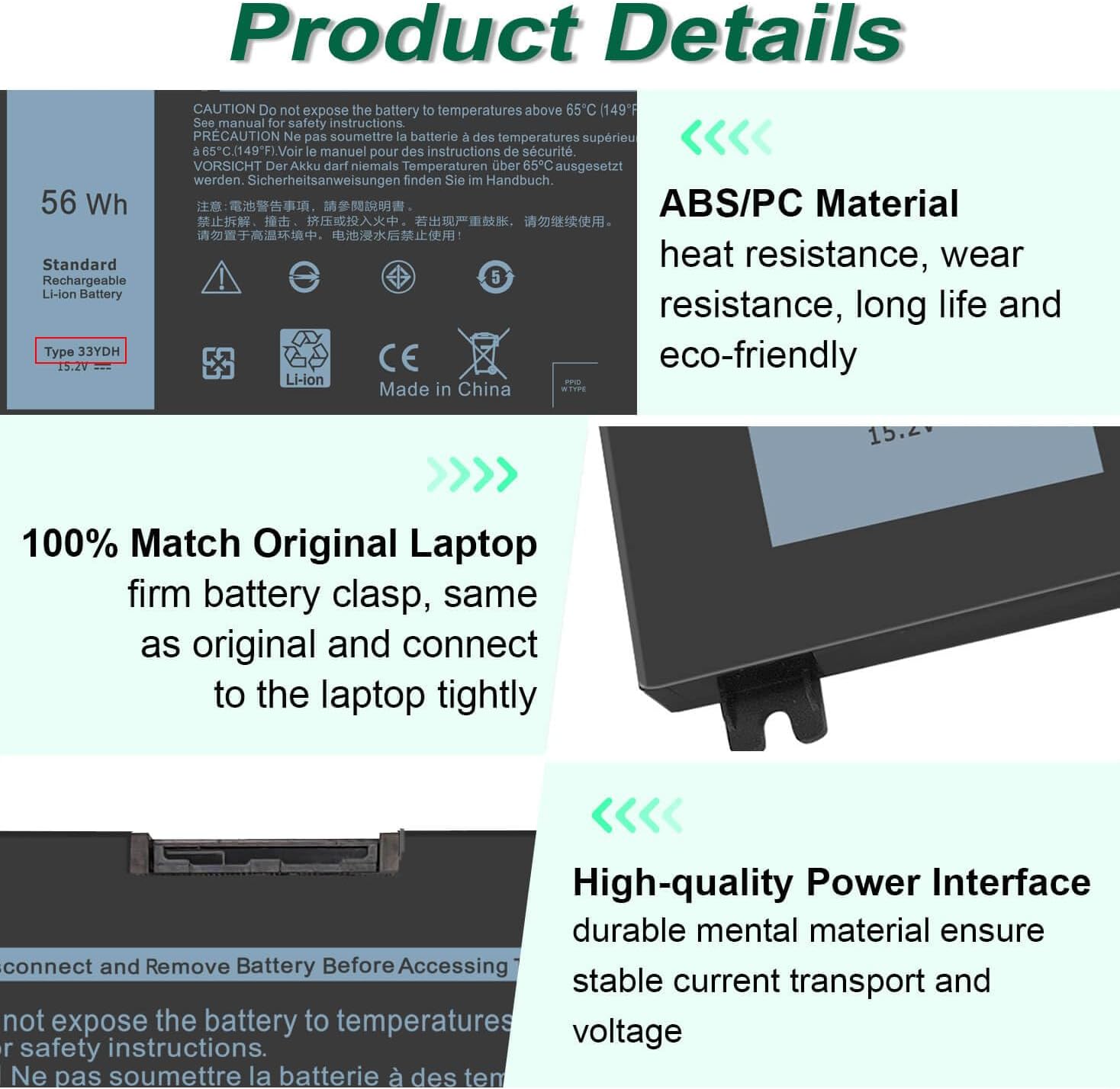
Perfect Fit: Guaranteed compatibility with the listed models, easy installation.
Restored Performance: Bring your laptop back to its intended mobile usability.
Order now and enjoy extended battery life with complete confidence!
FAQ: 33YDH 56Wh Replacement Laptop Battery for Dell Inspiron, G-Series, & Latitude
1. Is the 33YDH battery compatible with my Dell laptop?
Yes, the 33YDH battery is compatible with a wide range of Dell Inspiron, G-Series (G3, G5, G7), and Latitude laptops. Key models include:
Dell Inspiron 17 7000 Series: 7773, 7778, 7779, 7786
Dell Inspiron 15 Series: 7577
Dell G-Series: G3 3579, G3 3779, G5 5587, G7 7588
Dell Latitude Series: 13 3380, 14 3490, 15 3590, 15 3580
Important: Always verify compatibility using your laptop’s Service Tag on the Dell support website for absolute certainty.
2. Is this a genuine OEM Dell battery?
The part number 33YDH is an official Dell part number. However, the term “Genuine” in this context often means a high-quality replacement that matches OEM specifications.
If sold by an authorized Dell distributor, it is an original battery.
If sold by a third party, it is likely a high-compatibility battery built to the exact same standards. The 12-month warranty is a strong indicator of a quality product.
3. What do the other part numbers (PVHT1, 81PF3, etc.) mean?
The part numbers PVHT1, P30E, 81PF3, and 081PF3 are all official Dell part numbers for batteries that are functionally identical to the 33YDH. They represent the same battery model from different production batches or regions. This battery is a direct replacement for all of them.
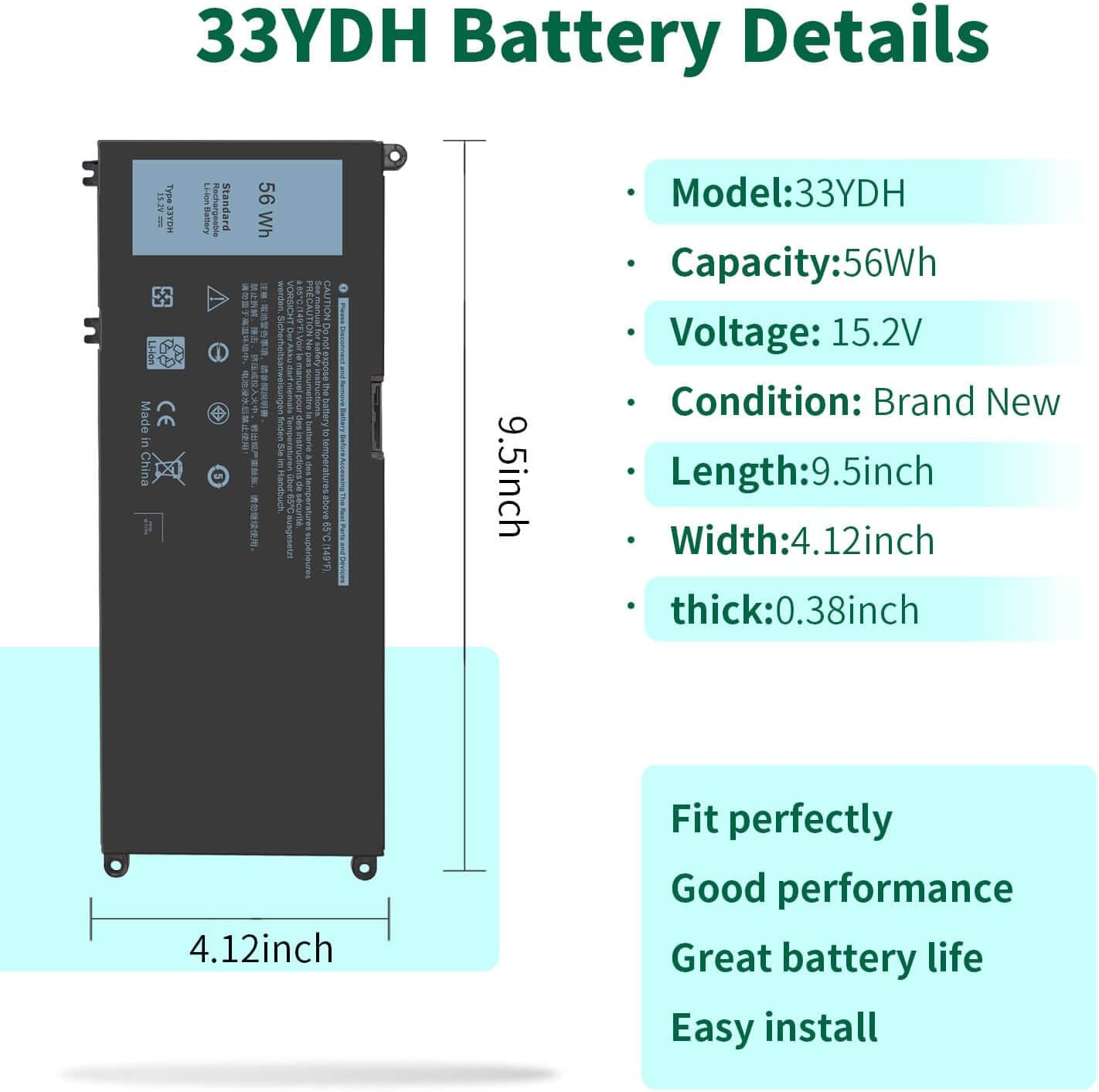
4. What are the technical specifications?
This battery has the following specifications:
5. Is it easy to replace the battery myself?
It depends on your laptop model.
For most Inspiron/Latitude models: The battery is often user-replaceable. Power off the laptop, flip it over, and check for a battery release latch. If present, it’s an easy DIY job.
For some G-Series or slim models: The battery may be internal, requiring you to remove the bottom panel with a screwdriver. This is a more advanced repair. We recommend searching for a teardown guide for your specific model (e.g., “Dell G5 5587 battery replacement”) before starting.
6. Why is there a 12-month warranty?
A 12-month warranty is offered by the seller to guarantee the battery against manufacturing defects. It signifies confidence in the product’s quality and provides you with peace of mind. Ensure you keep your proof of purchase to claim the warranty if needed.
7. How can I ensure I’m buying a quality battery?
Seller Reputation: Buy from sellers with high ratings and positive reviews for this specific model (33YDH).
Clear Specifications: The listing should clearly state 56Wh and 11.4V.
Warranty: The 12-month warranty is a key indicator of a reliable product.
8. How do I check my current battery’s part number?
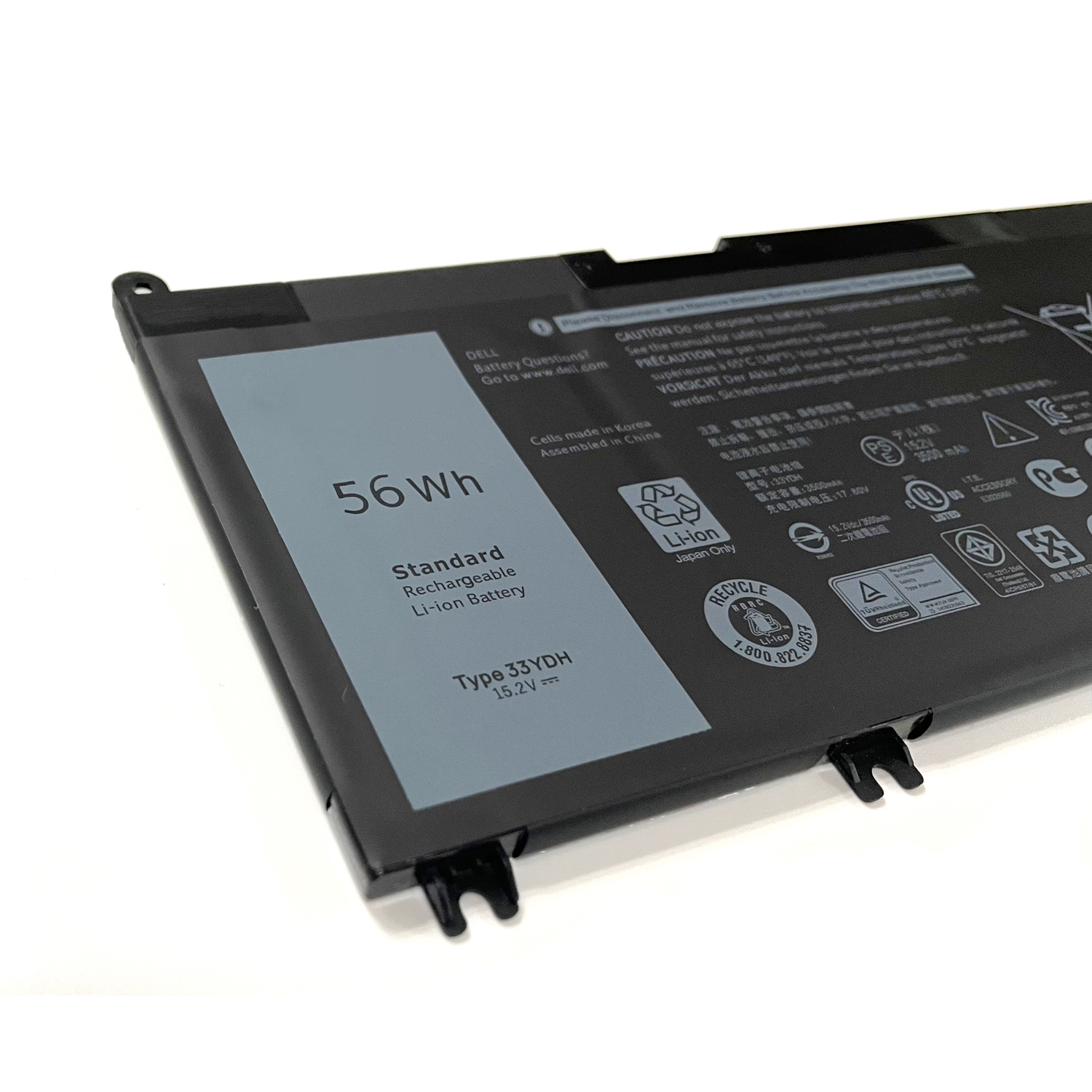
Physical Check: Turn off your laptop, unplug it, and remove the current battery. The part number will be printed on the label.
Software Check: Use Dell’s built-in support software or check the BIOS information at startup.
Disclaimer: DIY device repair carries risks. If you are not comfortable, seek professional assistance. Always ensure the laptop is powered off and unplugged before attempting a battery replacement. Please recycle your old battery responsibly.


Reviews
There are no reviews yet.