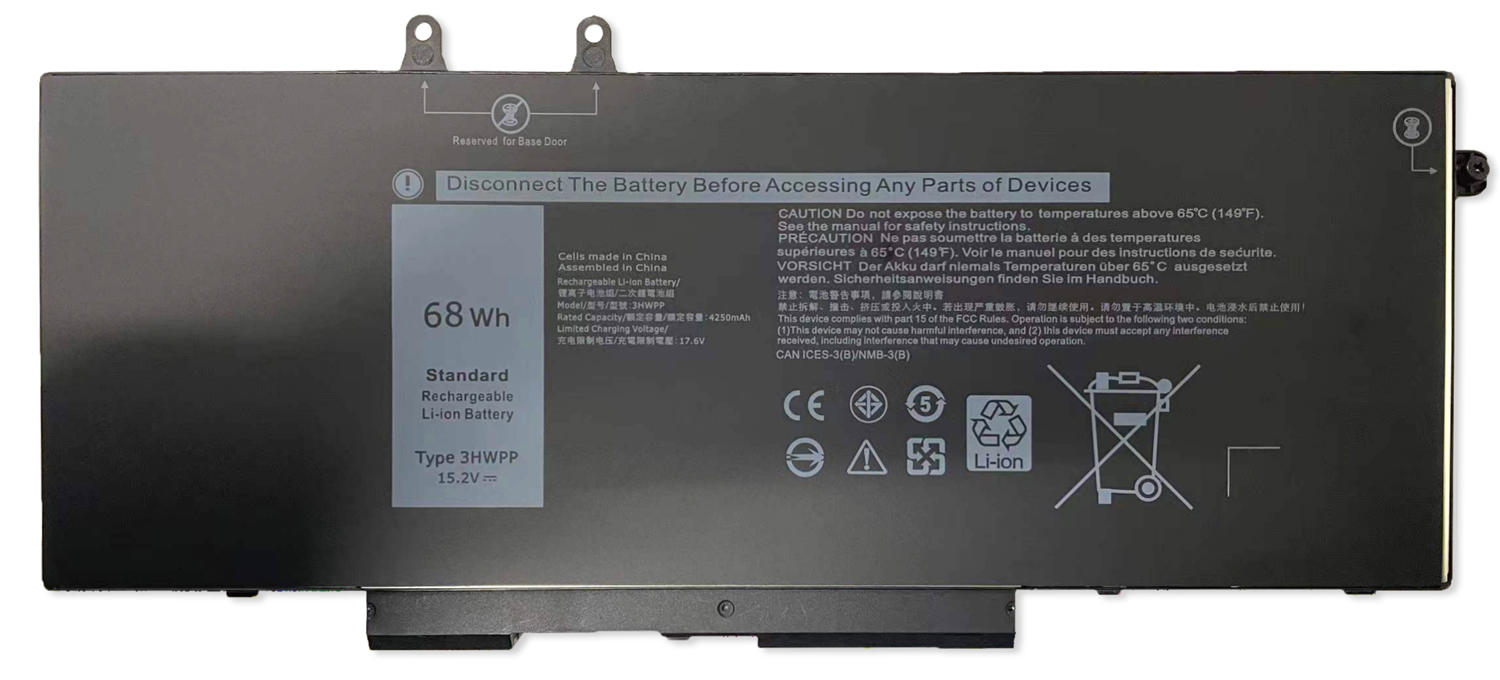
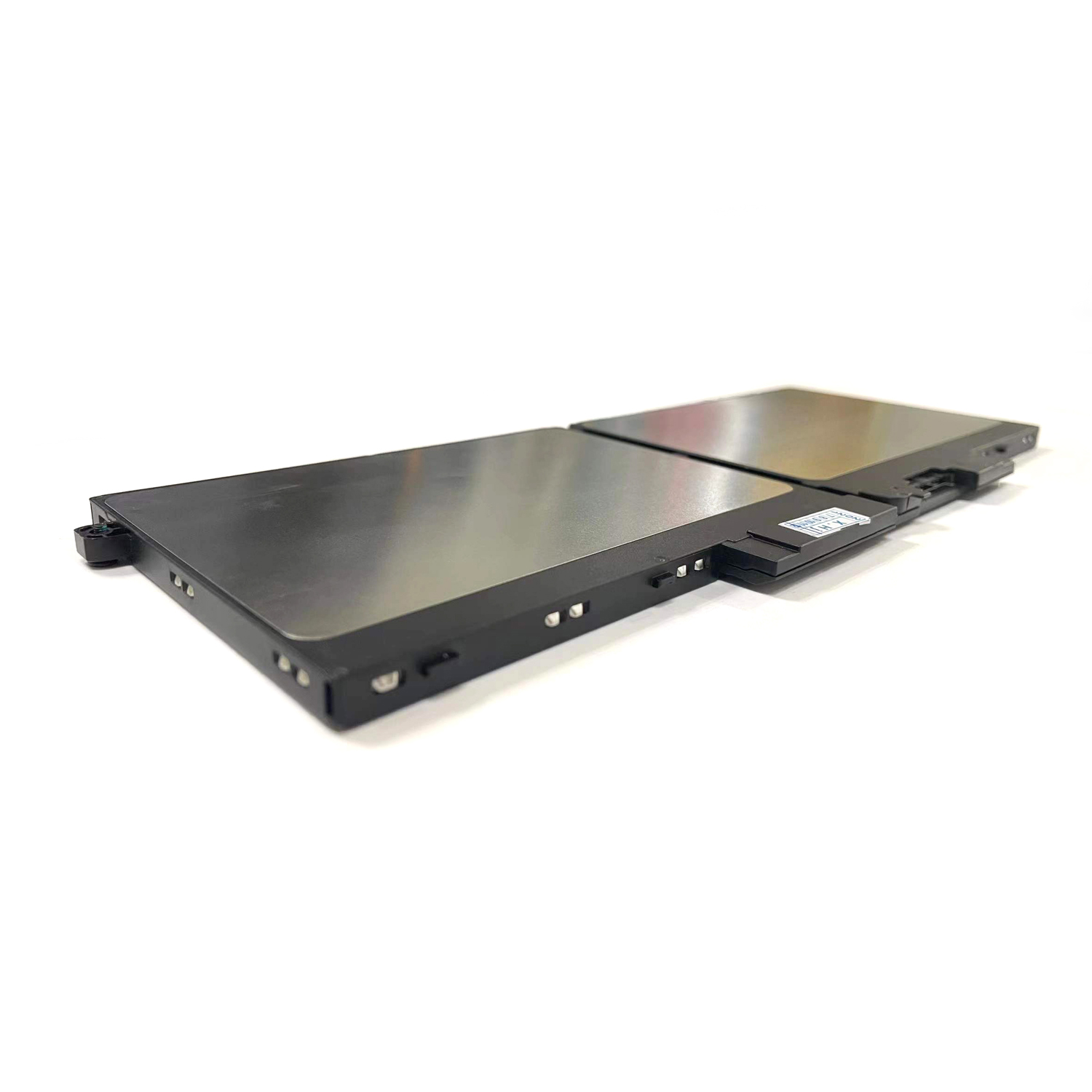
68Wh 15.2V Laptop Battery for Dell Latitude 5501/5510/5511 & Precision 3551/3541 Series – Compatible with 3HWPP, 451-BCMN
Restore All-Day Power to Your Dell Business Laptop
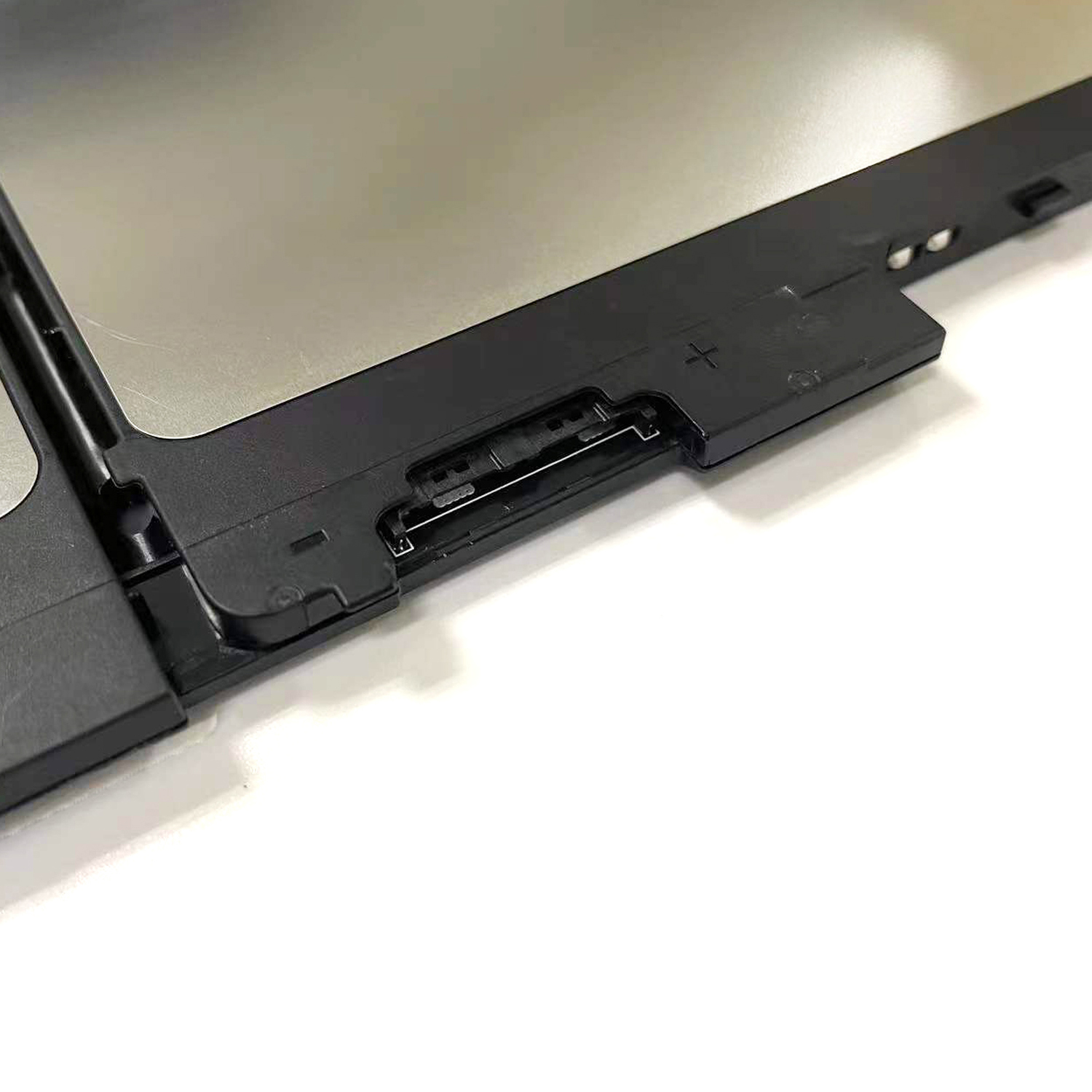
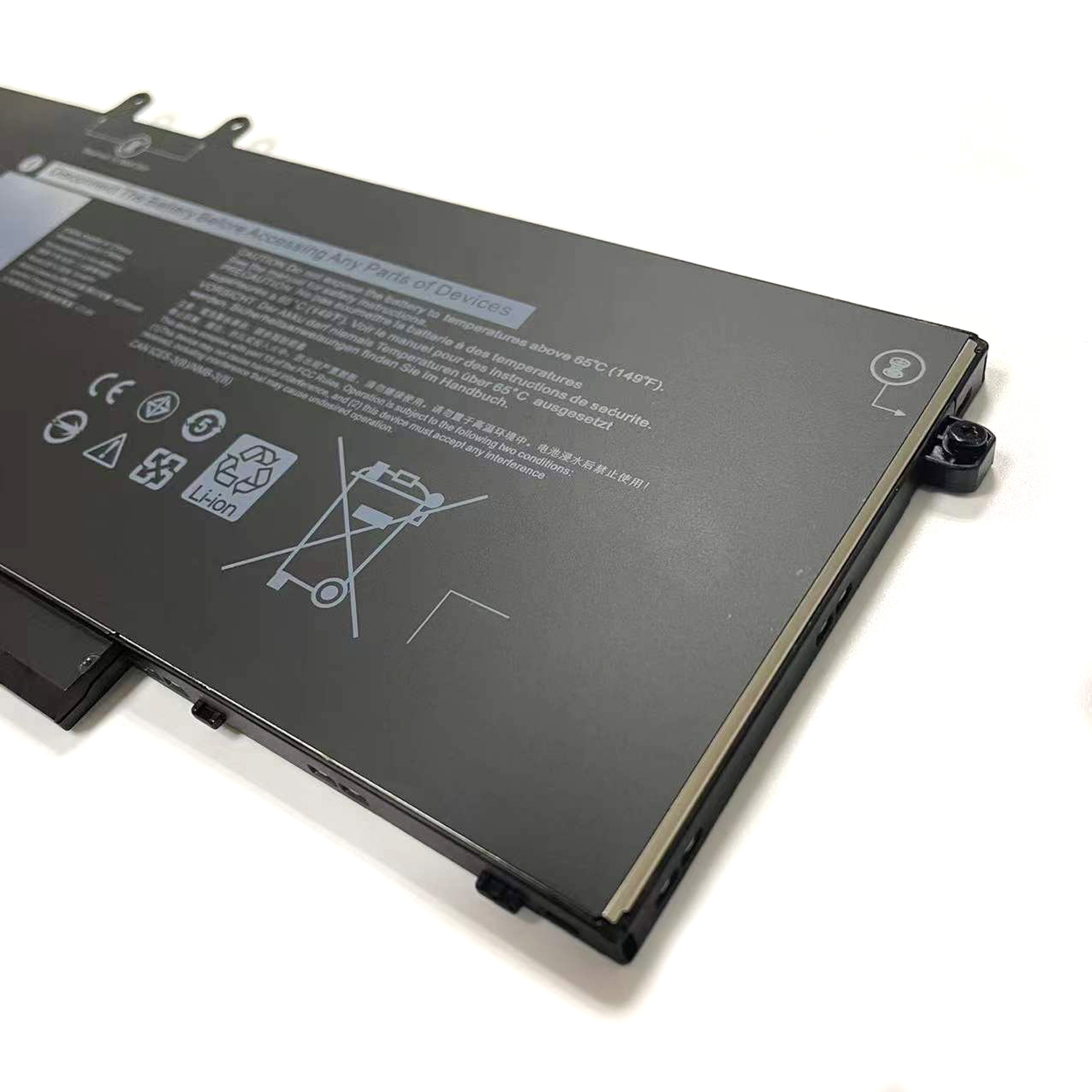
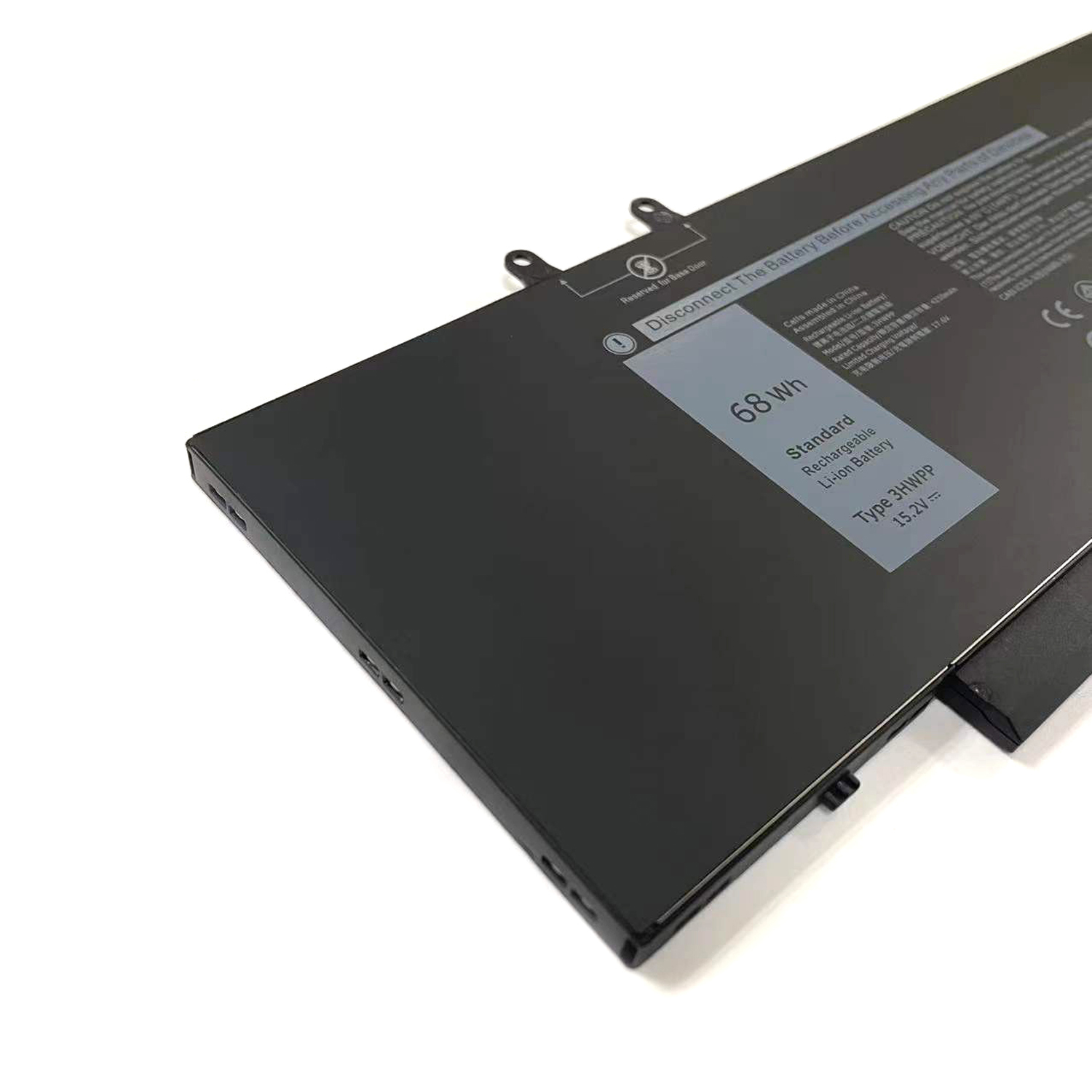
This high-performance 68Wh (15.2V) battery is engineered for Dell Latitude 5501, 5510, 5511, 5401, 5410, 5411 and Precision 3551, 3541 mobile workstations. Also compatible with Inspiron 17 7500, 7506 2-in-1 models. As a direct replacement for part numbers 3HWPP, 451-BCMN, 10X1J, N2NLL, 1VY7F, and 3YNXM, it delivers authentic performance matching Dell’s original specifications.
Key Features:
• 68Wh High Capacity: Provides extended runtime for demanding business applications
• 15.2V Official Specification: Ensures perfect compatibility with Dell power management systems
• Wide Compatibility: Supports Latitude, Precision, and Inspiron series including E5410, E5510, E5401, E5501 variants
• Premium Safety: Built-in protection against overcharging, overheating, and short circuits
Why Choose This Battery?
-
Maintains Dell’s original power management compatibility
-
Restores like-new battery life for mobile productivity
-
Includes full safety certifications and warranty protection
Order now and regain the uninterrupted productivity your Dell workstation deserves!
3HWPP 68Wh Replacement Battery for Dell Latitude & Precision Series
1. Is the 3HWPP battery compatible with my Dell laptop?
Yes, the 3HWPP battery is designed for newer Dell Latitude 5000 series, Precision 3500 series, and certain Inspiron models. This includes:
-
Dell Latitude: 5501, 5510, 5511, 5401, 5410, 5411, E5410, E5510, E5401, E5501, E5411, E5511
-
Dell Precision: 3551, 3541
-
Dell Inspiron: 17 7500, 7506 2-in-1 (Black)
Crucial Note: The most accurate way to confirm compatibility is to check the part number on your original battery or use your laptop’s Service Tag on the official Dell support website.
2. What are the other part numbers (451-BCMN, 10X1J, etc.)?
The numbers 451-BCMN, 10X1J, N2NLL, 1VY7F, and 3YNXM are all official Dell OEM part numbers for batteries that are functionally identical to the 3HWPP battery. They are the same type of battery, often from different production cycles. This replacement battery is a direct fit for all of them.
3. Is this a genuine Dell OEM battery?
The part number 3HWPP is typically used to identify a high-quality compatible replacement battery. While it meets or exceeds the original Dell specifications, it is manufactured by a third-party.
-
If you need a guaranteed genuine Dell part, you should look for one of the other listed part numbers (like 451-BCMN) sold by an authorized Dell distributor.
-
This product is a cost-effective, reliable alternative that offers the same performance for most users.
4. What are the technical specifications?
This battery has the following specifications, matching the original design for these high-performance laptop models:
5. How many mAh is this 68Wh battery?
You can calculate the mAh (milliamp-hour) rating using the formula: mAh = (Wh / V) * 1000.
6. Is it easy to replace the battery myself?
Yes, most of these Dell models are designed for user-friendly battery replacement.
-
Shut down the computer and unplug the AC power adapter.
-
Turn the laptop over and locate the battery release latch(es).
-
Slide the latch(es) to the unlock position. The battery should release and can be lifted out.
-
Insert the new battery, ensuring it clicks securely into place.
*(For some Inspiron 2-in-1 models, the process might involve removing screws. Please refer to a model-specific guide if unsure.)*
7. Why choose this compatible battery?
The main advantage is significant cost savings. A high-quality compatible battery provides excellent performance and reliability at a fraction of the cost of a genuine Dell OEM part, making it a smart choice for extending the life of your laptop.
8. How can I ensure battery quality and authenticity?
-
Buy from Reputable Sellers: Choose vendors with high ratings and positive reviews for this specific battery model.
-
Check for a Warranty: A warranty of 12 months or longer is a good indicator of quality.
-
Review Specifications: Ensure the listing clearly states 68Wh and 15.2V.
Disclaimer: For optimal safety, use the original Dell AC adapter. While third-party batteries can be reliable, genuine Dell parts offer guaranteed compatibility. DIY repair is undertaken at your own risk. Please recycle old batteries at a designated e-waste facility.

Reviews
There are no reviews yet.