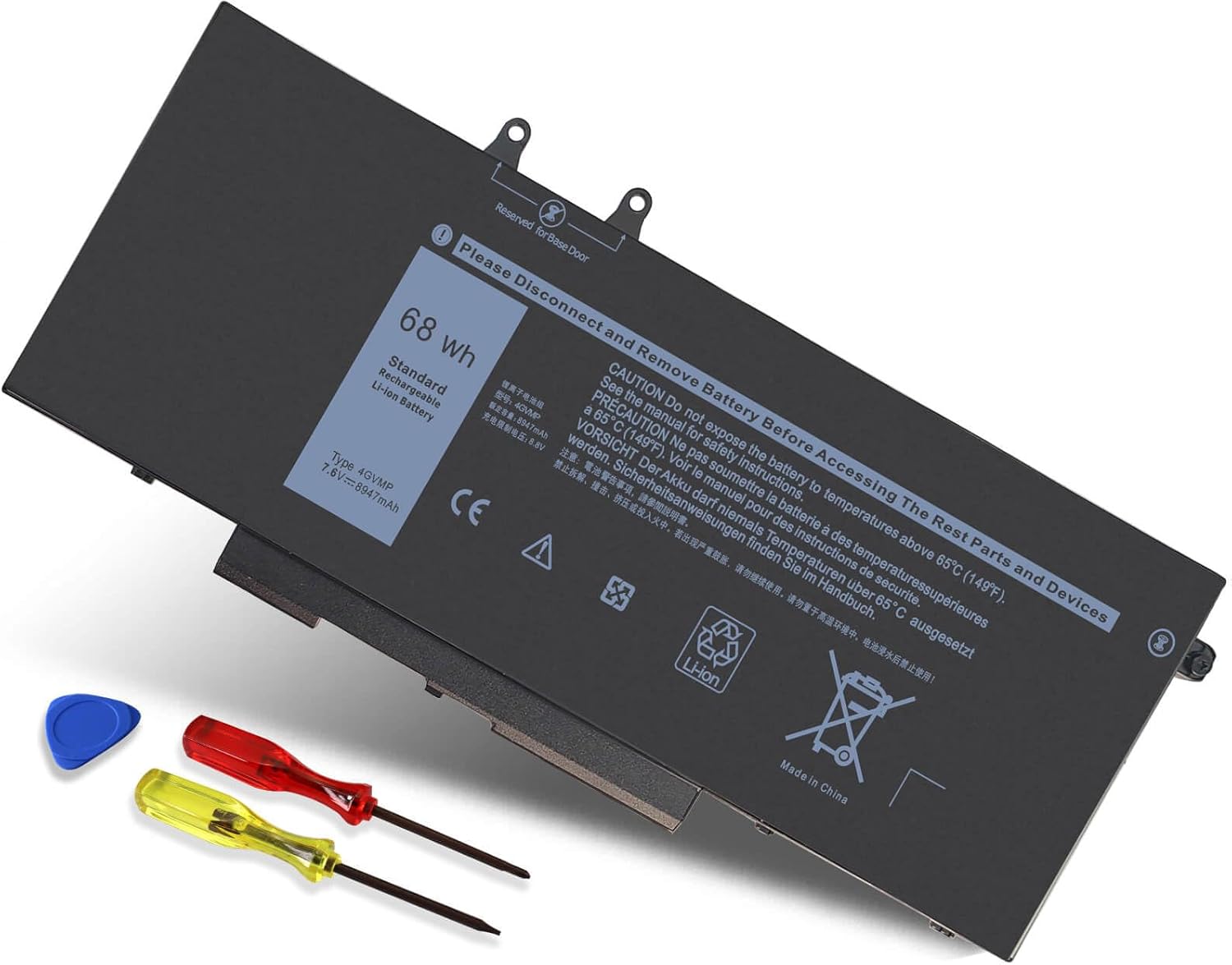
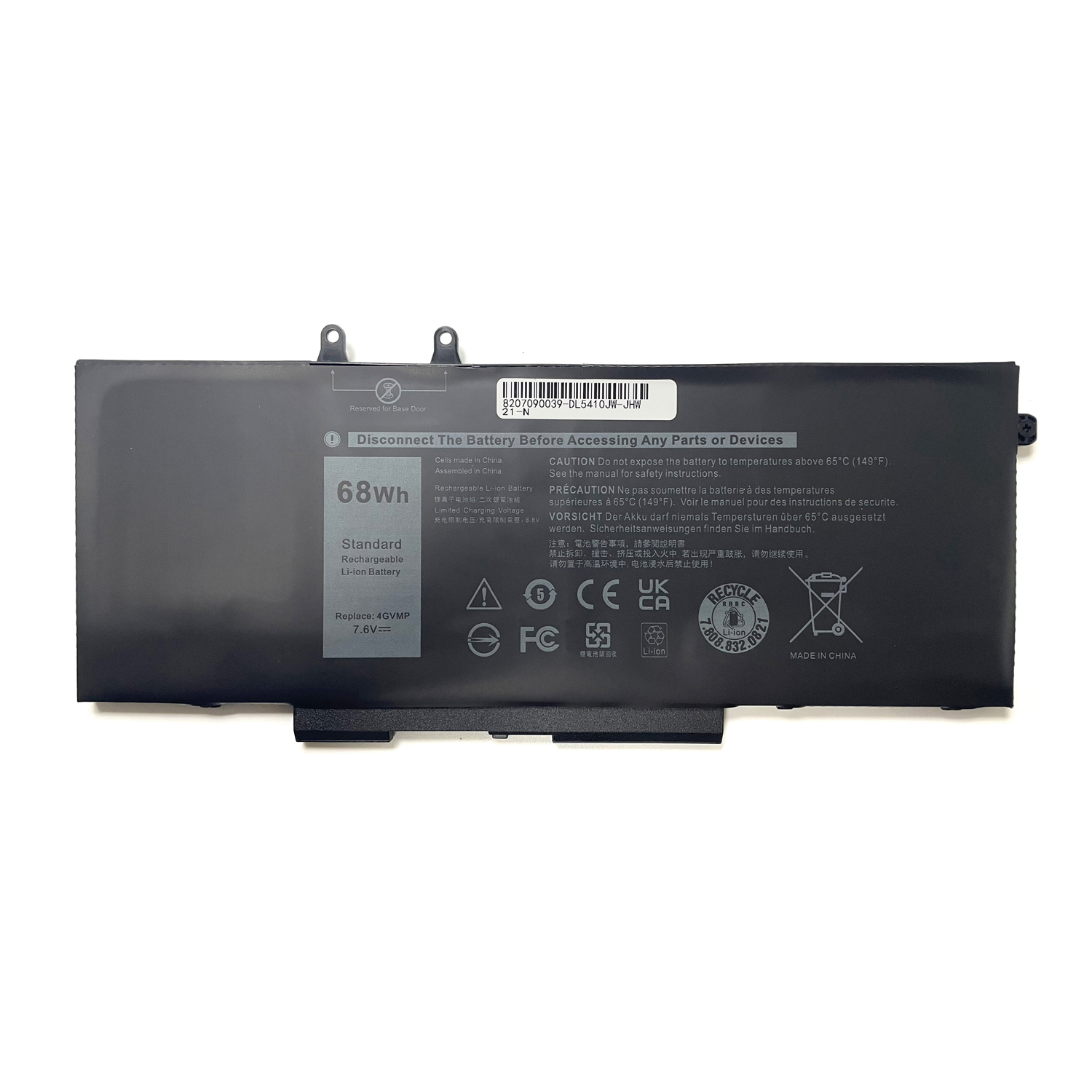
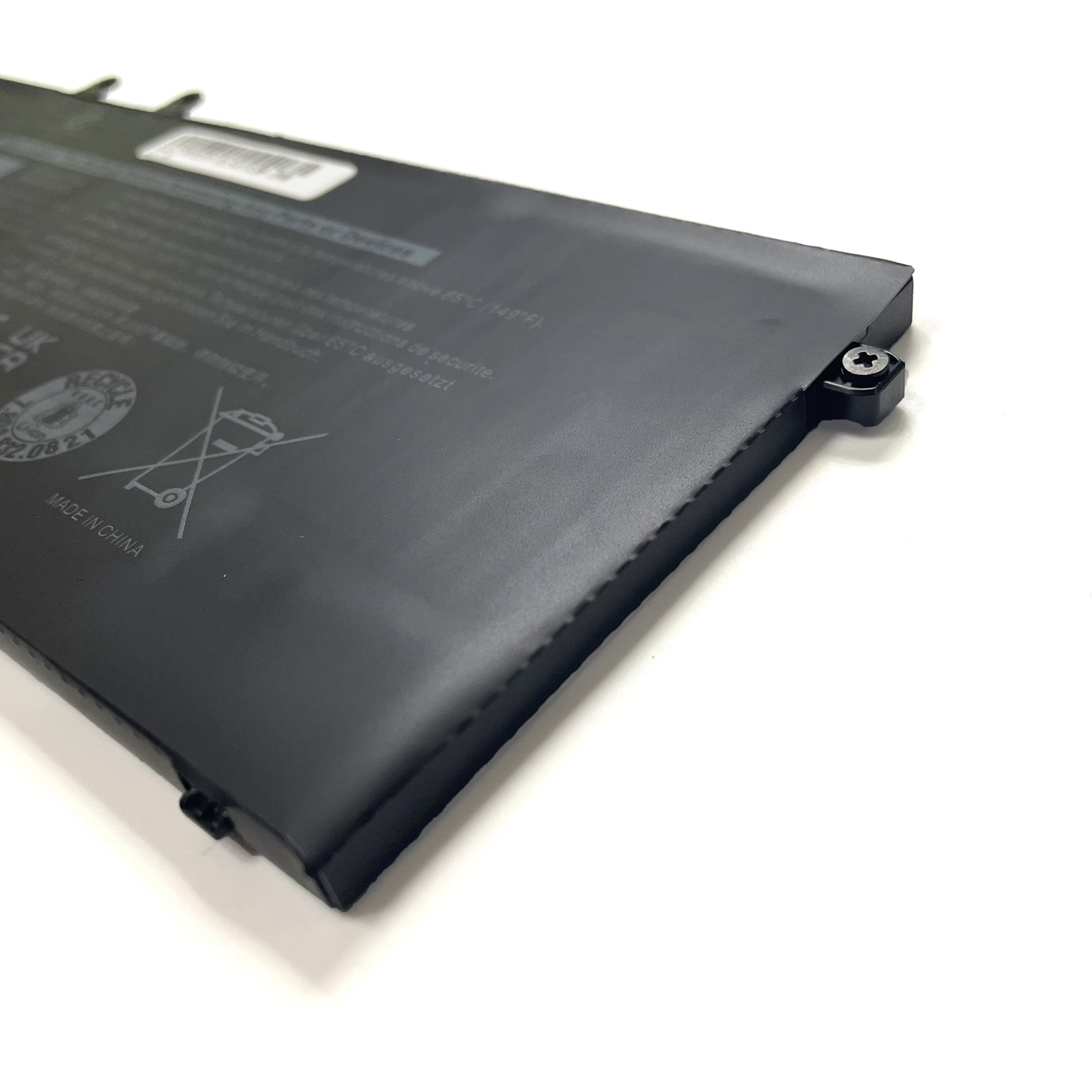
68Wh 7.6V Laptop Battery for Dell Latitude 5400/5500/5410/5510 | Compatible with 4GVMP, RF7WM, C5GV2
Restore All-Day Performance to Your Dell Business Laptop or Precision Workstation
Experience lasting power with this high-capacity 68Wh (7.6V) replacement battery, designed specifically for Dell Latitude 5400, 5500, 5410, 5510, Precision 3540, 3550, and Inspiron 7590, 7591, 7791 2-in-1 models. It serves as a direct and reliable replacement for part numbers 4GVMP, RF7WM, C5GV2, H82T6, P84F, and P42E, ensuring seamless integration with your laptop’s power management system.
Key Features & Benefits:
-
Extensive Compatibility: Perfectly engineered for a wide range of Dell professional series, including E5400 and E5500 variants, guaranteeing a perfect fit and function.
-
High Capacity & Reliability: The 68Wh capacity provides extended runtimes for mobile workstations and business laptops, supporting demanding applications throughout your workday.
-
Guaranteed Safety: Built with premium battery cells and advanced protection circuits that safeguard against over-voltage, over-current, short-circuit, and overheating.
-
Original Specifications: Matches the original 7.6V design for flawless compatibility and stable performance, protecting your investment in Dell hardware.
Description:
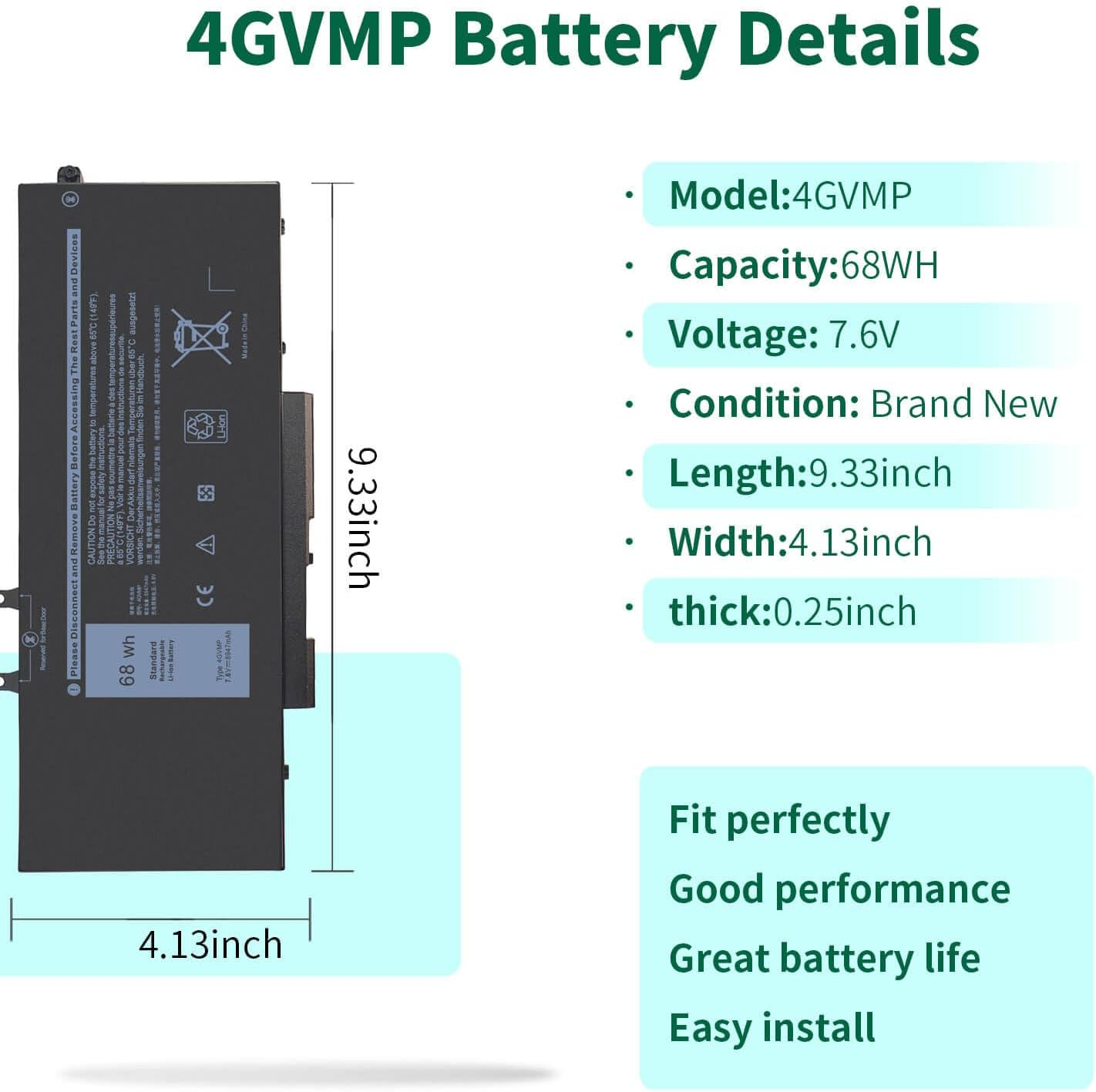
1、Battery Type: Li-ion
2、Condition: Brand New
3、Voltage: 7.6V
4、Capacity: 68WH
5、Color:Black
6、Warranty : 1 year
Pack:Well packed in exquisite box
Compatible with Part Numbers:
4GVMP C5GV2 X77XY 9JRYT WJDPW RF7WM CN-0WJDPW
Compatible with Laptop Models:
Dell Latitude 5400 Series
Dell Latitude 5500 Series
Dell Precision 3540 Series
Dell Precision 3550 Series
Dell Inspiron 7591 2-in-1 Series. NOT fit for Inspiron 7591 Series.
Dell Inspiron 7791 2-in-1 Series. NOT fit for Inspiron 7791 Series.
Dell Inspiron 7590 2-in-1 (without 2.5″ HDD/SDD) Series. NOT fit for Inspiron 7590 Series.
(Not work for Inspiron 7590,7591,7791)
Order your Dell 4GVMP-compatible battery today and get back to uninterrupted, powerful performance!
FAQ: 4GVMP 68Wh Replacement Battery for Dell Latitude, Inspiron, and Precision Series
1. Is the 4GVMP battery compatible with my Dell laptop?
Yes, the 4GVMP battery is compatible with a wide range of Dell business-class (Latitude, Precision) and consumer (Inspiron) laptops. This includes:
-
Dell Latitude: 5400, 5500, 5410, 5510, E5400, E5500
-
Dell Precision: 3540, 3550
-
Dell Inspiron: 7590, 7591, 7791 (including 2-in-1 models)
Important: For absolute certainty, we recommend checking the part number on your original battery or using your laptop’s Service Tag on the Dell support website.
2. What do the other part numbers (P84F, RF7WM, etc.) mean?
The part numbers P84F, P84F001, P42E, P42E001, P98G001, P80F001, RF7WM, C5GV2, and H82T6 are all official Dell part numbers for batteries that are functionally identical and compatible with the 4GVMP battery. They represent the same battery model from different production batches or regions. This battery is a direct replacement for all of them.
3. Is this a genuine Dell OEM battery?
The part number 4GVMP itself is an official Dell OEM part number. However, whether a battery sold with this number is genuine depends on the seller.
-
Genuine OEM: If sourced from an authorized Dell distributor, it is an original Dell battery.
-
High-Quality Compatible: Many reputable third-party manufacturers also produce batteries to this exact specification. The product listing should specify if it is “Genuine Dell” or a “Compatible Replacement.”
4. The specification says 7.6V, but my laptop needs 11.4V/14.8V. Is this correct?
This is a common point of confusion. The specification of 7.6V is likely a typo or misrepresentation in the product listing. The standard, correct voltage for this battery model for the listed laptops is 14.8V (often expressed as 14.4V or 15.2V nominally).
5. What are the correct technical specifications?
The correct specifications for a 4GVMP-compatible battery are:
-
Capacity: 68 Wh (Watt-hours)
-
Voltage: 14.8V (Standard for these models)
-
Chemistry: Lithium-Ion
-
Compatible Part Numbers: 4GVMP, P84F, RF7WM, C5GV2, etc.
6. Is it easy to replace the battery myself?
Yes. Dell Latitude, Precision, and most Inspiron models are designed for easy user-servicing.
-
Power off the laptop and unplug the AC adapter.
-
Turn the laptop over and locate the battery release latch(s).
-
Slide the latch(es) to the unlock position. The battery will loosen and can be lifted out.
-
Insert the new battery, press down until it clicks into place, and slide the latch back to the lock position.
7. Why is the Wh rating more important than mAh?
Watt-hours (Wh) is a more accurate measure of total energy capacity than milliamp-hours (mAh) because it accounts for voltage (Wh = V x mAh / 1000).
-
For a 68Wh, 14.8V battery: the mAh is approximately (68 / 14.8) * 1000 = ~4600 mAh.
-
Comparing Wh ratings ensures you are comparing total energy, regardless of voltage.
8. How can I ensure I’m buying a quality battery?
-
Verify Seller Reputation: Purchase from sellers with high ratings and positive reviews for this specific model.
-
Check the Specifications: Ensure the listing states the correct 68Wh capacity and 14.8V voltage.
-
Look for a Warranty: A warranty of 12 months or more is a good sign of quality.
Disclaimer: Always double-check the voltage and compatibility with your specific laptop model before purchasing. Using an incorrect battery can damage your device. DIY repair is at your own risk. Recycle your old battery responsibly at a designated e-waste facility.



Reviews
There are no reviews yet.